20
Turning the unit on/off
Turning the power off
1. Minimize the volume of devices connected to the .
2. Turn off the power of output devices connected to the .
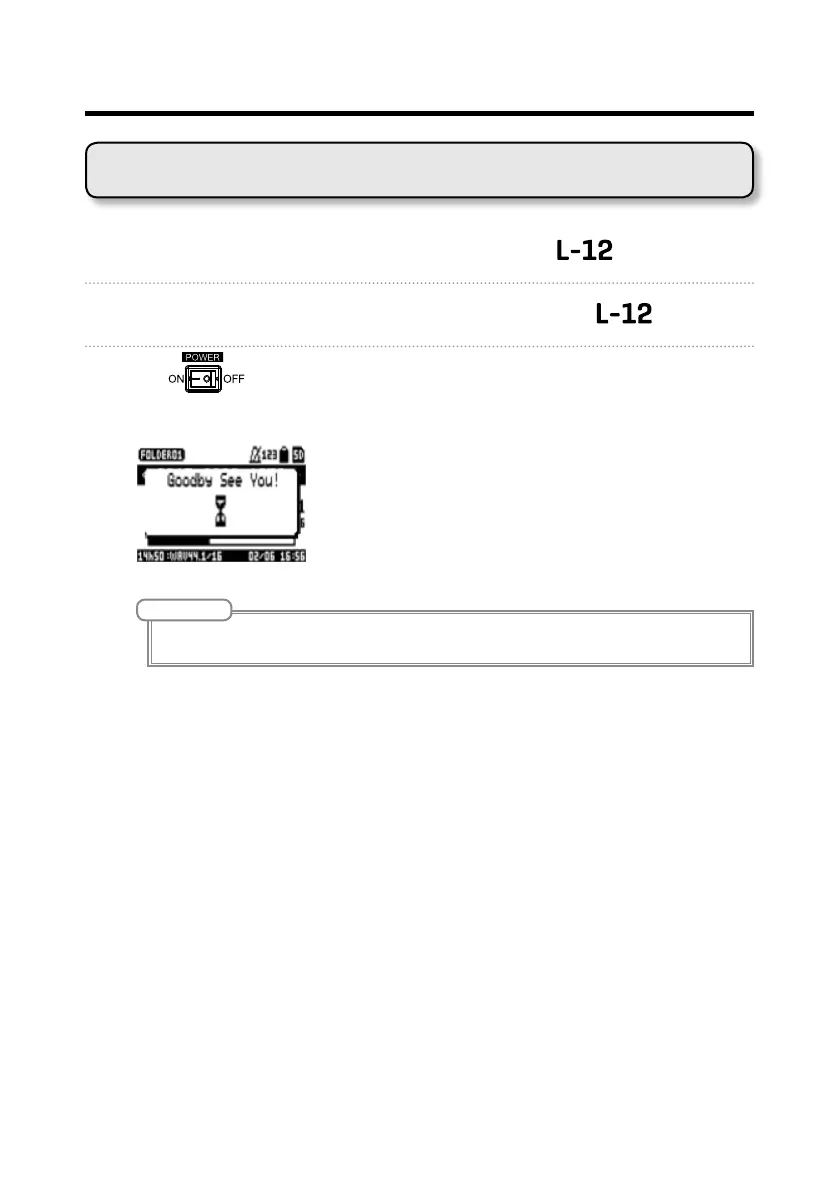
3. Set to OFF.
The following screens appear and the power turns off.
NOTE
When the power is turned off, the current mixer settings are saved in the project on the SD card. If they can-
not be saved to the SD card, they will be saved in the unit.



 To Next Page