24
Mixer
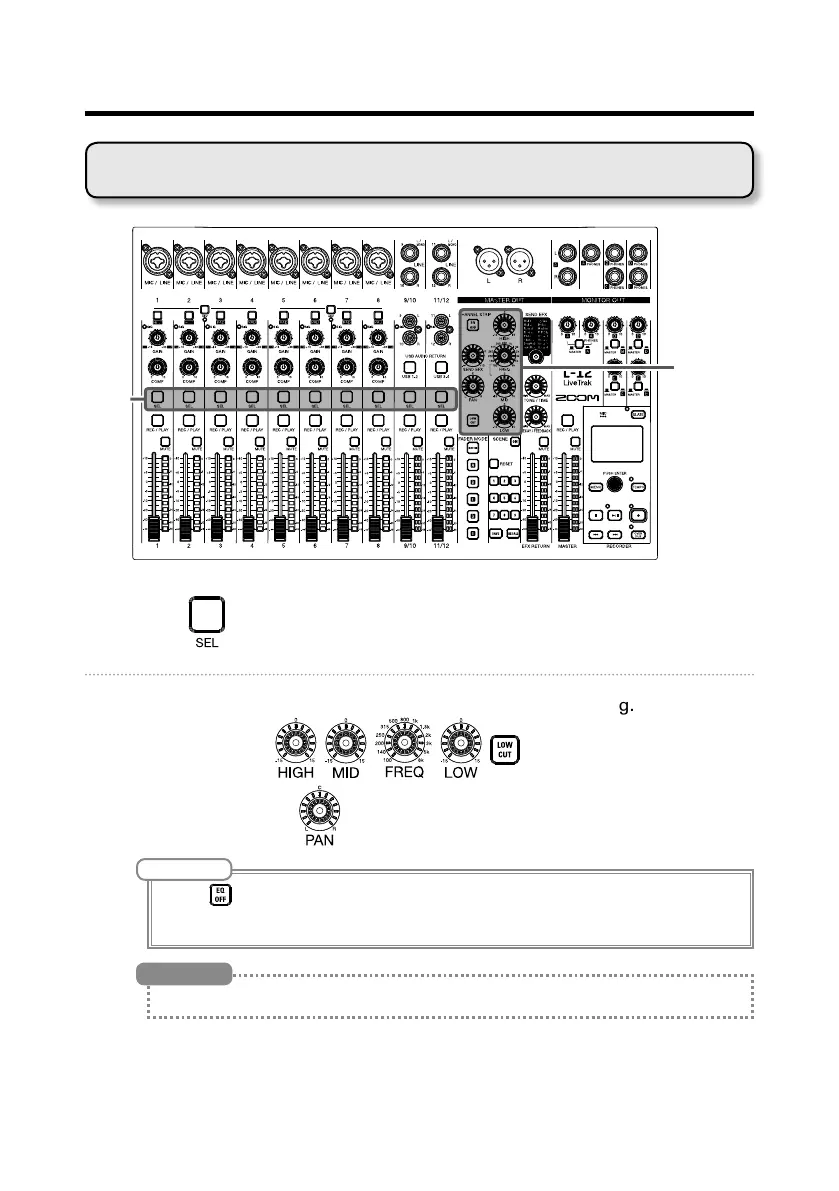
Adjusting the tone and panning
CHANNEL
SEL
1. Press to light it for the channel for which you want to adjust tone
and panning.
2. Use the knobs and buttons to adjust the tone and panning.
Adjusting the tone: , , , ,
Adjusting the panning:
NOTE
• Press to light it, turning off all equalization at once. This will bypass HIGH, MID, LOW and LOW CUT
settings.
• Using the compressor (
→
P.5)
See P.7 for details about knobs and buttons.
HINT



 To Next Page