46
Recording and playback
Selecting projects for playback
Projects saved on SD cards can be loaded.
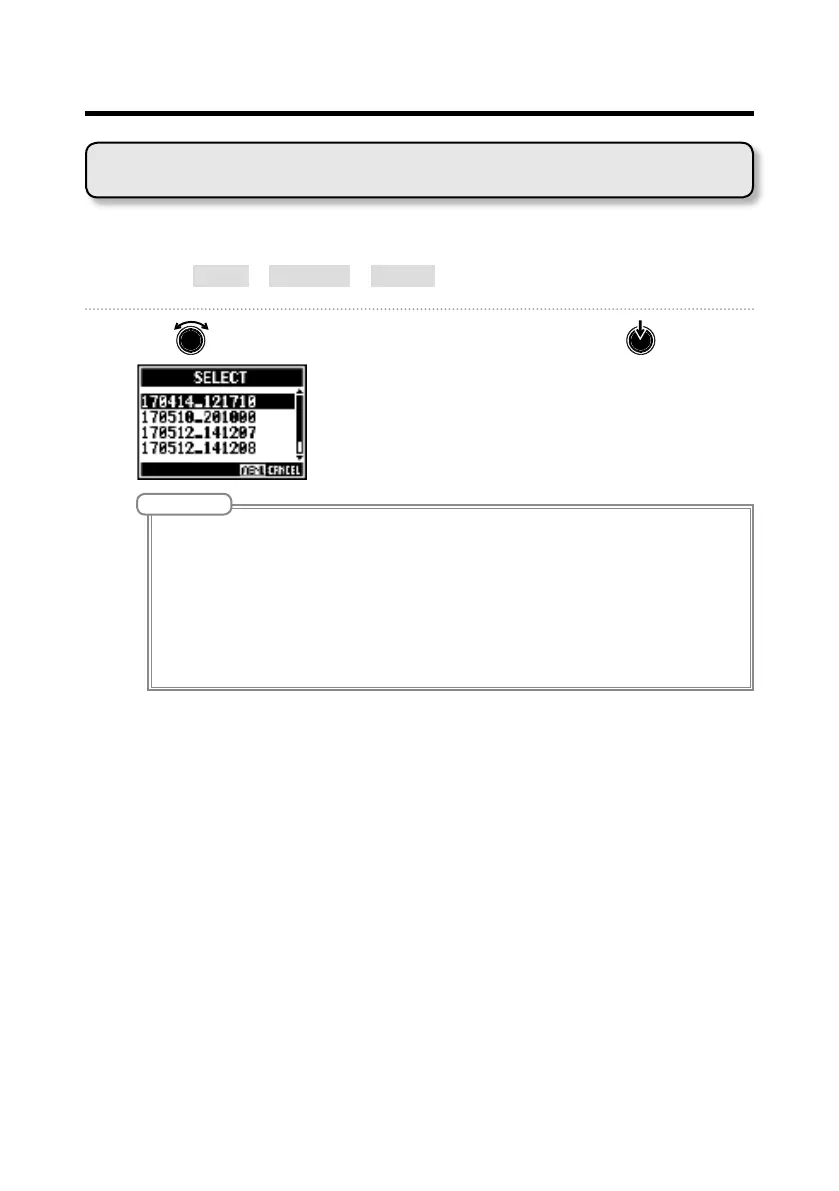
1. Select MENU > PROJECT > SELECT.
2. Use to select the project you want to load, and press .
NOTE
• Projects in different folders cannot be selected. To select a project that is saved in a different folder, select
that folder rst. (
→
P.45)
• When a project is loaded, the mixer settings saved in that project are also loaded.
• If actual channel fader positions differ from the channel fader positions of the loaded project, the level me-
ters will show the recalled fader positions. The volume will not be changed until the actual fader position
becomes the same as the recalled position.
• When switching to a different project, the project mixer settings of the current project are saved to the
settings le in the project folder.
• An "Invalid Project!" message will appear if the selected project is not valid.



 To Next Page