31
Mixer
Selecting MONITOR OUT A–E output signals
1. Use the MONITOR OUT switch for an output to select its output signal.
To output a mix set using MONITOR OUT A–E:
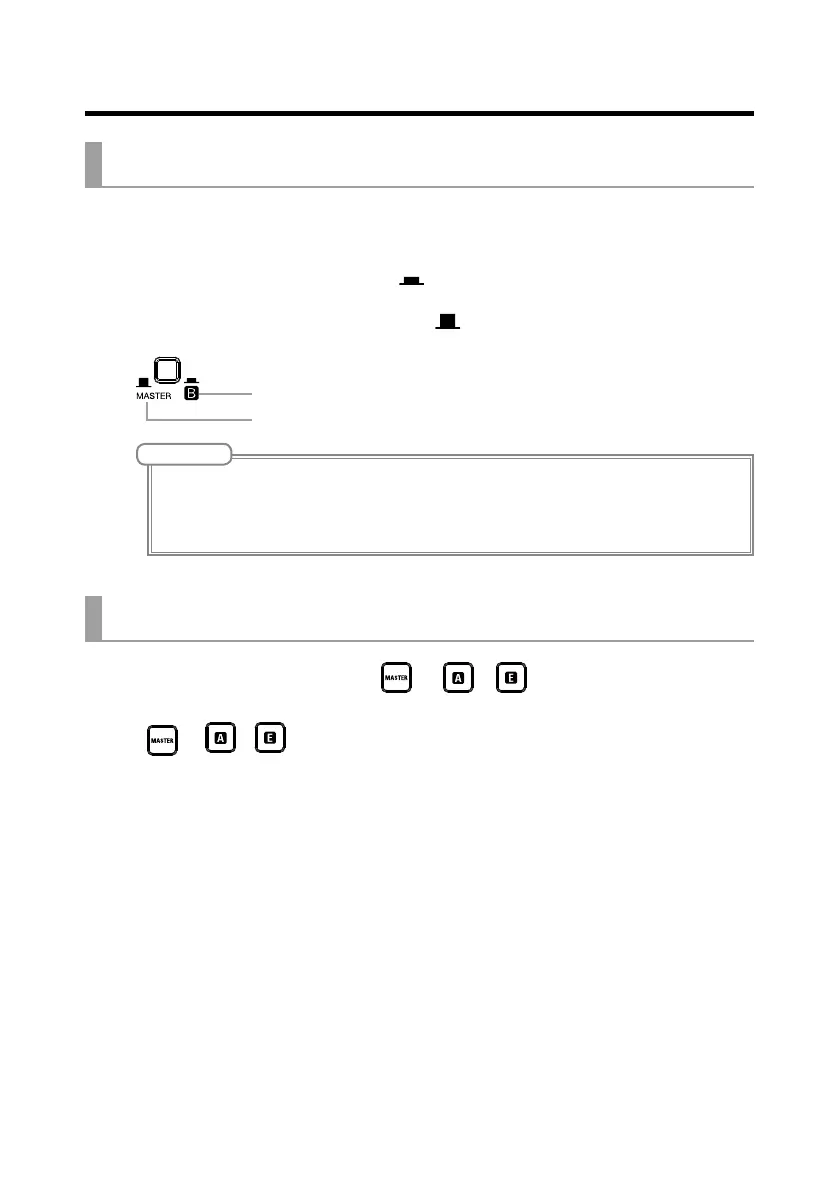
Set MONITOR OUT switch to A–E ( )
To output the same mix as the MASTER:
Set MONITOR OUT switch to MASTER ( )
Output different mixes for MONITOR OUT A–E
Output same mix as MASTER
NOTE
• Each output mix is saved with the scene and project.
• MONITOR OUT A–E do not output send-return effect signals.
• The parameters that can have separate settings for the MASTER and MONITOR OUT A–E are as follows.
- Fader positions (each channel)
Copying a mix
1. While pressing the button ( or – ) for the output you want
to copy for at least 2 seconds, press a blinking copy destination button
(
or – ).
This copies the mix from the source to the destination.



 To Next Page