33
Recording and playback
Creating new projects
The manages recording and playback data in units called projects.
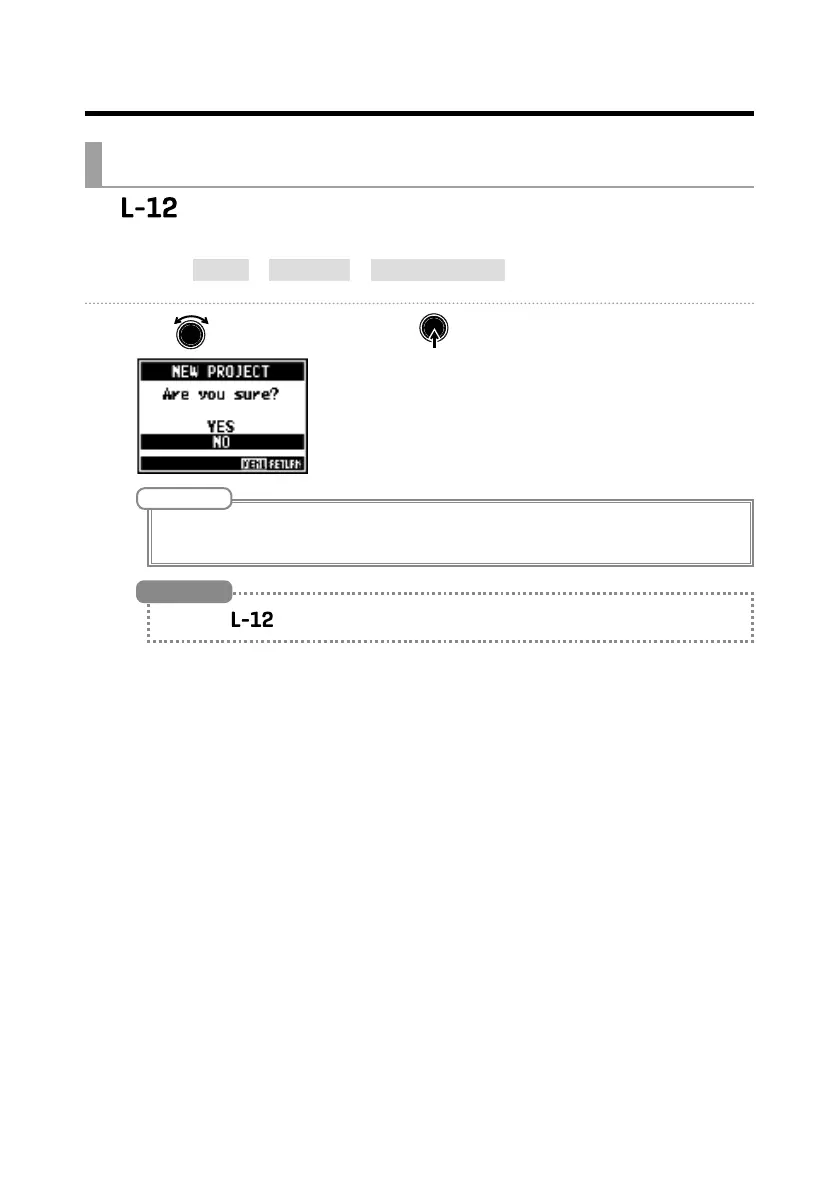
1. Select MENU > PROJECT > NEW PROJECT .
2. Use to select YES, and press .
NOTE
• See P.55 for information about projects.
• When a new project is created, it will start with the current mixer settings.
• When the power is turned on, it will automatically load the last used project.
HINT



 To Next Page