41
Recording and playback
Playing the master track
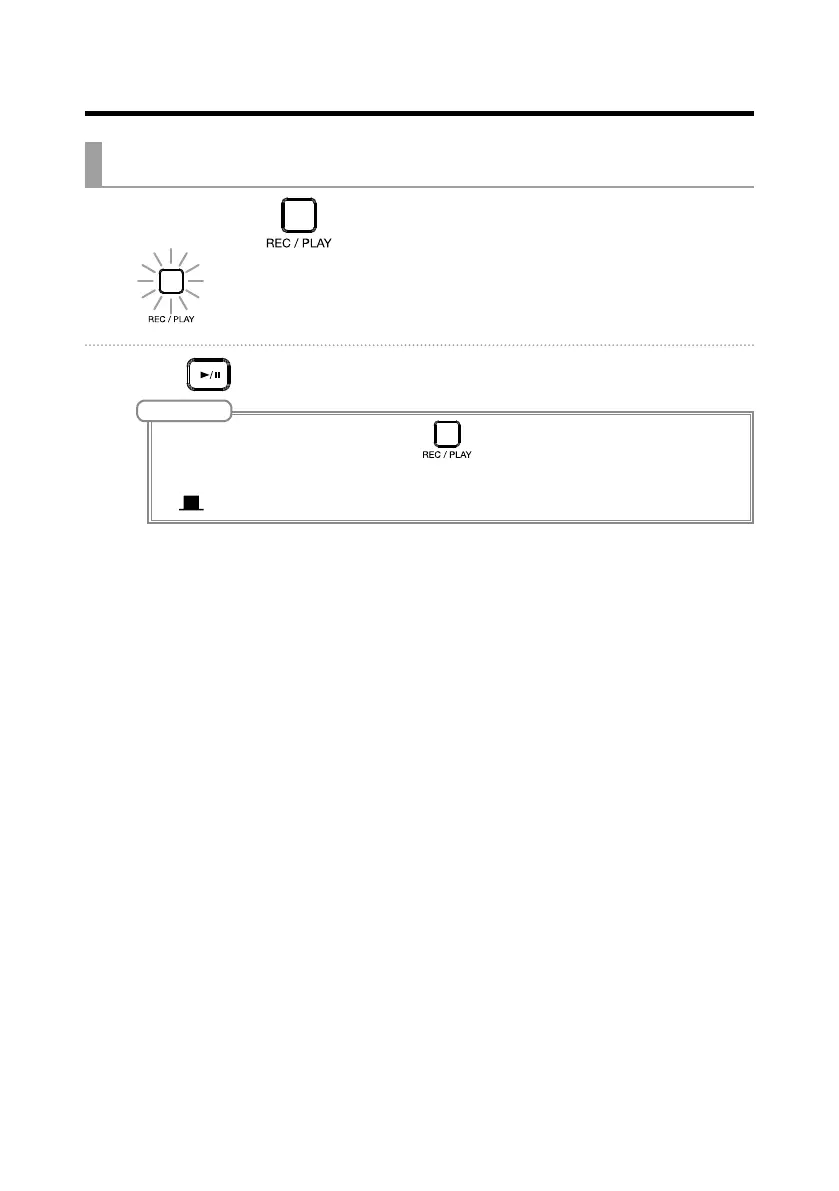
1. Press MASTER repeatedly until it lights green.
2. Press .
NOTE
• To stop master track playback, press MASTER repeatedly until it becomes unlit.
• When the master track is playing, other tracks will not be played back.
• To listen to master track playback from a MONITOR OUT, set the MONITOR OUT A–E switch to MASTER
(
).



 To Next Page