8
Names and functions of parts
1
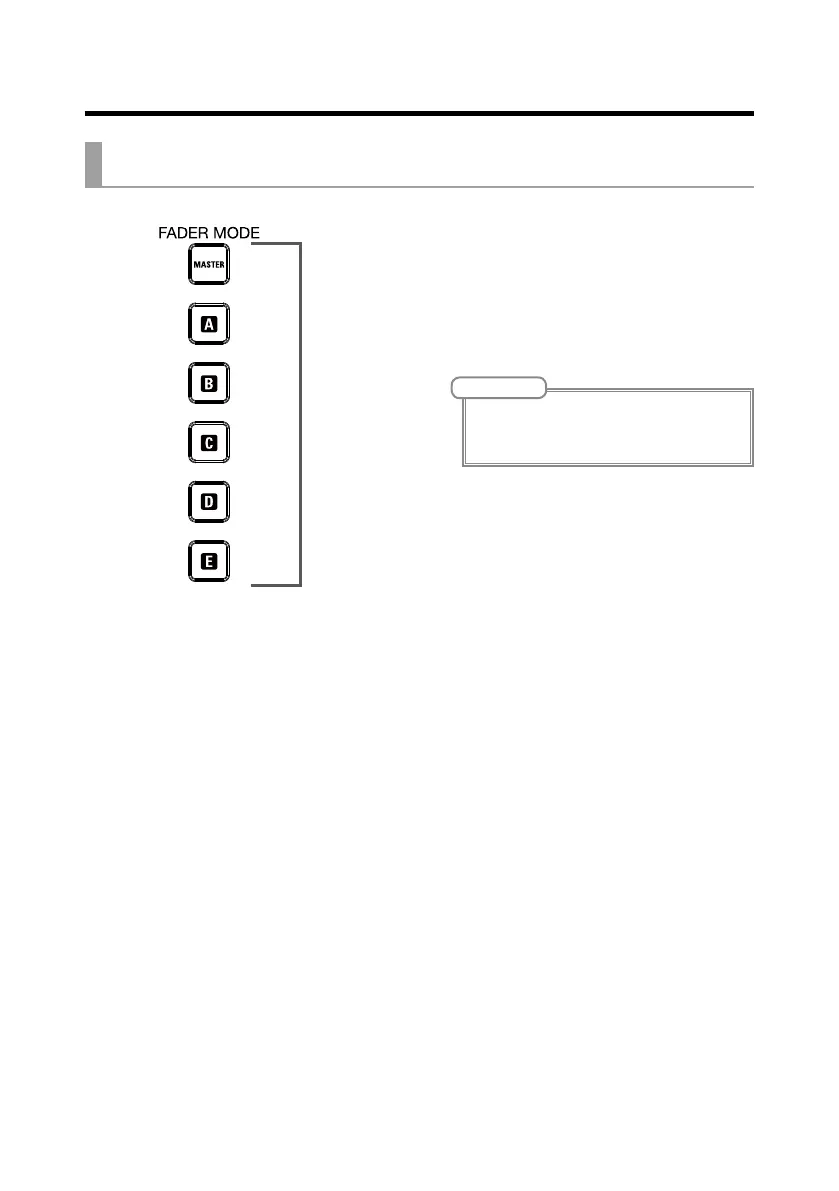
MASTER and A–E buttons
These switch between the mixes output from
the MASTER OUT and MONITOR OUT A–E
jacks.
MASTER button: Use to show and adjust the
mix output from the MASTER OUT jacks.
A–E buttons: Use to show and adjust the mixes
output from the MONITOR OUT A–E jacks.
NOTE
• The parameters that can have separate settings
for the MASTER and A–E mixes are as follows.
- Fader positions (each channel)
FADER MODE section



 To Next Page