©2019, Zortrax S.A. All rights reserved. All trade names, logos and trademarks mentioned in the following
document are registered trademarks of Zortrax and are subject to legal protection.
19
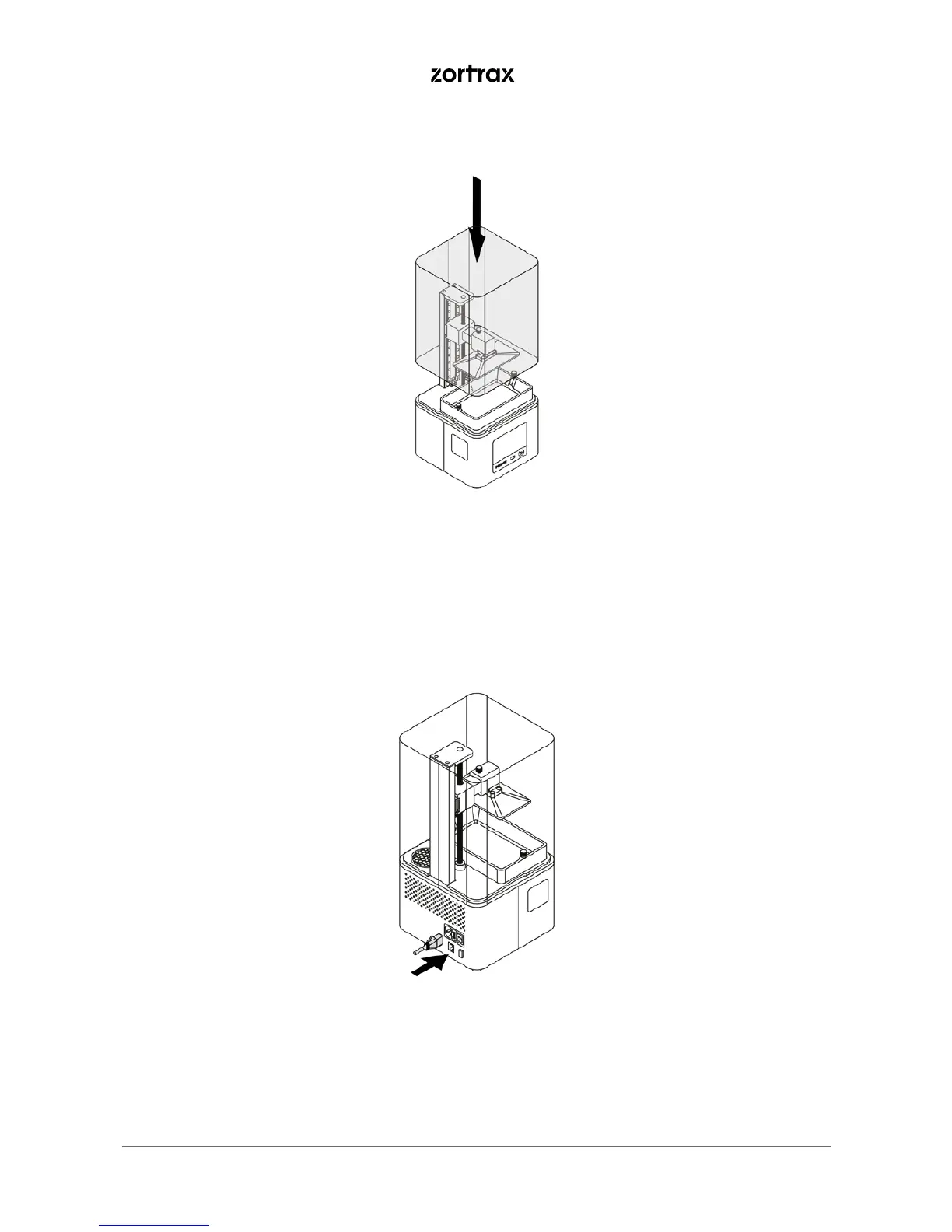
9. Remove the foil from the UV cover. Install the cover on the printer.
10. Plug in the power cable and turn on the printer. Connect it to a network via Wi-Fi or Ethernet. Go to
Settings and configure the connection using options from the menu.



 To Next Page