©2019, Zortrax S.A. All rights reserved. All trade names, logos and trademarks mentioned in the following
document are registered trademarks of Zortrax and are subject to legal protection.
20
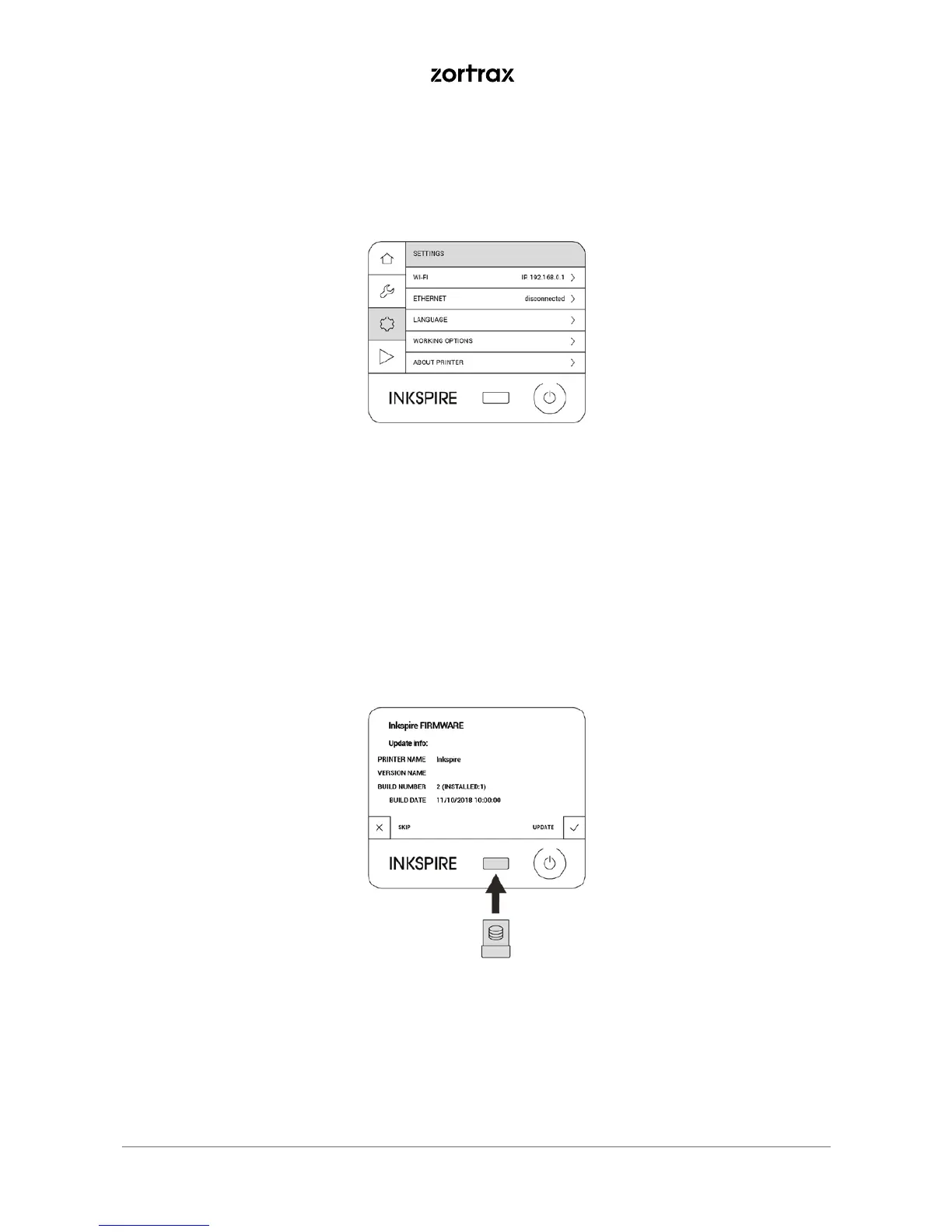
12. If the printer isn’t connected to a network, go to https://support.zortrax.com/downloads/ and check if
there is a firmware update available. If so, download the file and save it on the USB drive. Plug the USB drive
into the port at the front to start the installation.
11. If the printer is connected to a network, select Settings -> About Printer -> Check for updates to check if
there is a newer firmware version available. If so, follow the instructions displayed on the screen.



 To Next Page