©2019, Zortrax S.A. All rights reserved. All trade names, logos and trademarks mentioned in the following
document are registered trademarks of Zortrax and are subject to legal protection.
49
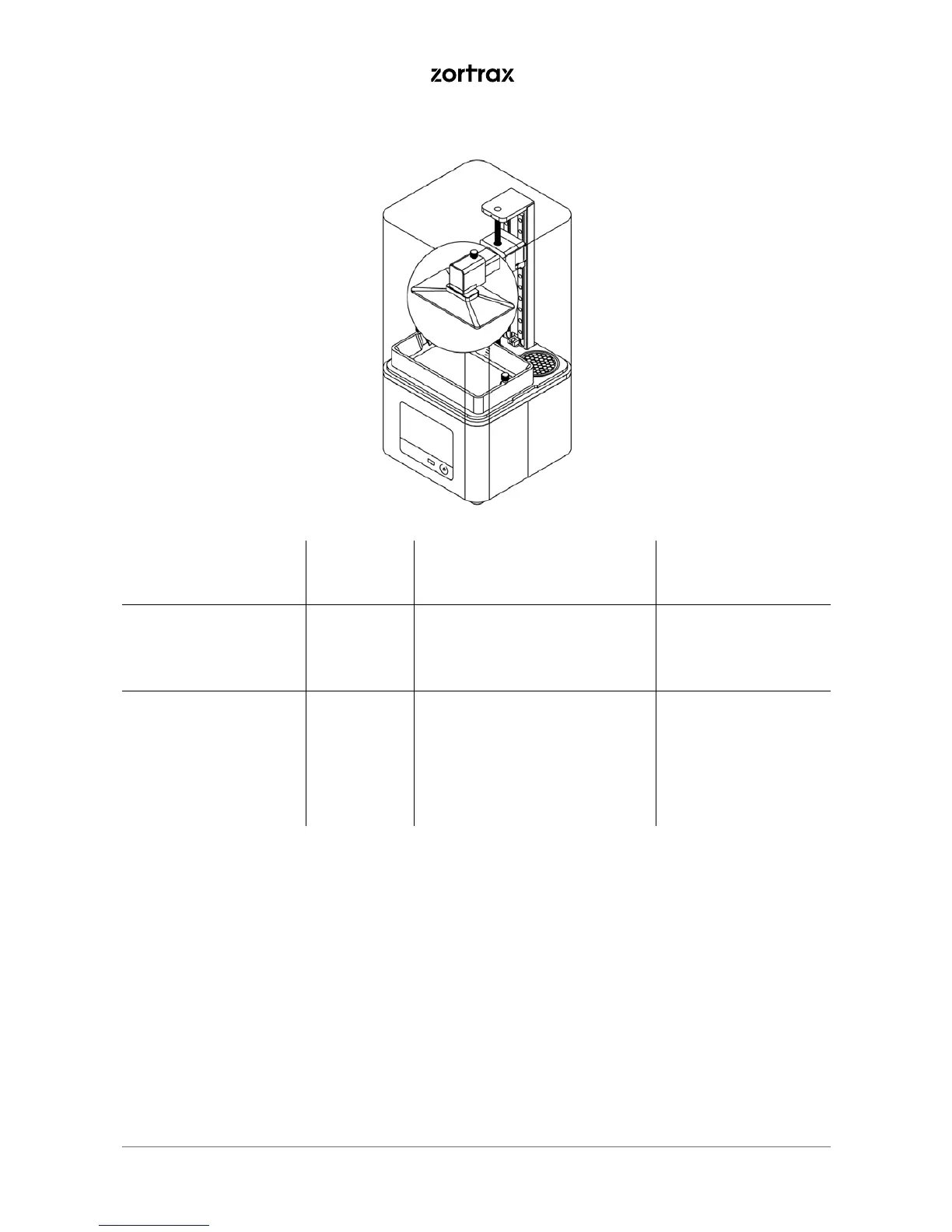
Activity Frequency Solutions to the problems Necessary accessories
Cleaning the platform Before each
printing
process
Cured resin should be removed
using a spatula. Liquid resin
should be removed using a pa-
per towel.
-spatula,
-paper towels,
-Ultrasonic Cleaner
(optional)
Calibration After each
failed print
or
after three
completed
printing
processes
Adjust the platform’s position
and tighten the platform screw.
The platform has to properly
adhere to the LCD screen. Follow
the instructions in the manual:
https://support.zortrax.com/
platform-calibration-inkspire/
-
3. Platform



 To Next Page