Useful Apps and Features 187
Enable Location Services on Your Phone
Before using any location-based services, you must enable your phone’s location feature. For information
about setting your phone’s location options, see Location Settings.
View Maps of Specified Places
Use Google Maps to locate and map a specific address or destination.
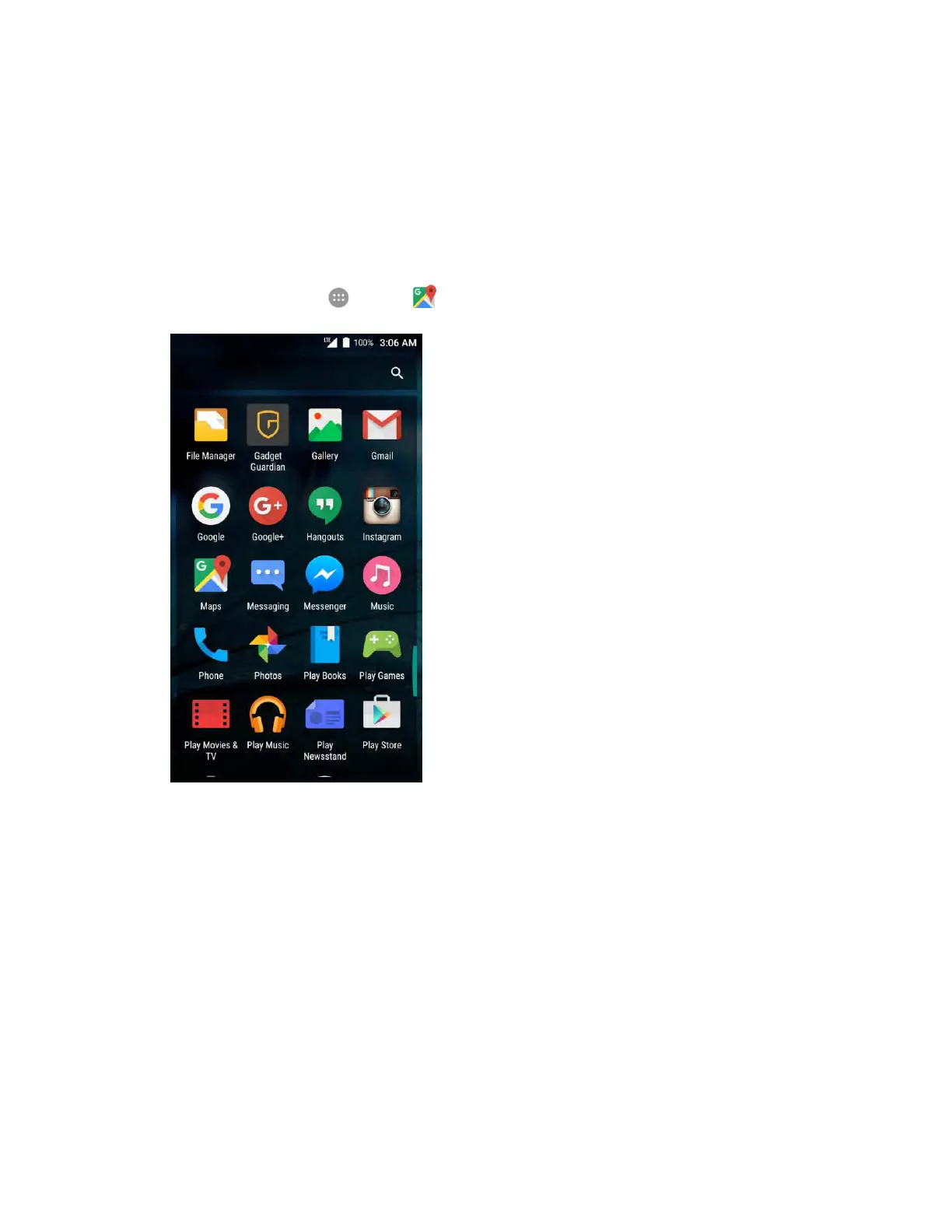
1. From home, tap Apps > Maps .
Google Maps opens.
If prompted, follow the onscreen instructions to accept terms of use.
2. Tap the search box at the top.


 To Next Page