25
Electric Lock Connection
2N
®
Helios IP Safety is equipped with an electrically isolated relay switch with NO and
NC contacts (terminal block X17) and 12V/700mA switched output (terminal block
X18), to which a standard electric lock or another compatible electrical appliance can
be connected.
Information
Devices with PCB version 555v3 and higher provides independent control
of 12V switched output (terminal block X18) and relay switch (terminal
block X17). Devices with PCB version 555v2 have both outputs switched
simultaneously.
Factory Default Resetting (PCB version 555v3)
For resetting device to default settings press and hold SW1 button. Wait for the first
sound signalization and then release the button. If you press the button for short time
device will reboot only. SW1 button is available in devices with PCB version 555v3 and
higher. For devices with PCB version 555v3 see procedure below.
Factory Default Resetting (PCB version 555v2)
1. Disconnect the device from the power supply.
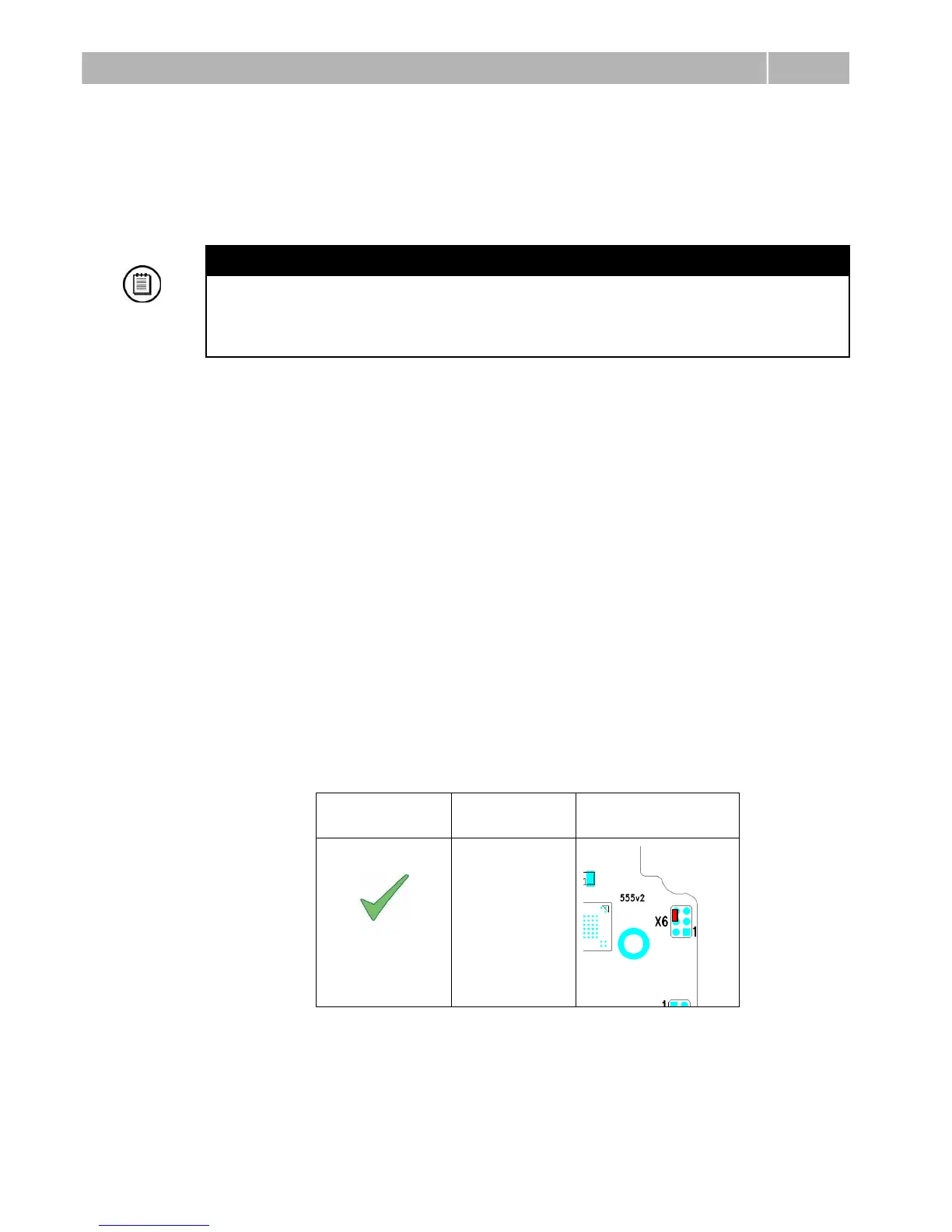
2. Move the short-circuit jumper on connector X6 into the Default setup
position. Configuration jumpers (X6) are located in the right-hand upper
corner of the PCB.
3. Reconnect the power supply and wait for a start signalling sound.
4. Disconnect the device from the power supply.
5. Move the short-circuit jumper on connector X6 into the Normal operation
position.
6. Reconnect the power supply. The device will be reset to factory default.


 To Next Page
 Loading...