Configuration manual for 2N IP intercoms
•
•
•
•
•
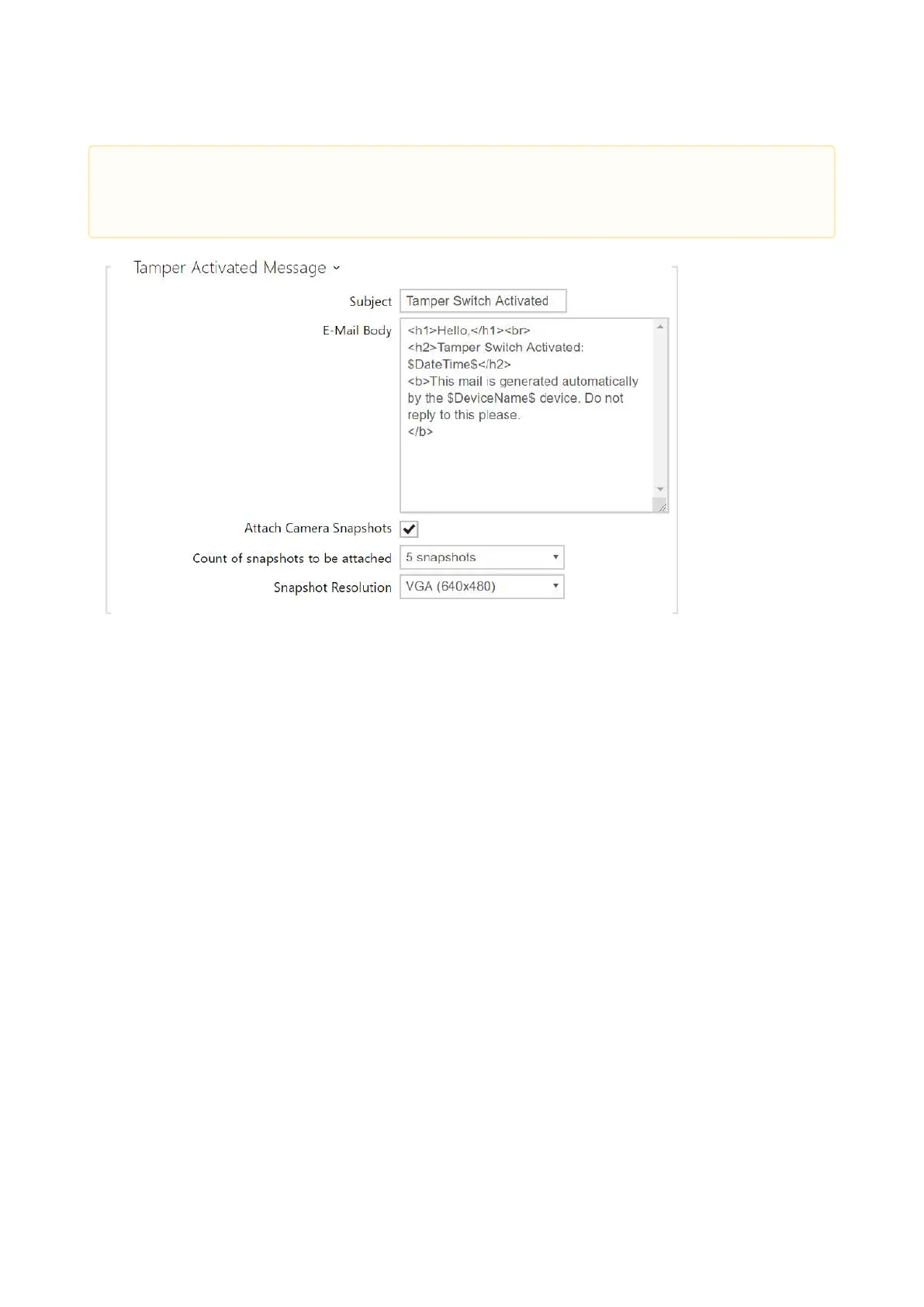
Tamper Activated Message –set the message to be sent to the specified e-mail address
whenever the tamper switch is activated.
Subject– set the e-mail subject to be sent.
E-Mail Body – edit the text to be sent. Use the HTML formatting characters. Special
symbols can be used to replace date and time, intercom identification and the number to
be called. Special symbols can be used to replace date and time and intercom
identification. These symbols will be replaced with the actual values before sending. The
list of placeholders found in the template is shown in the overview table at the end of this
chapter.
Attach Camera Snapshots– enable sending of an attachment including one or more
camera snapshots taken during ringing or calling.
Count of Snapshots to Be Attached– set the count of snapshots to be attached to the e-
mail message.
Snapshot Resolution– set the snapshot resolution for the images to be sent.
•
Caution
If the placeholder value is not found in the string, the value is used directly.



 To Next Page