Configuration manual for 2N IP intercoms
5. Intercom Configuration
Web Configuration Interface Login
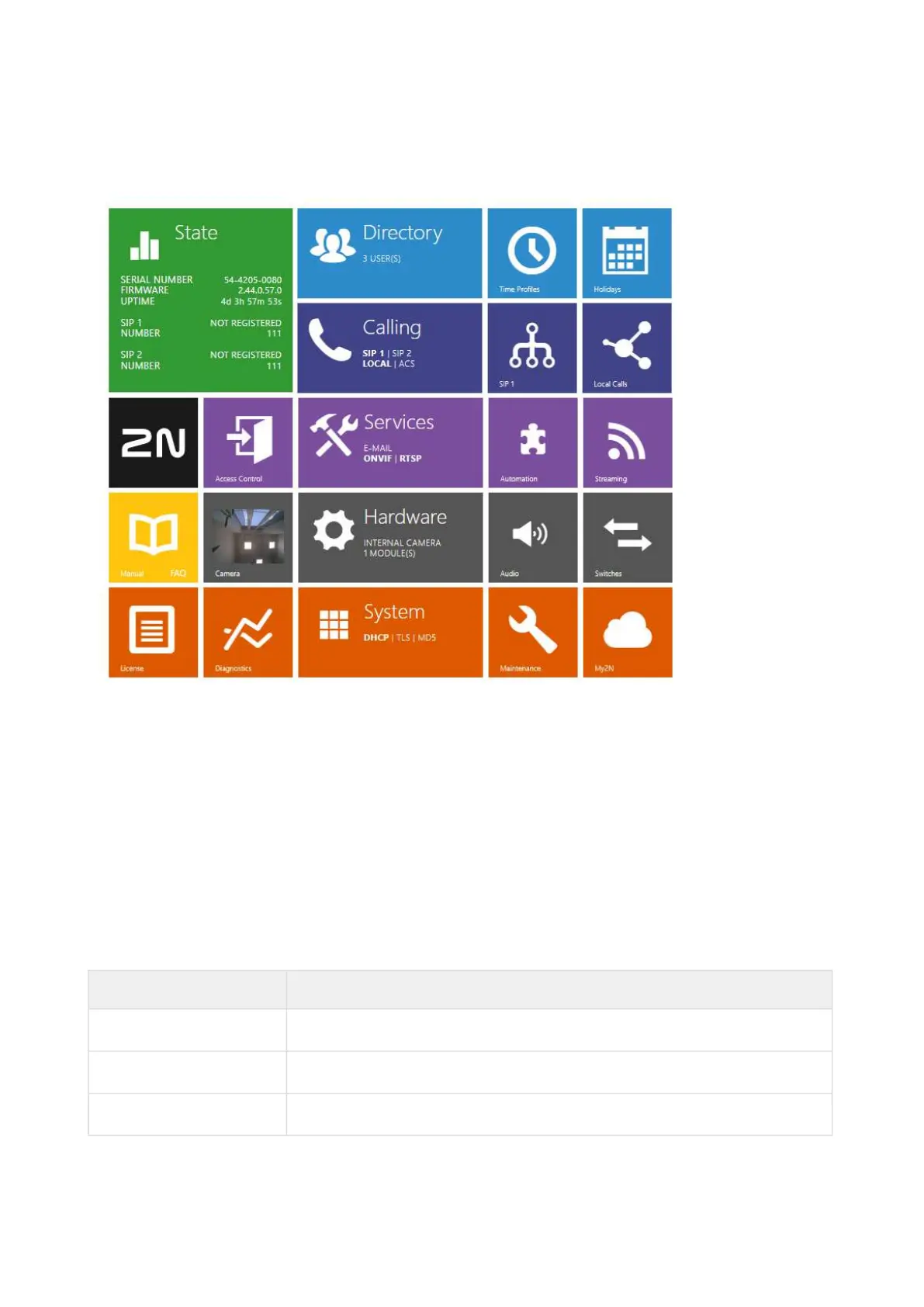
The device is configured via a web configuration interface. You need to know the device IP
address and domain name to get access. Make sure that the device is connected to the local IP
network and properly powered.
Domain Name
Enter the domain name as hostname.local(e.g. 2NIPStyle-00000001.local) to connect to the
device. The new device Hostname consists of the device name and serial number. See below for
the device name formats in Hostname. The serial number is entered without hyphens. You can
change Hostname in System > Network later.
2N Device Device Name in Hostname
2N IP Verso 2NIPVerso
2N IP Verso 2.0 2NIPVerso20
2N LTE Verso 2NLTEVerso



 To Next Page