Configuration manual for 2N IP intercoms
•
•
•
•
•
•
•
•
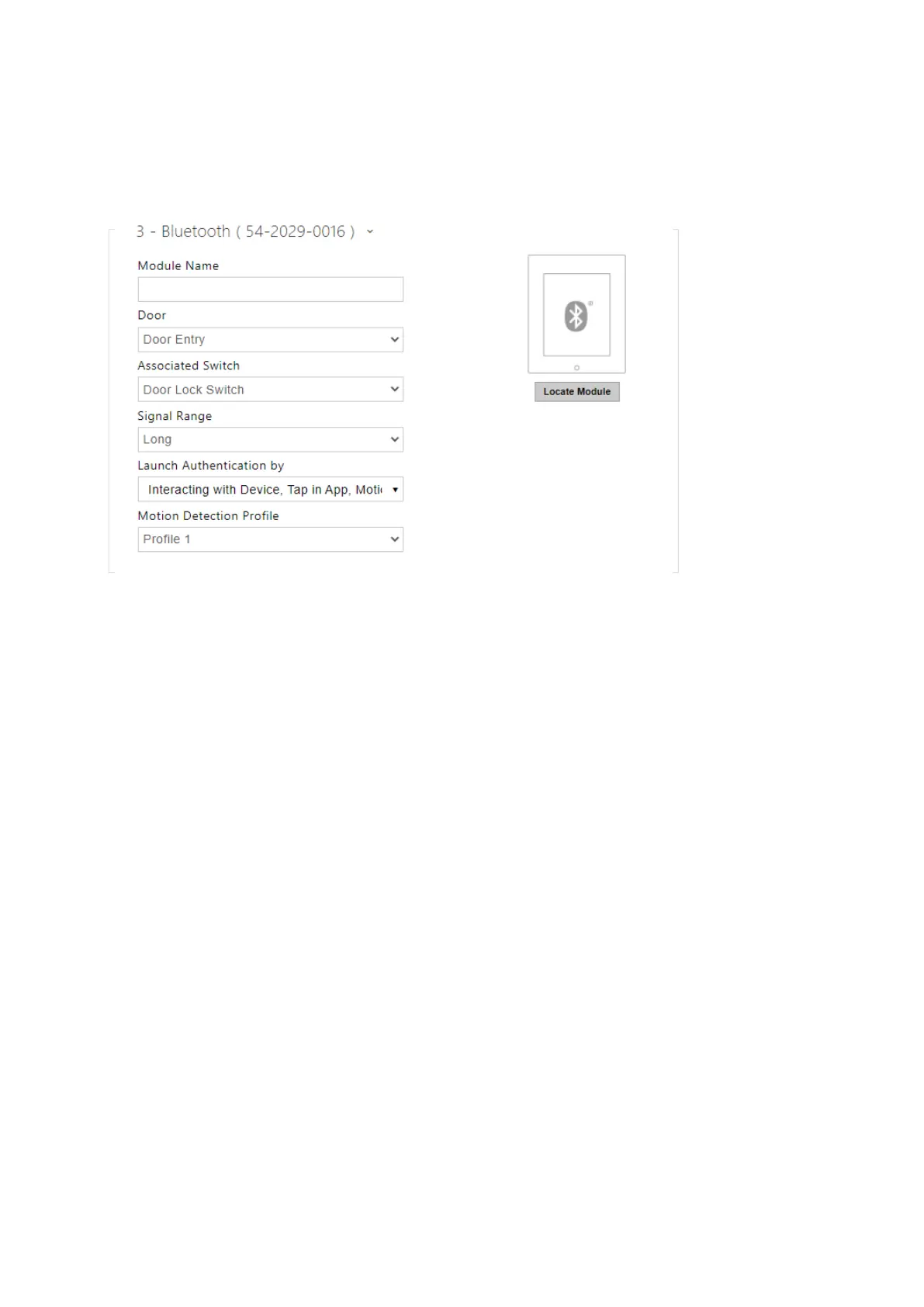
Bluetooth Module Configuration
Module Name – set the module name for logging events from the Bluetooth module.
Door–set the reader direction (Not specified, Arrival, Departure) for the Attendance
system purposes.
Associated Switch–set the switch to be activated after user authentication via this
module. If you set Door Lock Switch, the authentication rules specified in Hardware / Door
will be used.
Signal Range – set the signal range (5 = maximum, 1 = minimum), i.e. the distance over
which the Bluetooth module can communicate with a mobile phone. It is recommended
that the actual signal range is tested while setting, as it is affected by a number of factors
(installation layout, mobile phone type and position in particular).
Launch Authentication By–set the authentication method for a mobile phone:
Tap in App– authentication has to be confirmed by tapping on an icon in the
application running in a mobile phone.
Interacting With Device – touch the card reader having a phone with paired
2N
®
Mobile Keyto confirm authentication.
Motion Detection Profile– set the motion detection profile for the module authentication
via a mobile phone.



 To Next Page