Configuration manual for 2N IP intercoms
•
•
•
•
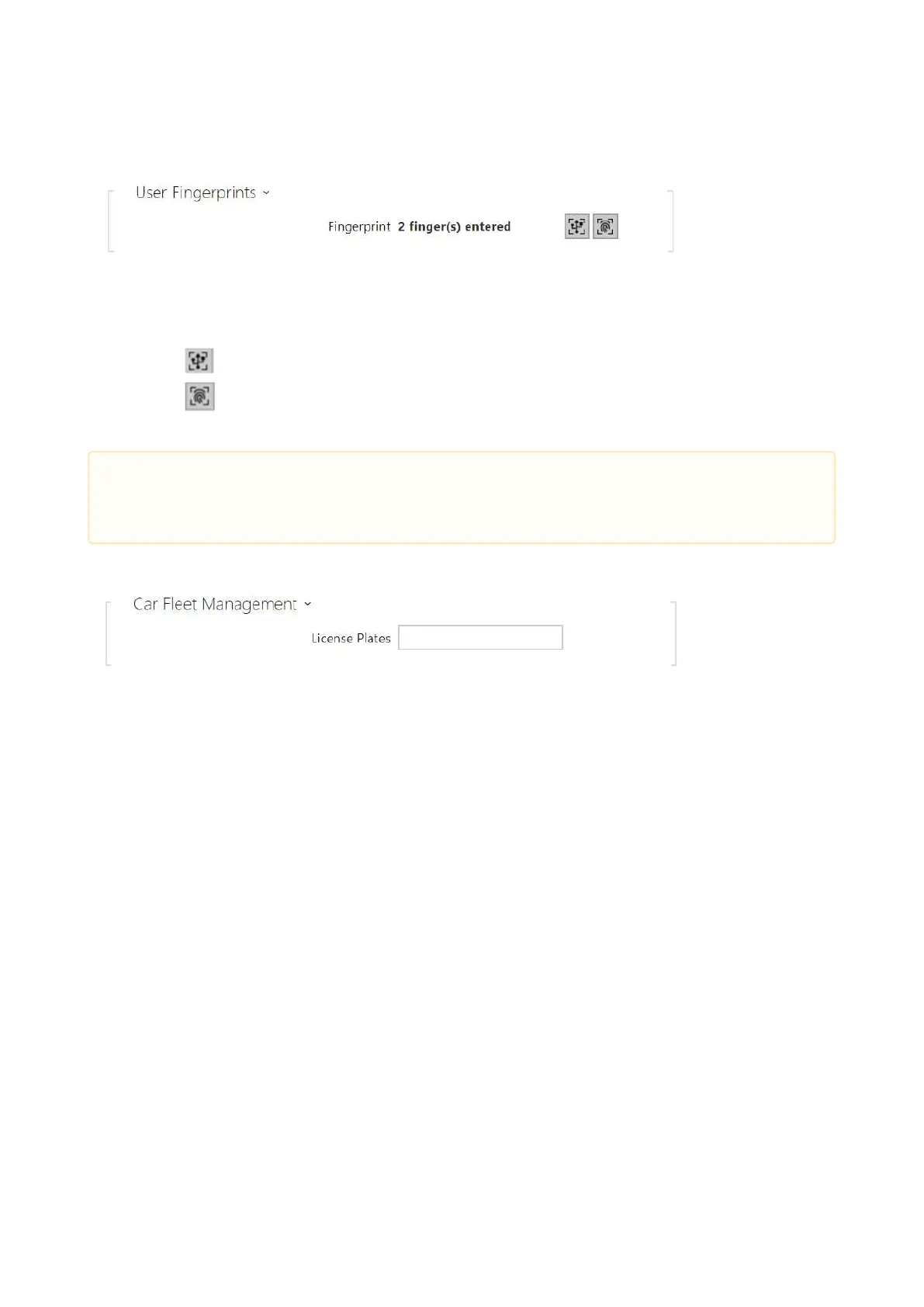
User Fingerprints–display the set count of fingerprints; up to 2 different fingerprints can
be set.This section is displayed only if the biometric reader module is available.
enroll via USB reader
enroll via Fingerprint scanner module 3
Refer to Subs.5.2.1.1 User Fingerprint Setting Instructionsfor user fingerprint loading details.
The 2N IP intercom helps you use the recognized license plates sent in the HTTP request by the
AXIS cameras equipped with additional VaxALPR to api/lpr/licenseplate (refer to theHTTP API
Manual for IP Intercomsfor more details).
In case the function is on, the event is recorded into the LicensePlateRecognized history when a
valid HTTP request has been received.
If an image is sent within the HTTP request (photo part or whole photo of the license plate
detecting scene), it is saved. The last five photos are stored in the device memory and can be
retrieved via an HTTP request sent to api/lpr/image available in2N
®
Access Commander.
It is advisable that each license plate should be assigned to just one entry in the directory.
Multiple license plate assignments may result in the inability to assign a license plate to an entry
in the directory unambiguously (the first entry assigned the specified license plate is selected
and given the access rights).
License Plates – set the car license plates for the selected entry in the directory. An entry
can be assigned multiple license plates separated with commas (up to 20). The set license
plates are used for recognizing license plates from external camera images (refer to the
Interoperability Manual for details). One license plate may include up to 10 characters. The
set string length is limited to 255 characters.
•
Caution
The fingerprint loading capacity is up to 2000 per device.



 To Next Page