Configuration manual for 2N IP intercoms
•
•
•
•
•
•
Authentication Mode– set the authentication mode for the time profile in this row
including multiple authentication for enhanced security. Select Access denied to ban
access.
Zonal Code– enable the zonal code for the time profile and authentication combination
in this row. You can use the zonal code instead of the user PIN.
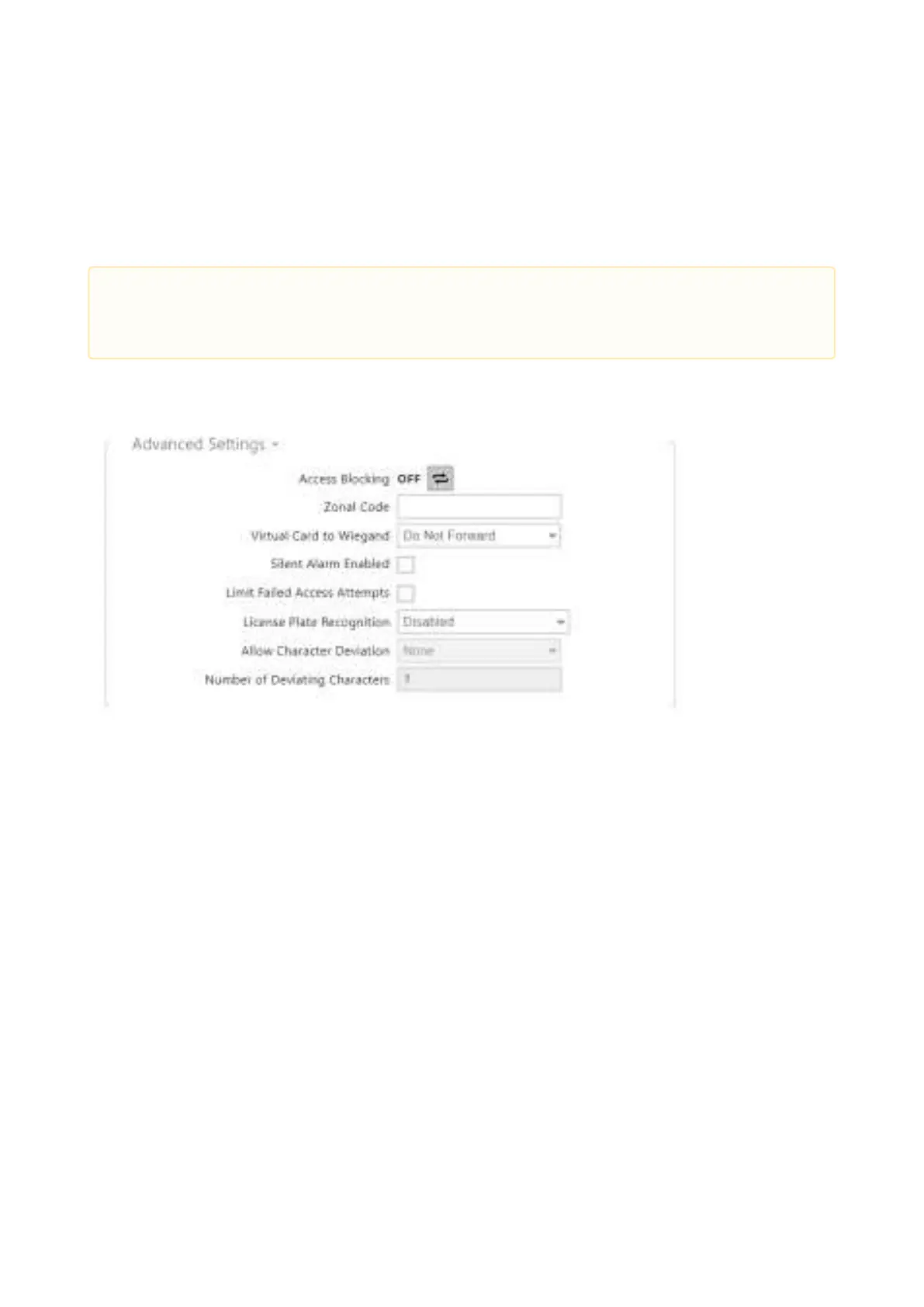
Access Blocking – display the active Access Blocking setting: ON/OFF.
Zonal Code– enter the switch numeric zonal code consisting of two characters at least.
However, four characters at least are recommended.
Virtual Card to Wiegand– select a group of Wiegand outputs to which the Virtual user
card No. shall be sent after successful authentication. Can be combined with any
authentication method, including codes, fingerprints, etc.
Silent Alarm Enabled– a virtual code higher by 1 than the access code is assigned to each
access code and used for silent alarm activation. For example, if the access code is 0000,
then the silent alarm activation code is 0001. It means, for instance, that silent alarm is
0000 for access code 9999 and so on. Set the silent alarm action in the Automation section.
•
Caution
If the time profile is unset, the authentication mode is ignored on the given row.



 To Next Page