Pannoramic DESK 1.18.1 User’s Guide 4 Software Description
• Secure connection (SSL) – If activated, the messages will be sent through secured
connection.
• Send Test e-mail – Click this button to send test e-mail to the specified address.
There are 2 feedback messages that come up after sending the e-mail:
◦ “An e-mail has been sent to the recipient.”
◦ “An error has been occurred. The e-mail could not be sent.” - Check parameters then retry.
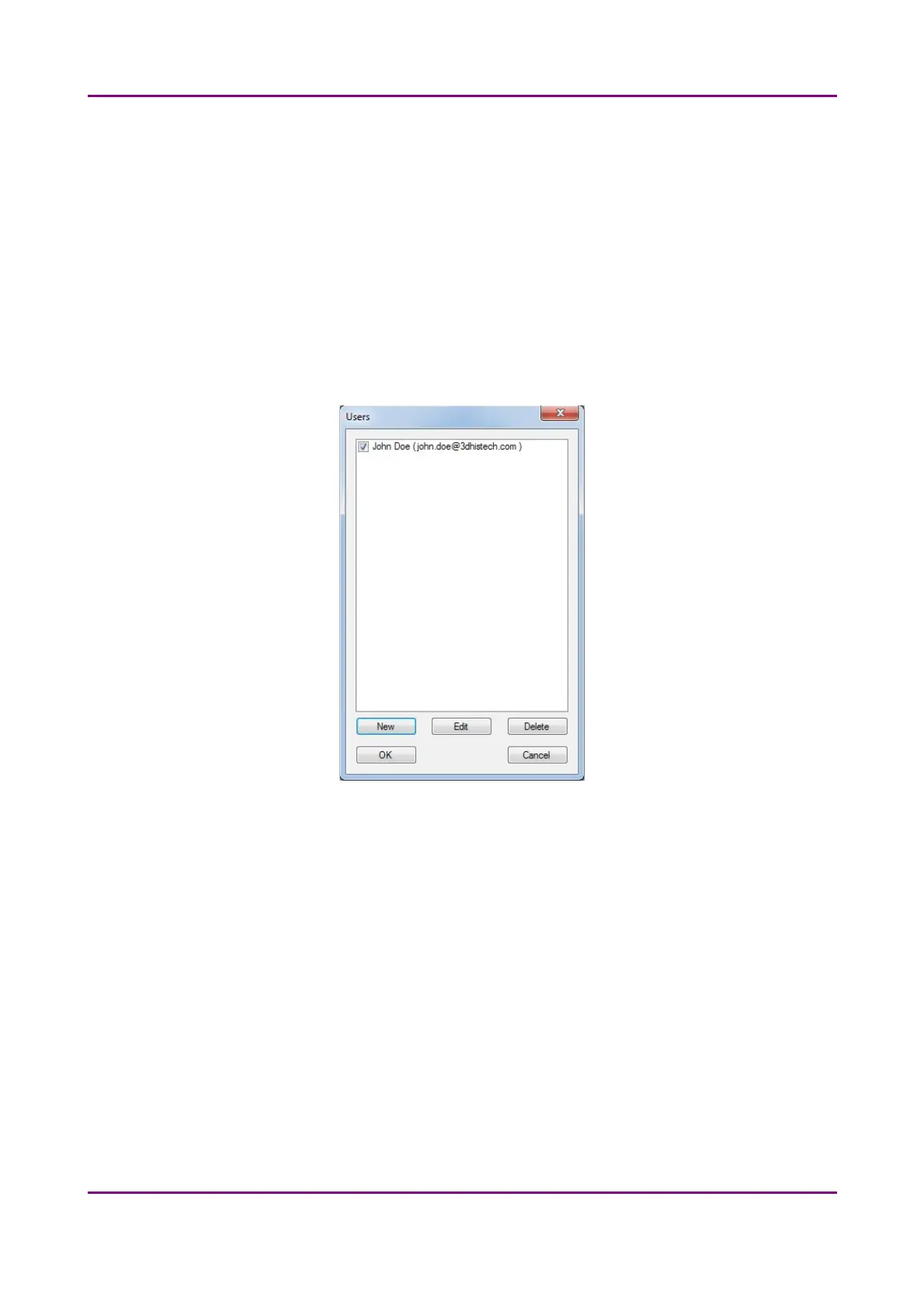
If you have properly set messenger settings, click OK, then click Users in the Message Call
section of the Event Call Settings window to address functions to the recipients (that can be
selected under the Send Message when: field).
Figure 18 – Users window
May 29, 2014 - Rev. 1 3DHISTECH Ltd.
38(77)



 To Next Page