Pannoramic DESK 1.18.1 User’s Guide 4 Software Description
TMA tool
TMA tool is used for selecting TMA spots on TMA slides. You can set the selection settings
on the following four tabs:
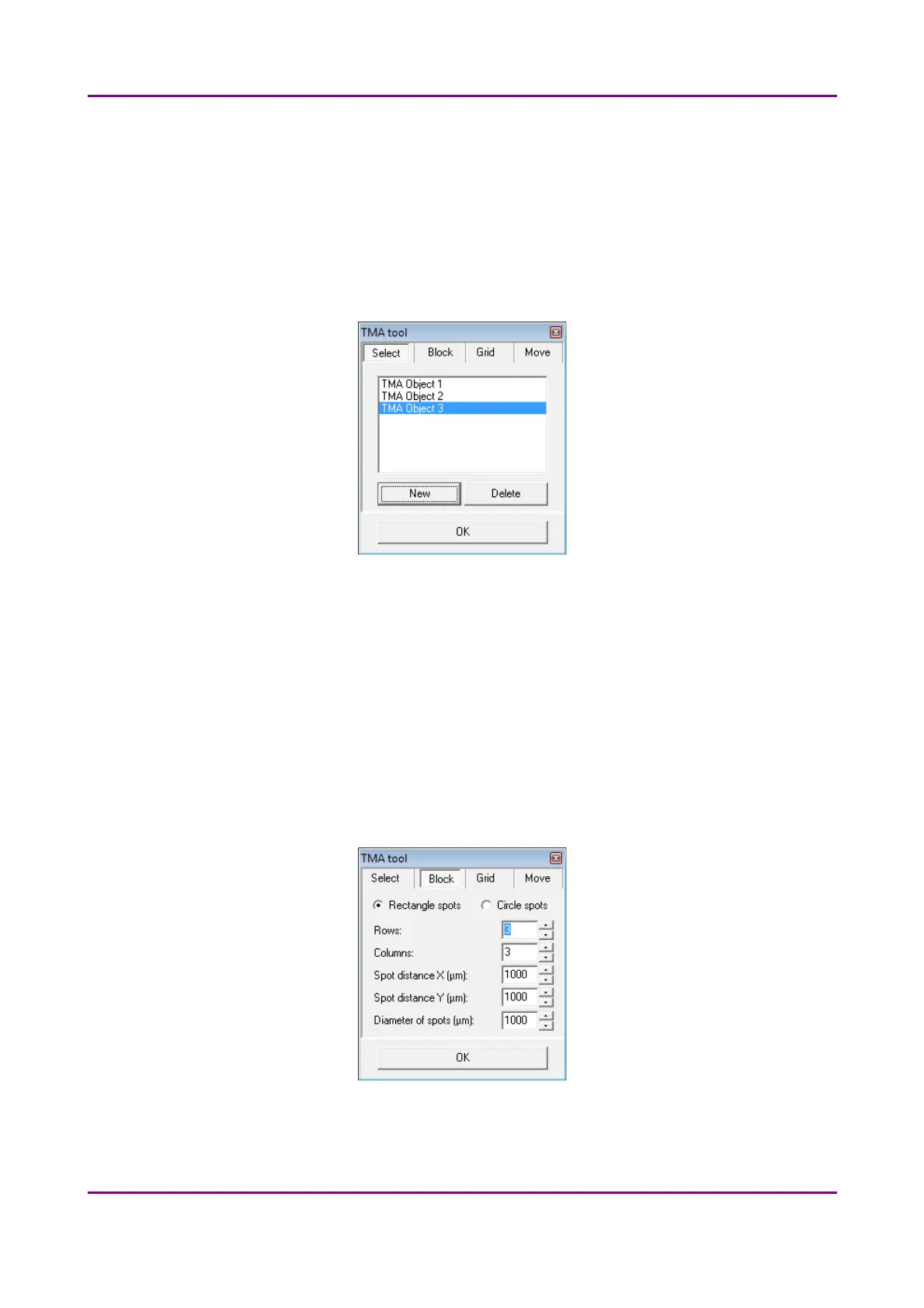
Select tab
Figure 29 – TMA tool: Select
• To create a new TMA object, click New.
• To select an existing TMA object, click on the object name. The selected object
name will highlight.
• To delete an existing TMA object, click Delete.
Block tab
Figure 30 – TMA tool: Block
May 29, 2014 - Rev. 1 3DHISTECH Ltd.
49(77)



 To Next Page