223D Systems, Inc.
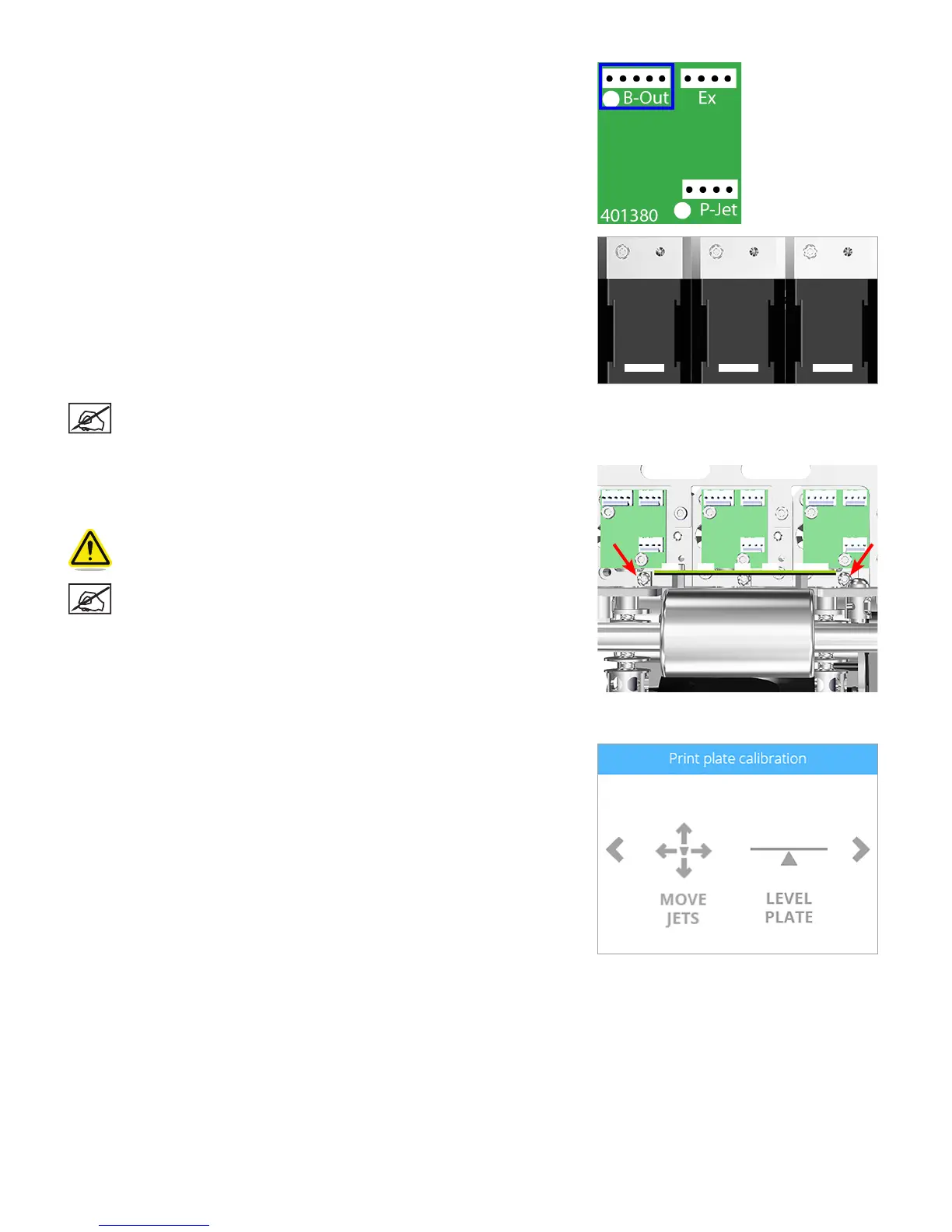
41. Connect the 5-pin jumper cable (PN: 401888-00) to junction B-Out of the
affected extruder PCB.
42. Connect the X (A) cable to the affected extruder motor.
NOTE: If the printer is equipped with more than one print jet,
continue to the next step. If the printer has only one print jet,
proceed to step 44.
43. For printers with two (2) or three (3) print jets, loosen the T10 torx screws on
extruders 1 and 3. If the affected extruder is extruder 1 or 3, the screw should
already be loose.
CAUTION: There should be enough access to reach the torx
screws. Exercise caution when working around the PCBs.
NOTE: Print jet 2 should not need further adjustment.
44. Connect the printer to utility power, turn on the main power switch and then turn
on the display.
45. Navigate to the Print Plate Calibration screen and select MOVE JETS.
X1 (A) X2 (A) X3 (A)












 To Next Page