353D Systems, Inc.
Offset Jets Calibration Procedure
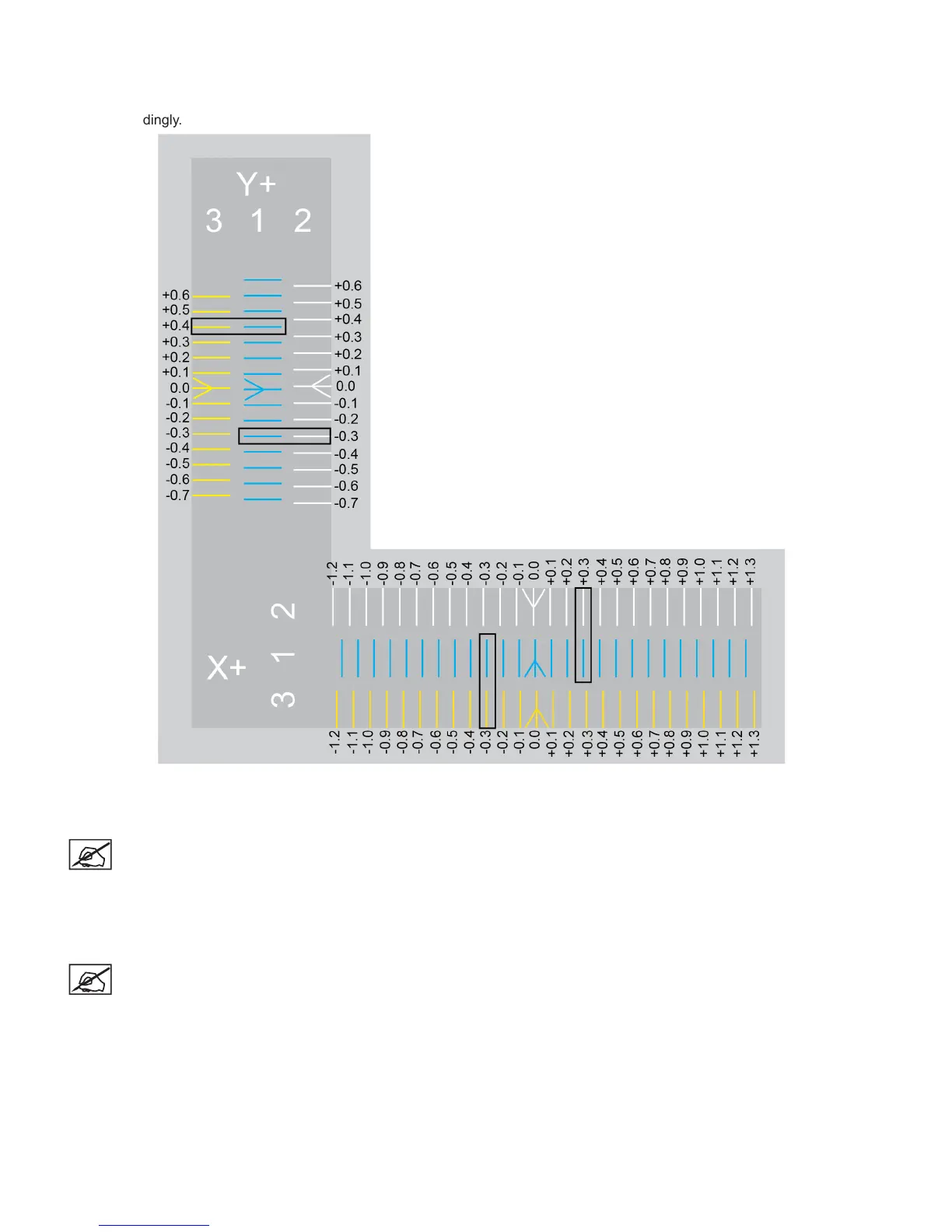
The following procedure demonstrates calibrating print jets 1 and 2 on the X-axis. Calibrating the Y-axis is the same procedure. The
illustration below will be used for demonstration purposes. Be sure to refer to the actual scale printed by your printer and adjust the
settings accordingly.
1. Browse to http://cubify.com/en/CubePro/Activate.
2. Select CALIBRATION FILES.
NOTE: The les will begin to download.
3. Extract the les to your computer’s hard drive.
4. Navigate to the le location and copy the appropriate Nozzle Offset Calibration
le to your USB mass storage device.
NOTE: The Nozzle Offset Calibration les are specic for the model
printer (CubePro Duo or CubePro Trio) and for the material type
(ABS or PLA) currently installed in the printer.











 To Next Page