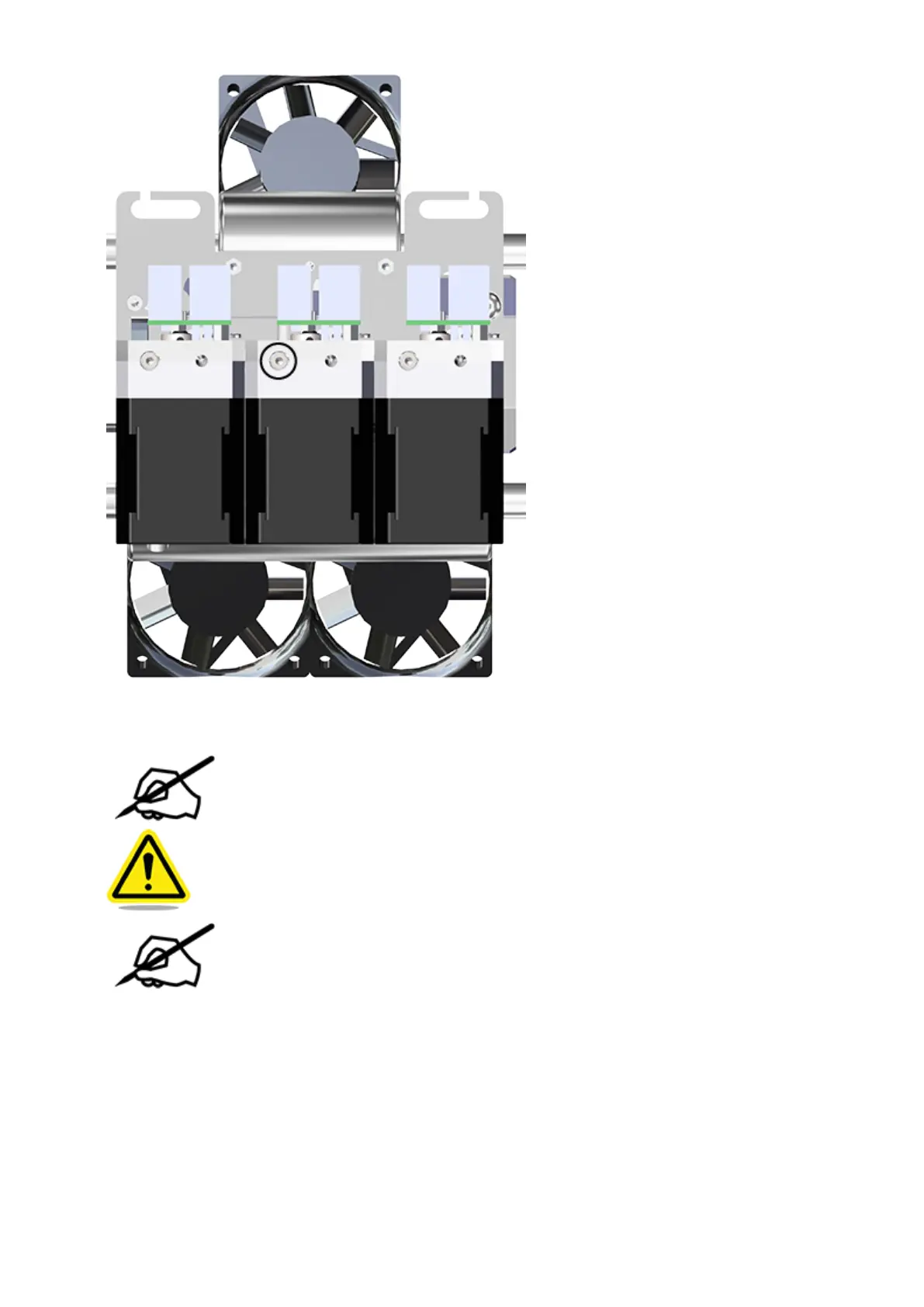
Carefully remove the affected extruder assembly from the carriage plate.21.
NOTE: Do not lose the screw that was loosened in the previous step.
CAUTION: Be careful not to damage the print jet cable connected to junction
P-Jet of the extruder PCBs.
NOTE: For clarity, the main extruder PCB was removed from the illustration.
However, it does not need to be removed for this procedure.






 To Next Page