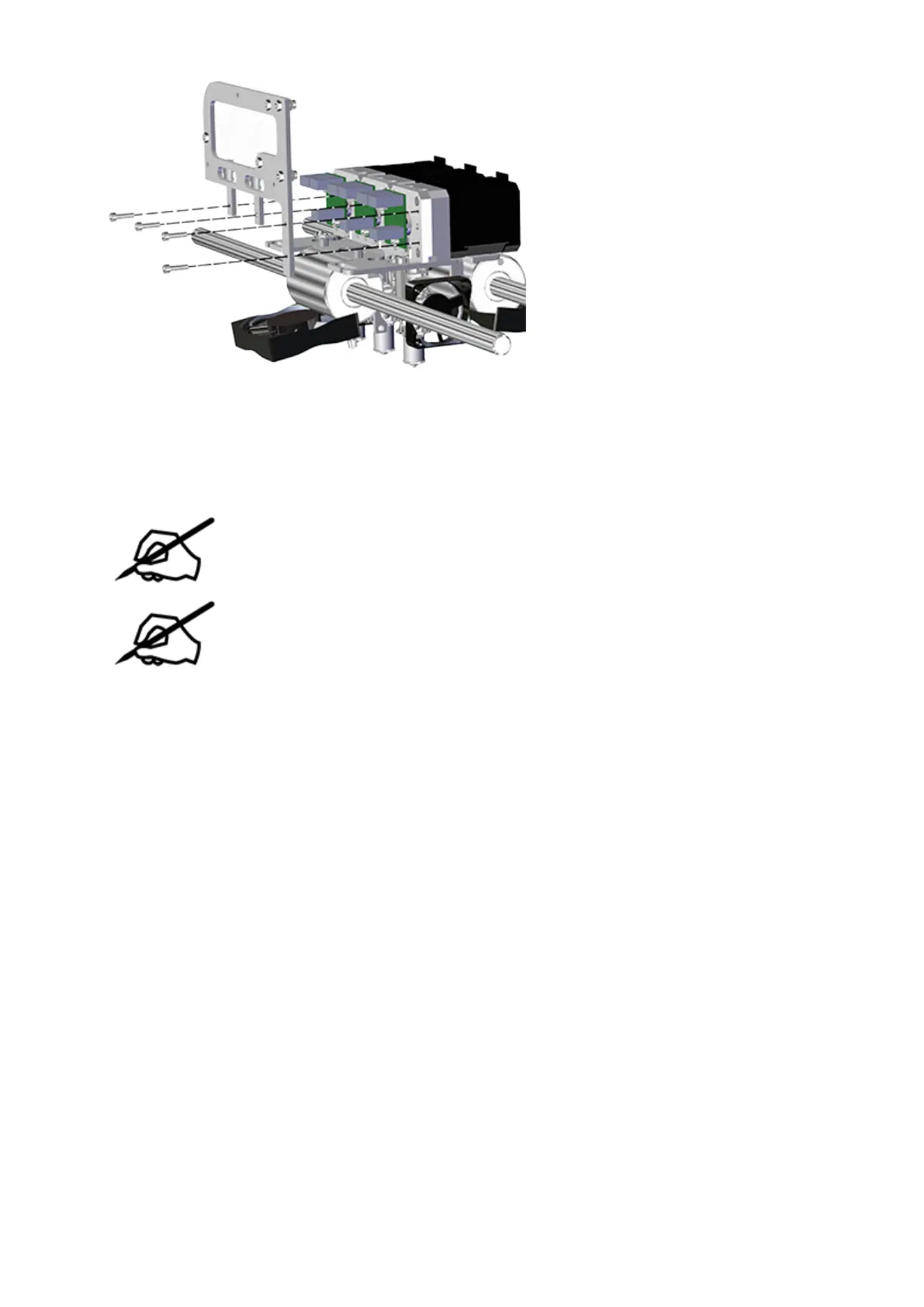
Move the delivery tube bracket/block aside so that extruder 2 can be removed.19.
Using a 2.5 mm hex head driver, loosen the 2.5 mm hex head screw securing extruder20.
2 to the carriage plate.
NOTE: The screw will remain loose in the extruder housing.
NOTE: For clarity, the main extruder PCB was removed from the illustration.
It does not need to be removed for this procedure.












 To Next Page