Once the printer has finished printing, remove the print pad from the printer and6.
inspect the scales. If adjustments are required, proceed to the next step. If the scales
are aligned properly, no further action is required.
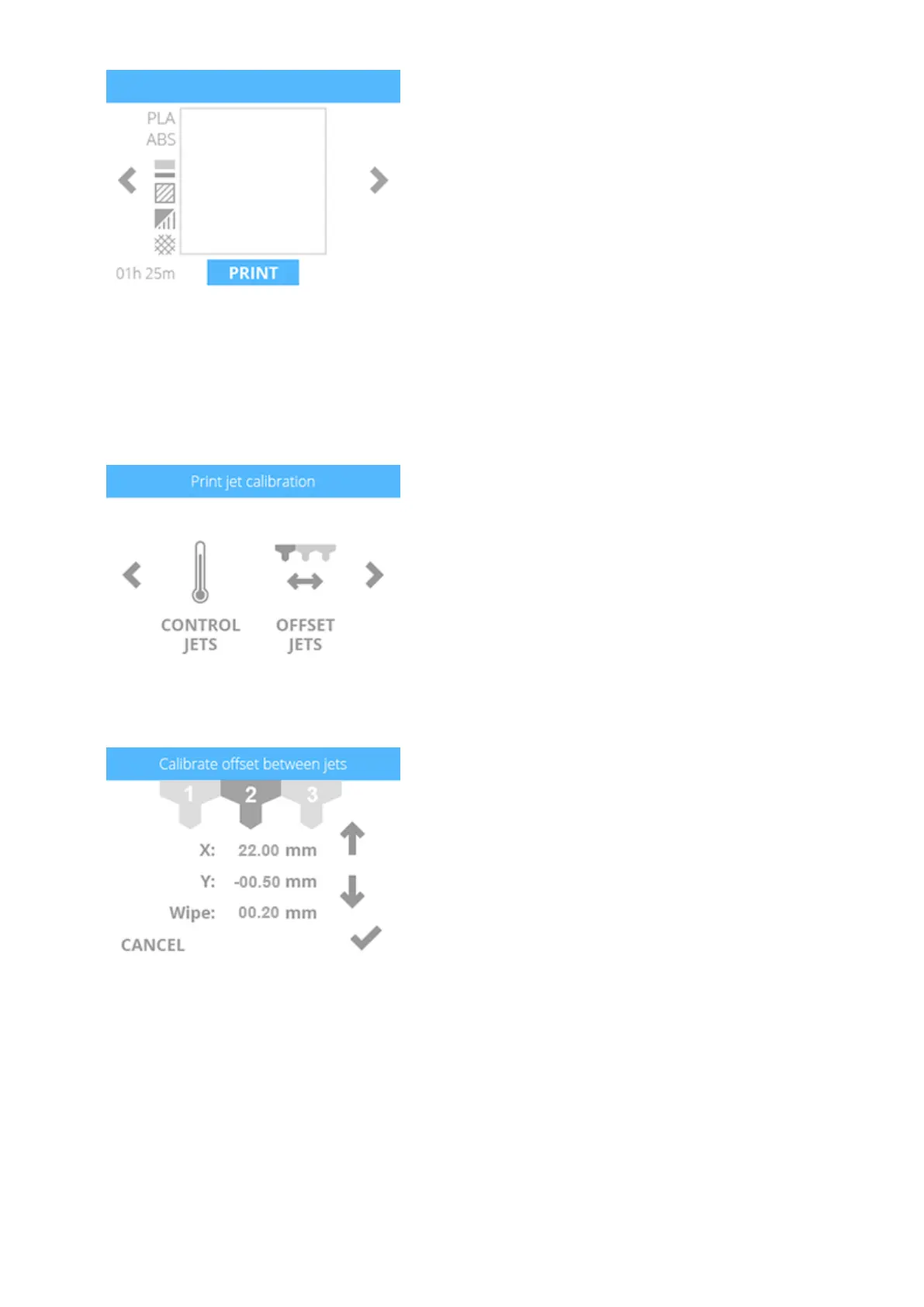
Navigate to the Print Jet Calibration screen and select OFFSET JETS.7.
When adjusting print jet 2, select B.8.
Referring to the illustration at the beginning of this procedure, print jet 2 needs to be9.
increased by .3 mm. Select the value until the first digit (A) to the right of the decimal
point is highlighted.












 To Next Page