3D Systems, Inc.
30
INSTALLING AND OPERATING PROJET
®
3-D CLIENT SOFTWARE
NOTE: Before installing software, ensure network and your computer meet Printer Setup requirements.
1. Load the 3-D Modeling Client Software from the USB packaged with the printer accessories kit. An autorun le on the USB will
automatically load when USB is inserted into USB port in the computer. If installation program does not start when loaded, select
and run Setup.exe from the root directory of the USB.
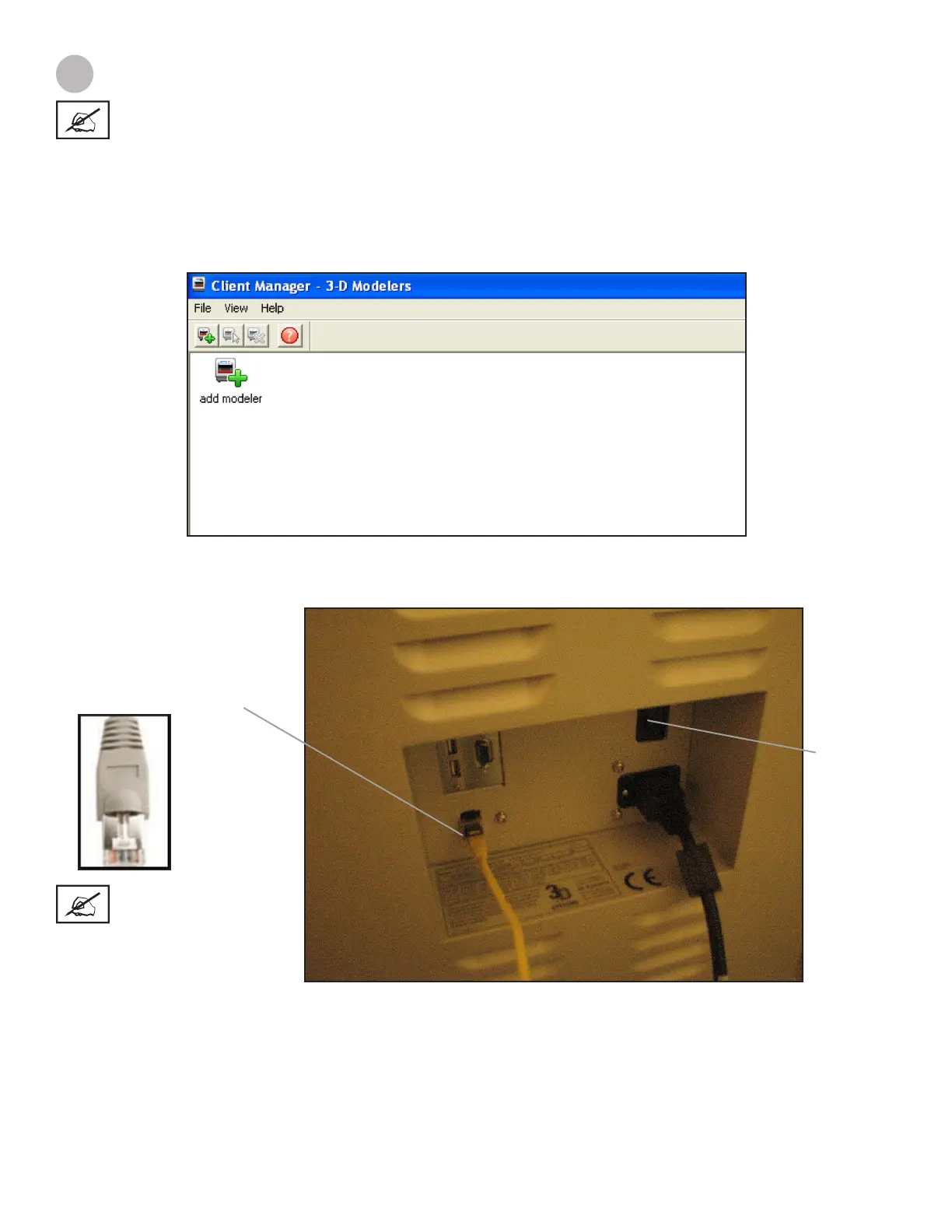
2. After successfully installing software, select Start from the Program menu and then select >3-D Modeling Client icon. The printer
window will appear.
NOTE: A shielded Ethernet
cable is required when
connecting from the printer
to the your computer.
Ethernet Cable
Power
Switch
16
3. Power up printer as described in Section 14, Power on Printer. Establish a network connection between printer and your computer.



 To Next Page