3D Systems, Inc.
35
OPERATIONS
This section provides information on Previewing, Saving, Submitting, and Managing jobs through the touchscreen and 3-D Client
Software. In addition this section describes how to remove the build platform, how to empty the waste drawer and how to shut down
the printer.
PREVIEW BUILD JOB
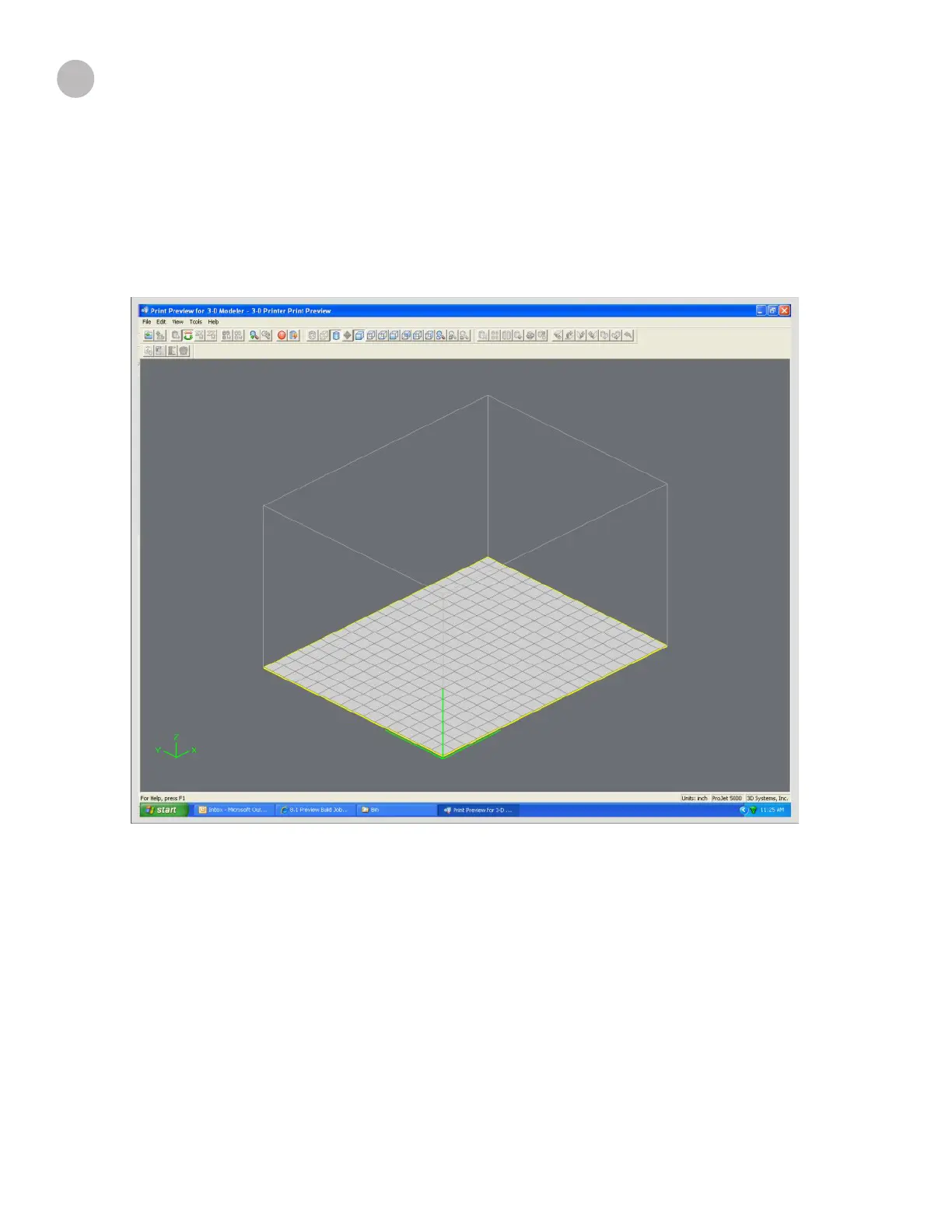
Print Preview allows you to view your print in various views; it also allows you to manipulate your print while viewing an image of your
print in the build envelope.
17










 To Next Page