Copyright © 2017, 4ipnet, Inc. All rights reserved. All other trademarks mentioned are the property of their respective owners.
Virtual Access Point (VAP):
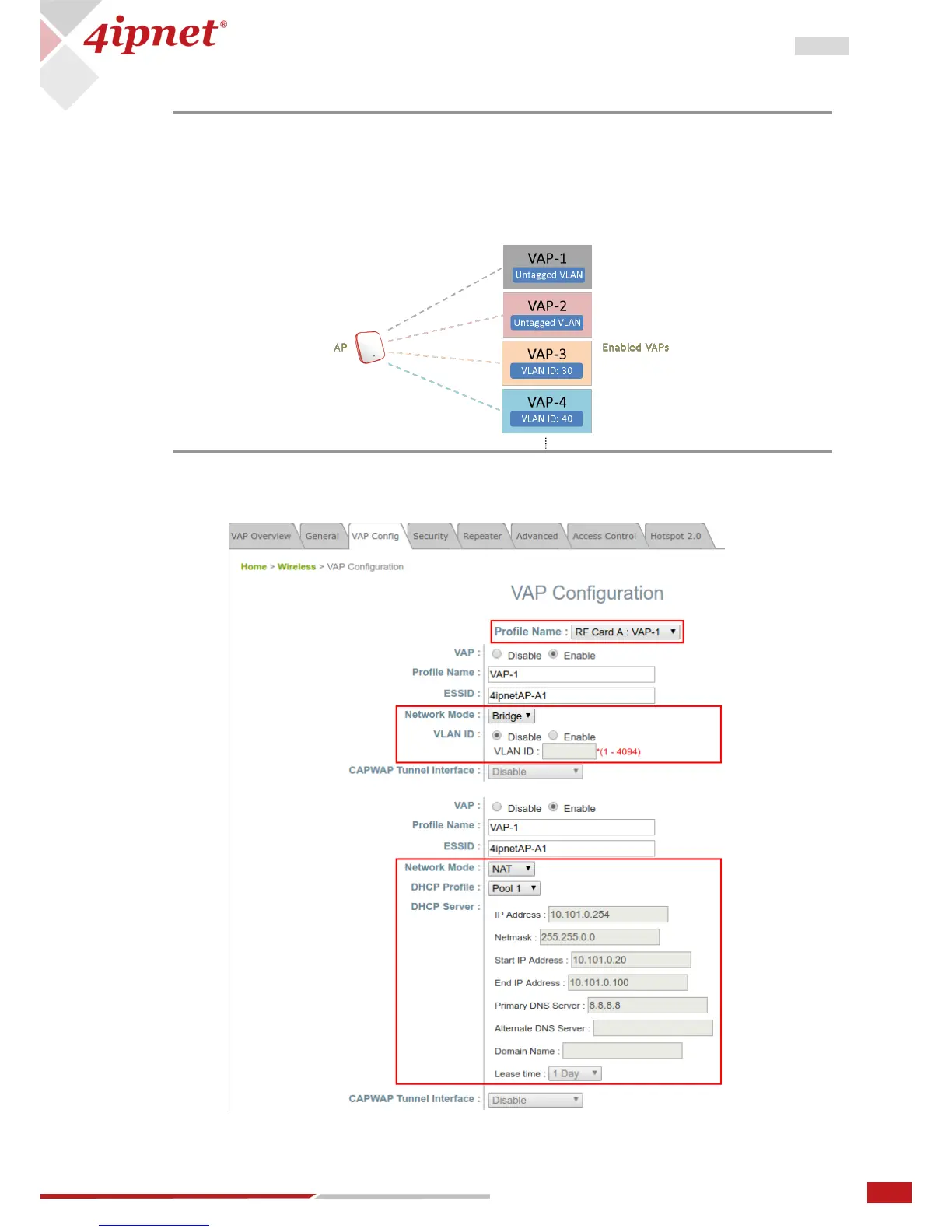
- VAP feature allows a single physical AP device (with a unique, single BSSID) to
present itself as multiple discrete APs, as shown in the example diagram below;
- Each VAP can be independently enabled or disabled, with its own settings (e.g.
SSID, Network Mode, VLAN ID, Security, etc.), such that the AP is able to support
different clients through multiple SSIDs.



 To Next Page