User’s Manual
WHG Controller / HSG Gateway ENGLISH
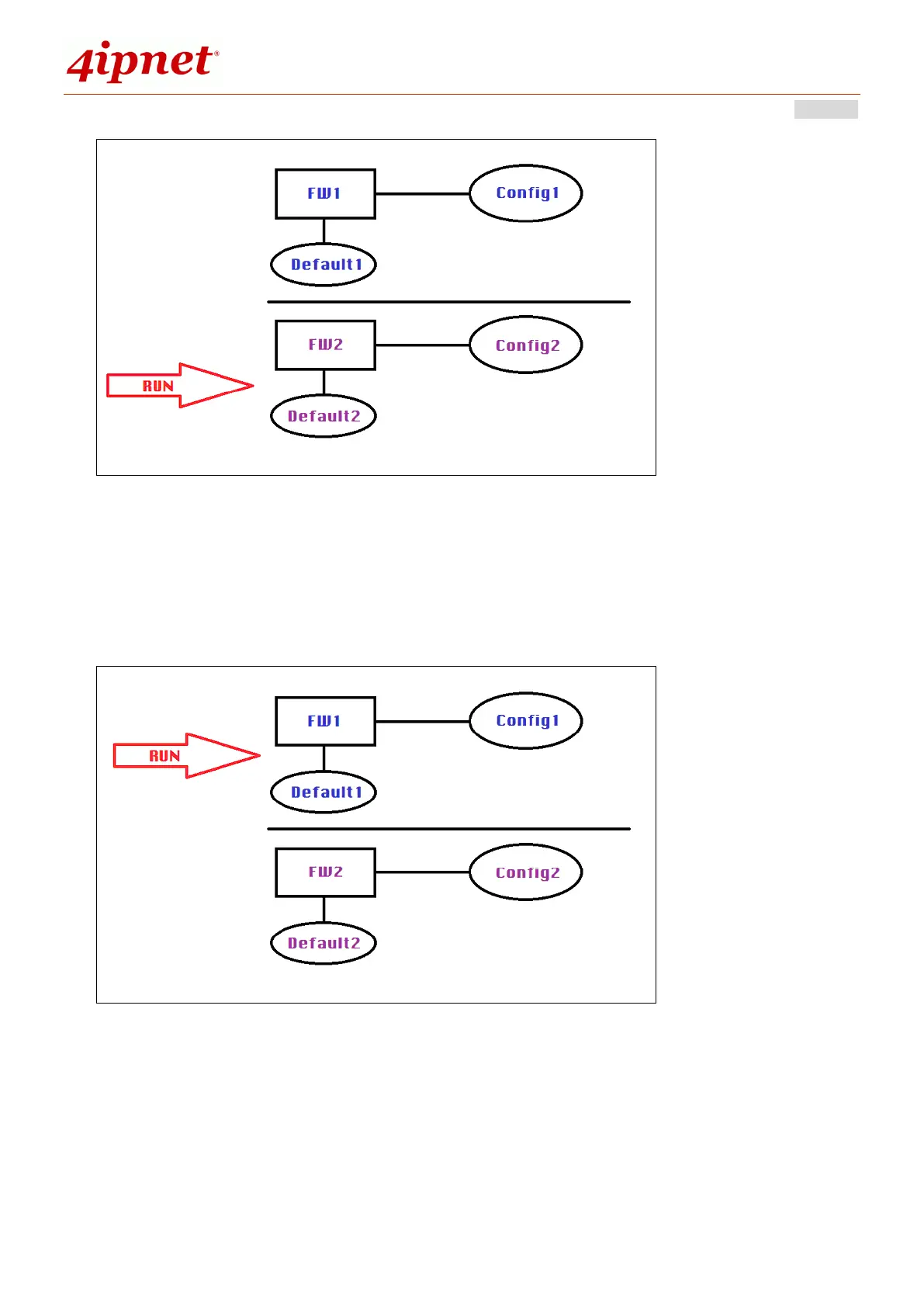
Case2: When FW2+Config2 is the last in operation FW+Config, pressing the
“Quick-Restore” button will switch the operation to FW1+Config1. Successive
reboots without pressing the “Quick-Restore” will trigger the system to run with
FW1+Config1.
2) Reset to Default
When the administrator resets the system to factory default, either via WMI or
the Reset button, the system will only overwrite the Config of the firmware in
operation.


 To Next Page