User’s Manual
WHG Controller / HSG Gateway ENGLISH
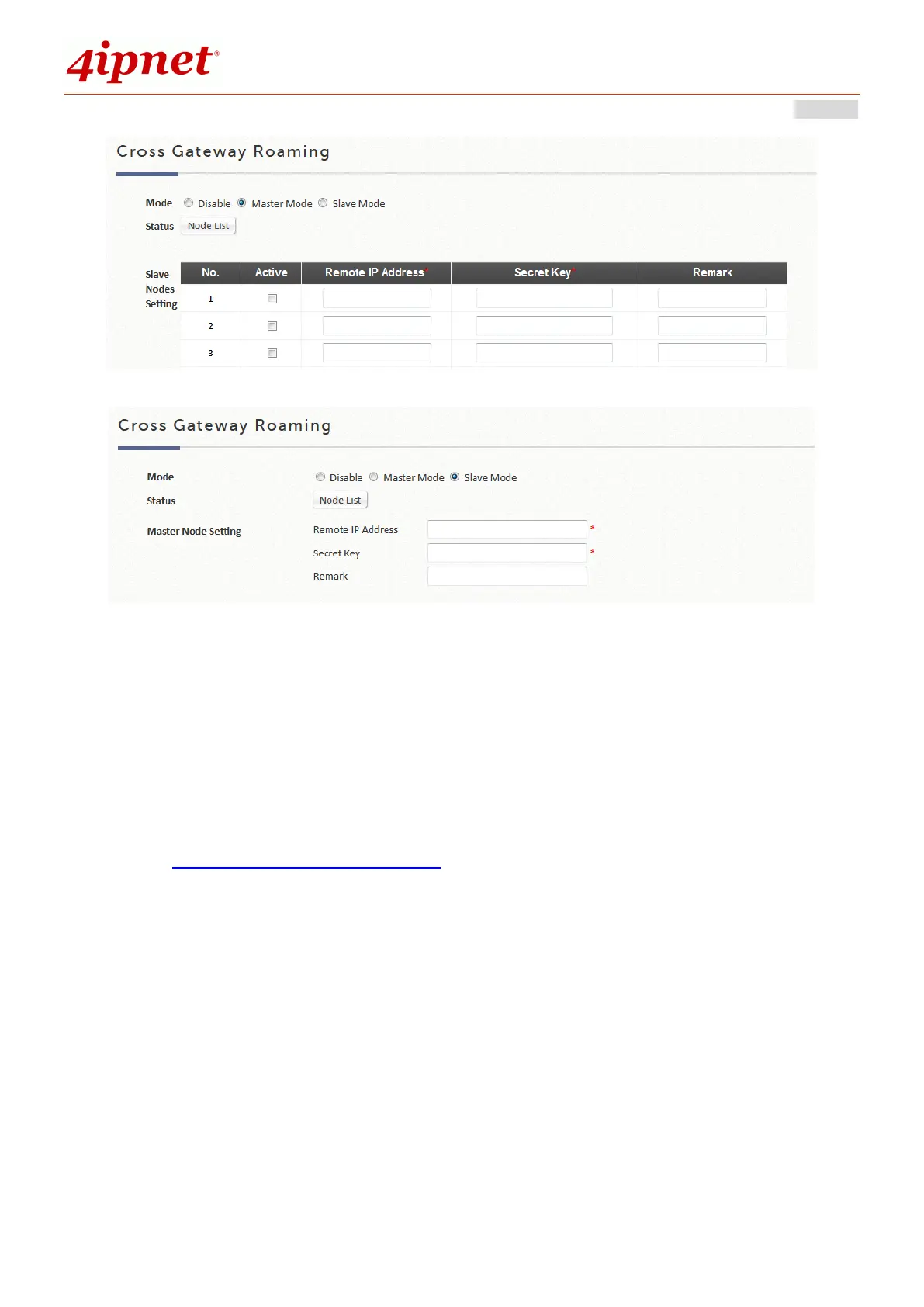
Slave Node: While configuring the Slave Node, enter its master node setting.
F. Utilities
Utilities: This section provides functions for modifying accounts, Backup/Restore system, Firmware upgrade,
Restart service, Network utilities, and Certificate.
1) Administrator Account
This can be used to create, to edit, to remove, and to check administrator account.
The login account for the administrator is "admin". The admin password of the system can be changed
here by clicking the admin Name and entering the original password and new password. The default
admin password of the system is "admin". The Elementary School’s Name field may also be entered for
security purposes in case the admin username or password has been forgotten.



 To Next Page