User’s Manual
WHG Controller / HSG Gateway ENGLISH
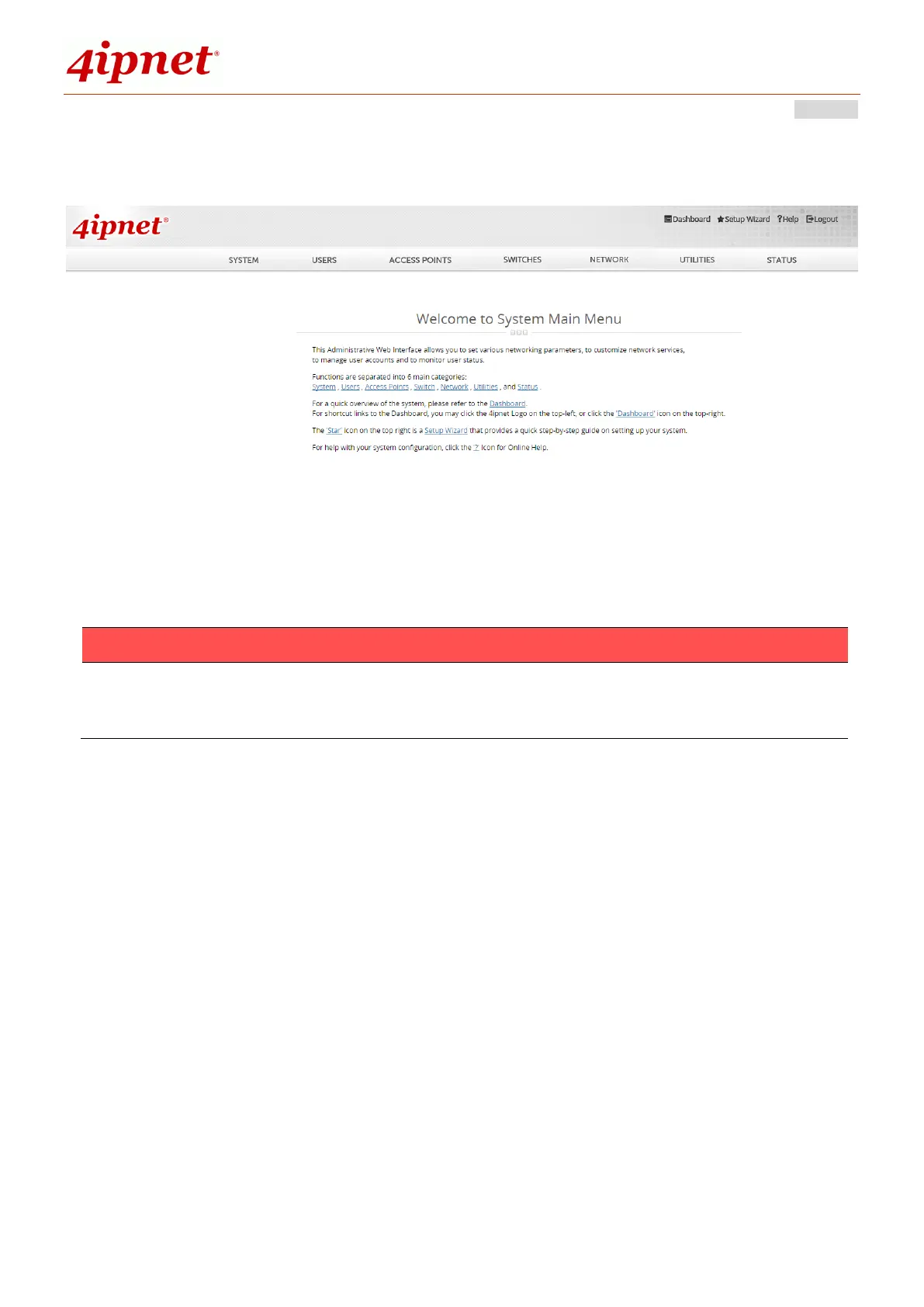
The WMI Welcome page is as shown below after a successful administrator login.
1. To logout, simply click the Logout icon on the upper right corner of the
interface to return to the login screen.
2.2 Running the Wizard
The Setup Wizard provides a collection of configuration steps which are essential in
the setup and operation of your network with minimum configurations.
To quickly configure WHG by using the Setup Wizard, click on the Setup Wizard
button on the top right corner of the WMI homepage to start the configuration
process.



 To Next Page