User’s Manual
WHG Controller / HSG Gateway ENGLISH
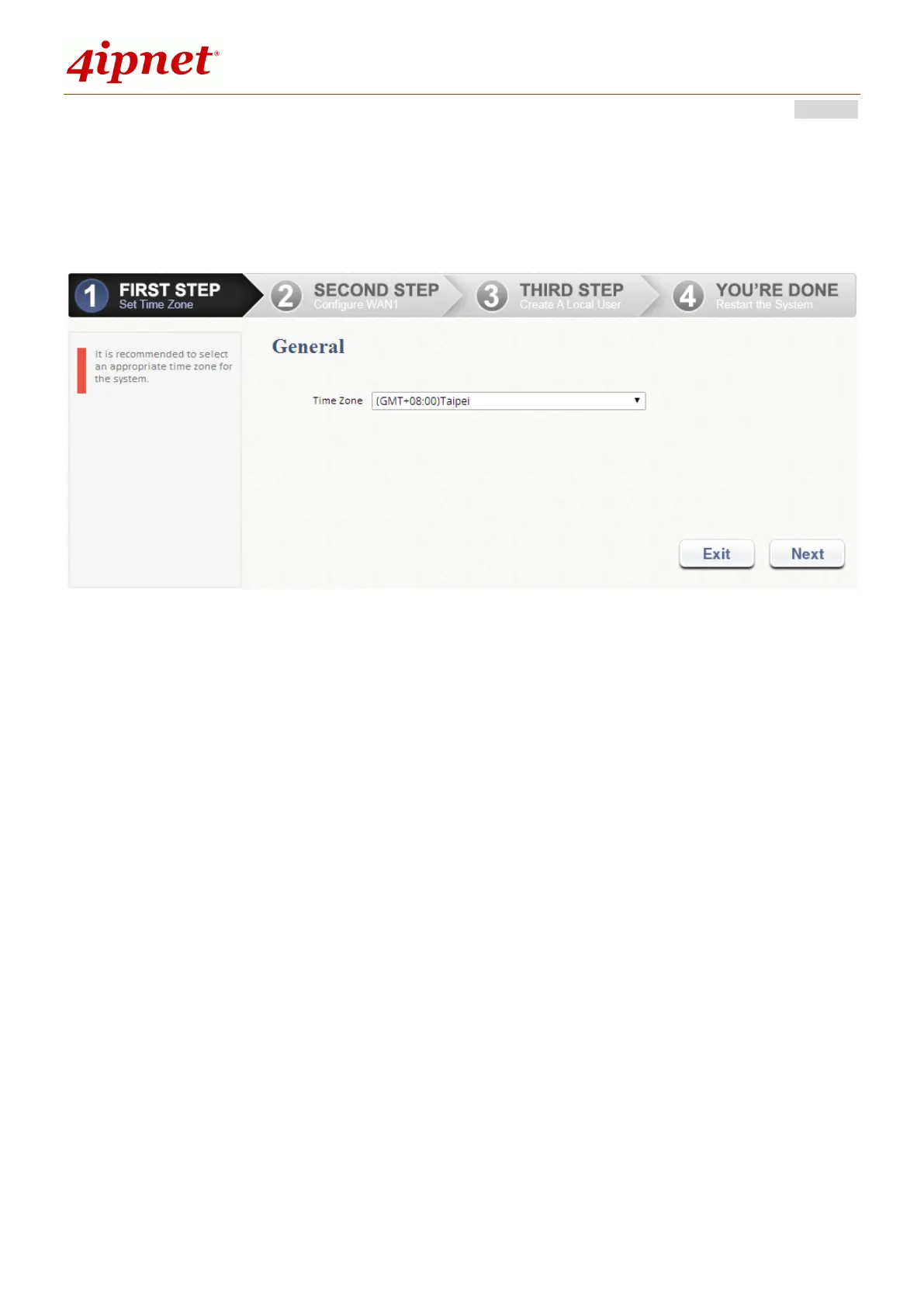
Step 1. General
Select an appropriate time zone from the Time Zone drop-down list.
Click Next to continue.
Step 2. Select Connection Type for WAN1 Port
There are three types of WAN connections to be selected from: Static IP
Address, Dynamic IP Address and PPPoE Client. Select a proper
Internet connection type. Below depicts an example of using Dynamic IP
connection.
Click Next to continue.
For Static IP Address or PPPoE Client, follow the instructions on the
screen.



 To Next Page