User’s Manual
WHG Controller / HSG Gateway ENGLISH
your WAN connection
Static: This option enables the administrator to configure a static IP address on the WAN
interface. Applicable if your subscribed internet package comes with a static IP address.
Dynamic: This option enables the WAN interface to be assigned with an IP address
automatically by upstream DHCP server.
PPPoE: This is the option of connecting WAN interface to your ISP network via PPP protocol,
please select this option if your subscribed network service uses PPP.
PPTP: This is the option of connecting WAN interface to your ISP network via PPP tunneling
protocol, please select this option if your subscribed network service uses PPP tunneling.
WAN1 Interface Type: This section enables the selection of actual Port to be deployed as
WAN1 servicing port, either copper, SFP, both, or bonded. (Available on WHG707/WHG801)
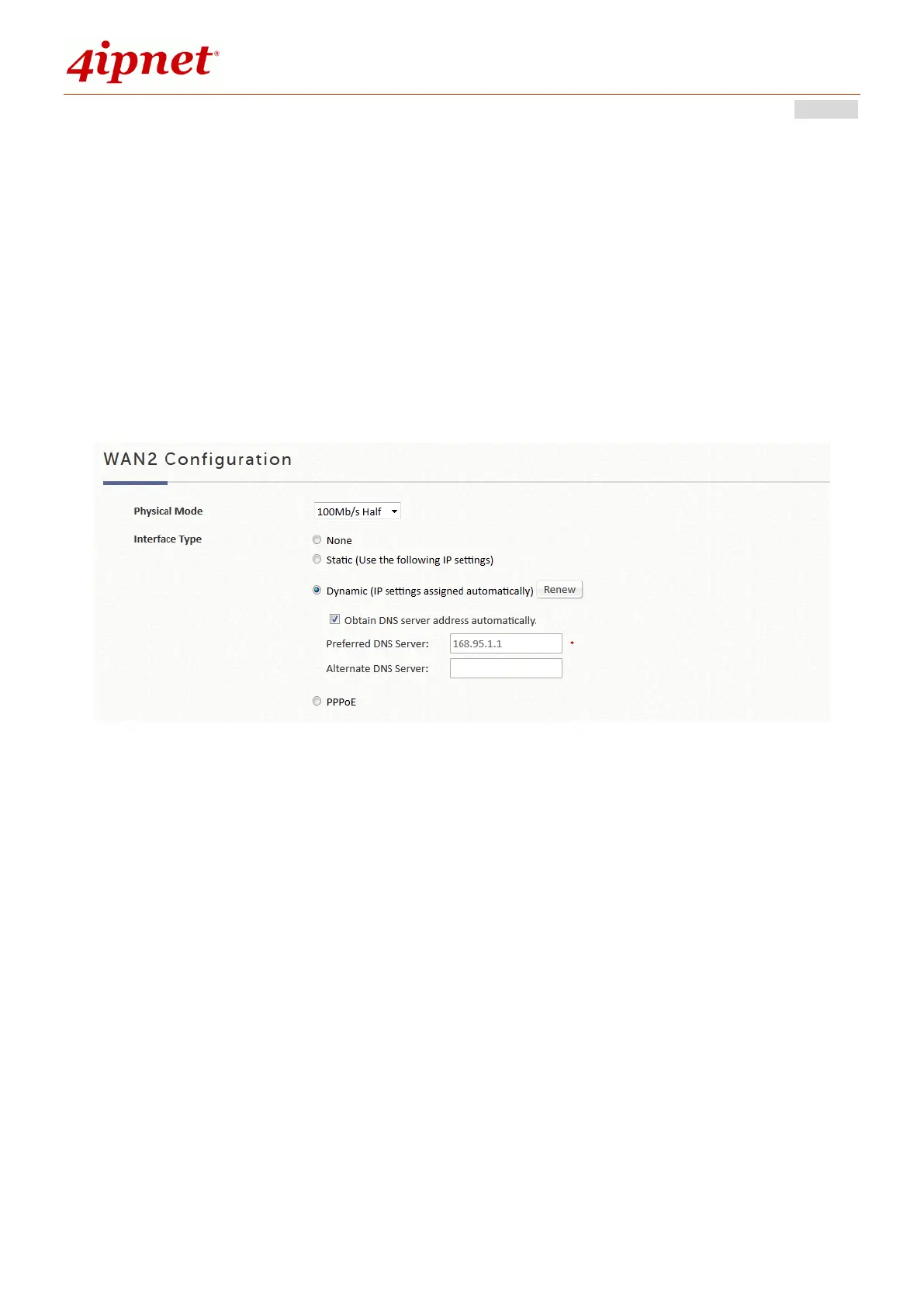
Physical Mode: Select the mode (Auto/1000Mbps Full/100Mbps Full/100Mbps Half) based on
your WAN connection
None: Disable the WAN2 interface from providing service.
Static: This option enables the administrator to configure a static IP address on the WAN
interface. Applicable if your subscribed internet package comes with a static IP address.
Dynamic: This option enables the WAN interface to be assigned with an IP address
automatically by upstream DHCP server.
PPPoE: This is the option of connecting WAN interface to your ISP network via PPP protocol,
please select this option if your subscribed network service uses PPP.
WAN2 Interface Type: This section enables the selection of actual Port to be deployed as
WAN2 servicing port, either copper, SFP, both, or bonded. (Available on WHG707/WHG801)



 To Next Page