User’s Manual
WHG Controller / HSG Gateway ENGLISH
Upload Your Own: The Administrator has the option to upload a html file as the Login
Page. The "Download HTML Sample File" gives administrators a sample HTML code
to edit from. Once this sample HTML code is downloaded, open the file with any
browser, right click and select "View Page Source". You may edit the HTML code with
any text editor as long as the file is saved in .html format.
Use External Page: The Login Page can be a defined external URL. This option requires
extensive knowledge of URL parameter utilization that works together with the
Message Pages and should be organized carefully. For more details on External Login
Page customization, please refer to Appendix C of the User Manual.
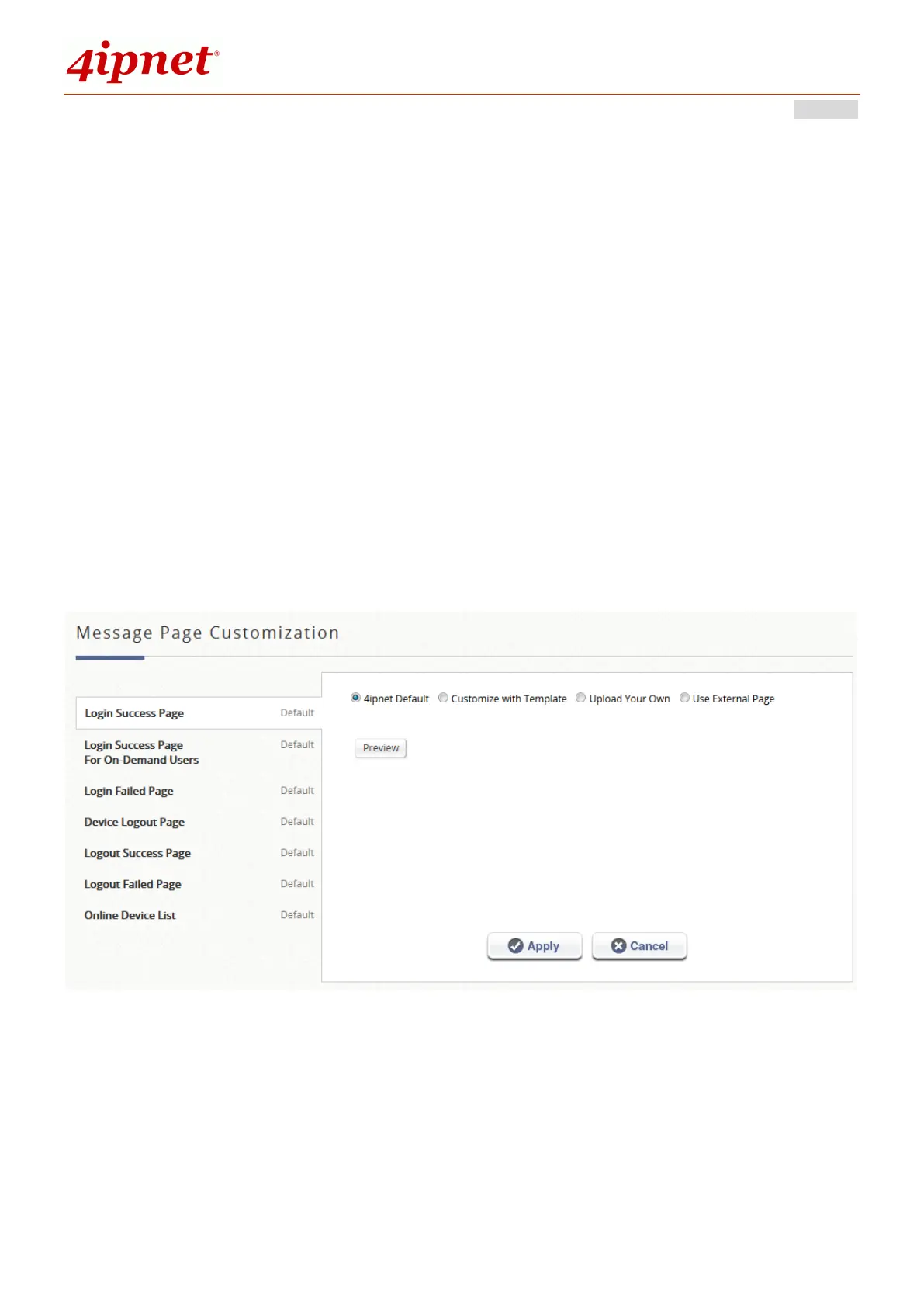
For a Preview of the custom page, click “Apply” followed by the “Preview” button.
Similarly, the four options are available for Message Pages.



 To Next Page