User’s Manual
WHG Controller / HSG Gateway ENGLISH
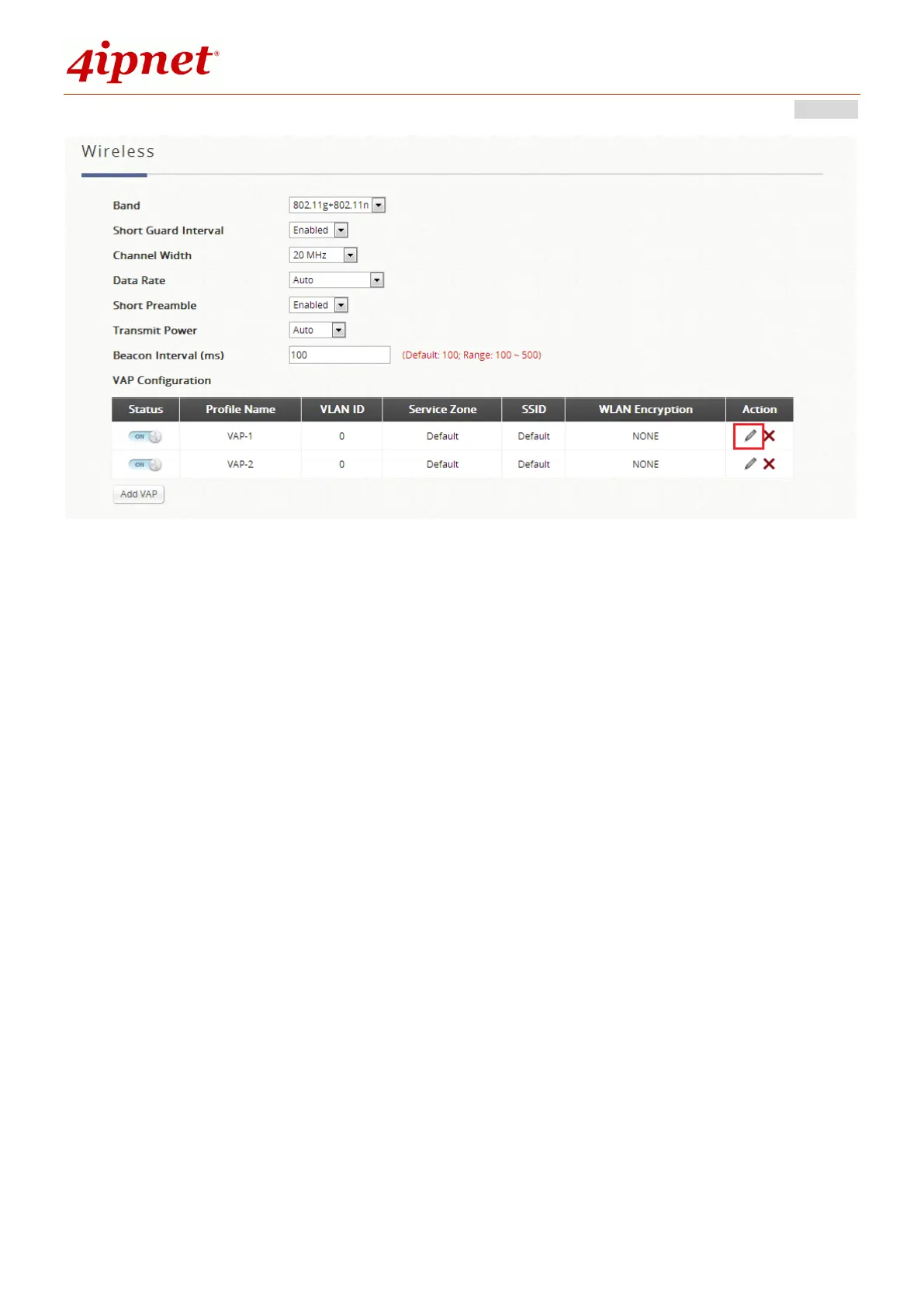
The SSID and Wireless Security can be specified per Service Zone. Depending on
deployment needs, access filtering may be imposed on individual Service Zone’s
managed AP devices. The Wireless Settings section under the VAP Configuration list
allows the specification of wireless settings including Access Control list.
For each Service Zone, administrators can set up the wireless security profile,
including Authentication and Encryption. The options available are Open System,
Share Key, WPA, WPA2 or WPA/WPA2 Mixed.
WEP: When Authentication is Open System or Share Key, WEP will be enabled.
WPA: When Authentication is WPA, WPA-PSK or WPA-RADIUS will be the options of
WPA. For WPA-PSK, Passphrase or HEX can be selected.
WPA2: When Authentication is WPA, WPA-PSK or WPA-RADIUS will be the options
of WPA. For WPA-PSK, Passphrase or HEX can be selected.
WPA/WPA2 Mixed: When Authentication is WPA, WPA-PSK or WPA-RADIUS will
be the options of WPA. For WPA-PSK, Passphrase or HEX can be selected.
The MAC address field is for admin to type in the MAC addresses you would like to
deny or allow. Status ‘Denied’ implies that you are configuring a black list. ‘Allowed’



 To Next Page