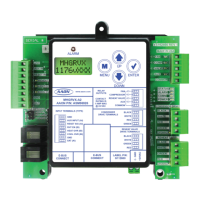
13
RSMD-CM Technical Guide
LCD SCREENS
LCD Display Screen and Navigation Keys
LCD Display Screen and Navigation Keys
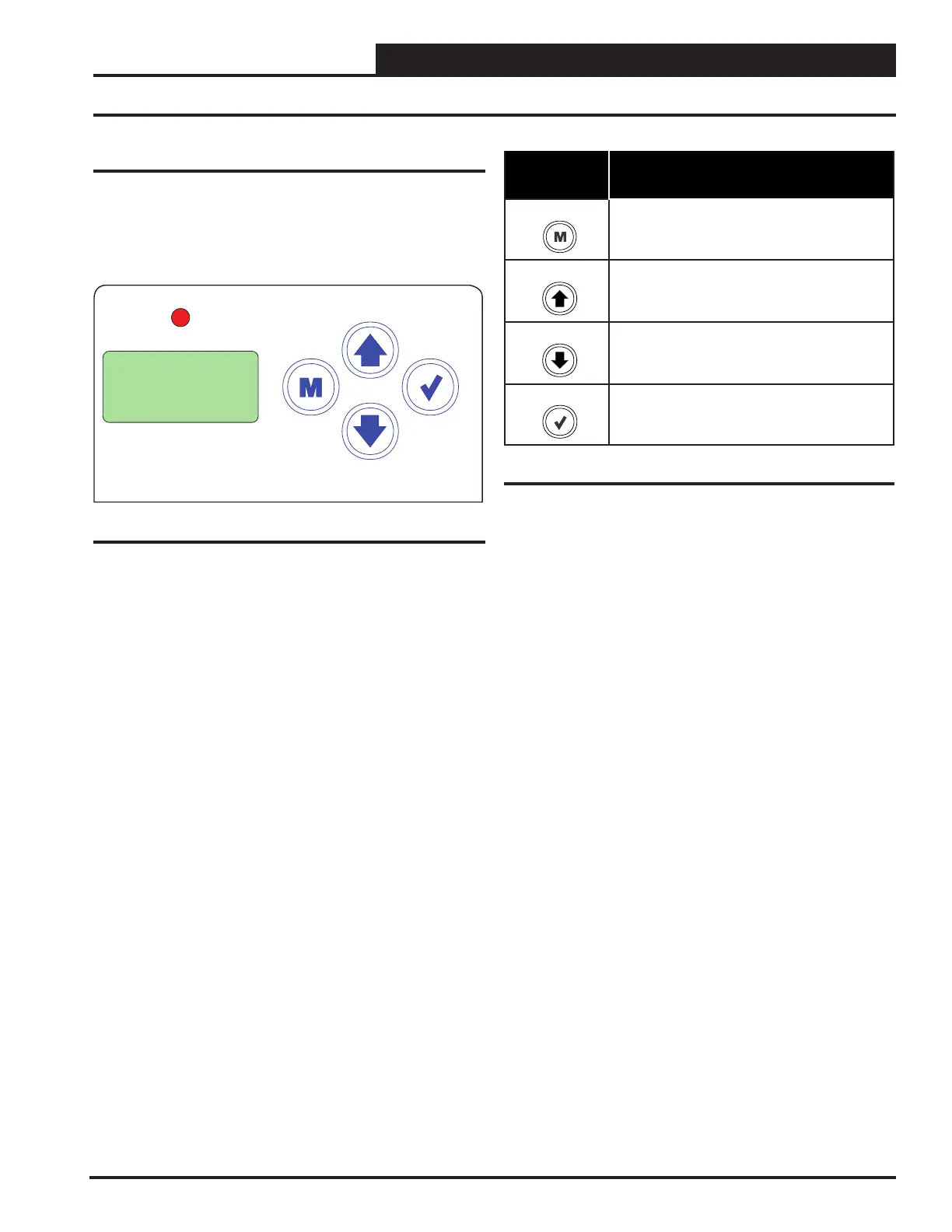
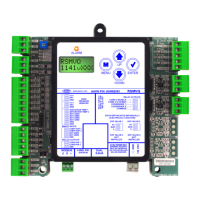
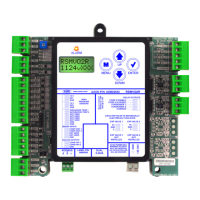
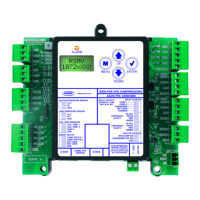
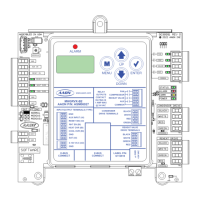
The LCD display screens and buttons allow you to view status
and alarms, and enable force modes. See Figure 4, this page,
and refer to Table 3, this page, for descriptions.
Navigation
Key
Key Function
MENU Use the MENU key to move through screens
within Main Menu categories and return to the
Main Menu while at other screens.
UP Use this key to adjust setpoints and change
congurations.
DOWN Use this key to adjust setpoints and change
congurations.
ENTER Use the ENTER key to navigate through the
Main Menu Screen categories.
ALARM
UP
DOWN
ENTERMENU
Figure 4: LCD Display and Navigation Keys
Table 3: Navigation Key Functions


 To Next Page