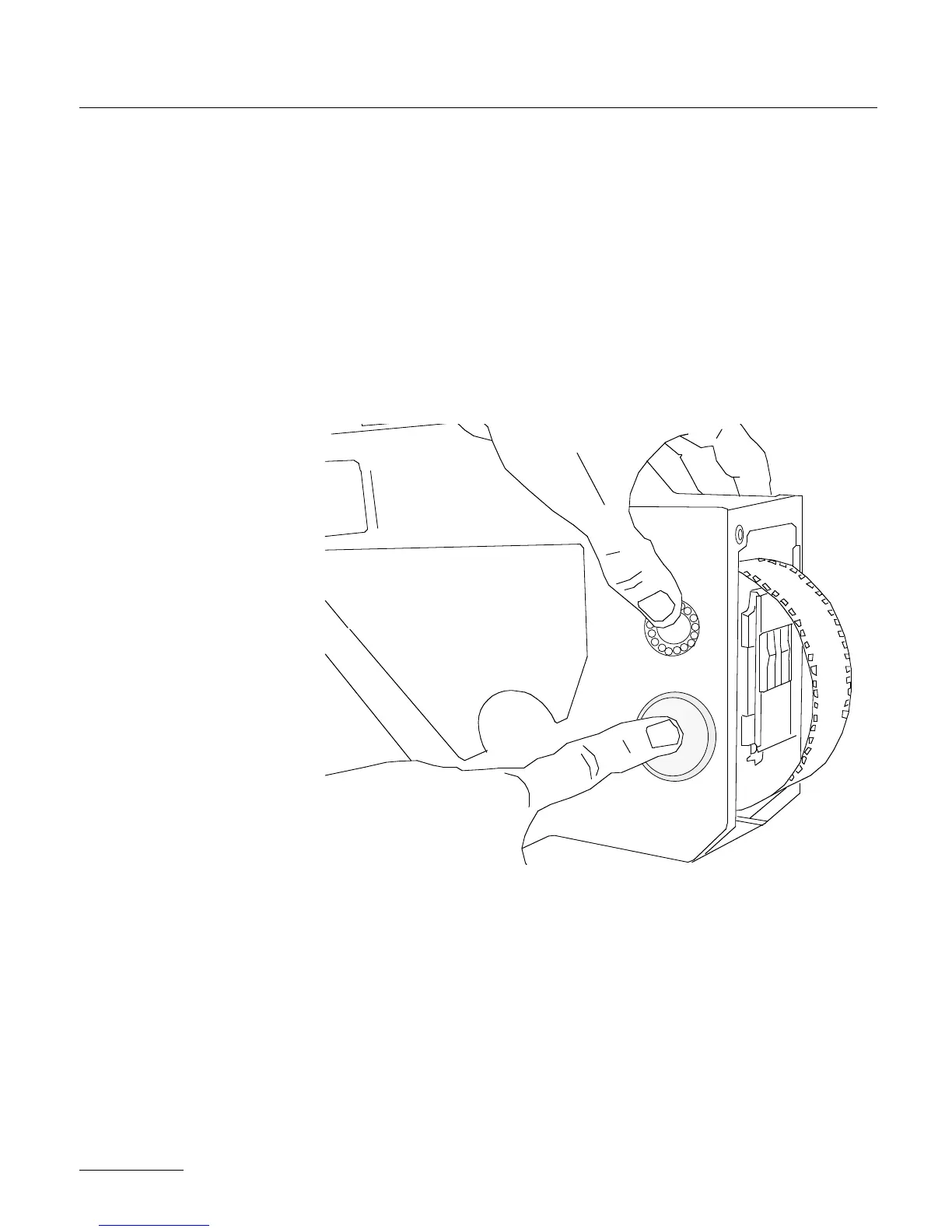
the take-up core indicating that the magazine has been correctly loa-
ded.
•You can then install the mag on the camera body.
•To engage the film, turn the camera's ON/OFF switch to test posi-
tion and off again. If the loop is too short or not properly centered
into the camera gate, the camera LCD display should show
"LOOP". Desengage the magazine, readjust the loop length if neces-
sary and reinstall the magazine on the camera body.
50



 To Next Page