Operating Instructions
Busch-AudioWorld
®
Operation
Operating Instructions | 1473-1-7955 — 10 —
Pos: 31 /#Neustruktur#/Online-Dokumentation (+KNX)/Überschriften (--> Für alle Dokumente <--)/3. Ebene/M - O/Modus @ 22\mod_133155829 1775_15.docx @ 202867 @ 3 @ 1
4.3.4 Mode
Pos: 32 /#Neustruktur #/Online-Dokumenta tion (+KNX)/Bedienu ng/AudioVideo/Ei nstellungen Setup/Ei nstellungen Modus - 8215 @ 21\mod_133154740794 0_15.docx @ 202588 @ @ 1
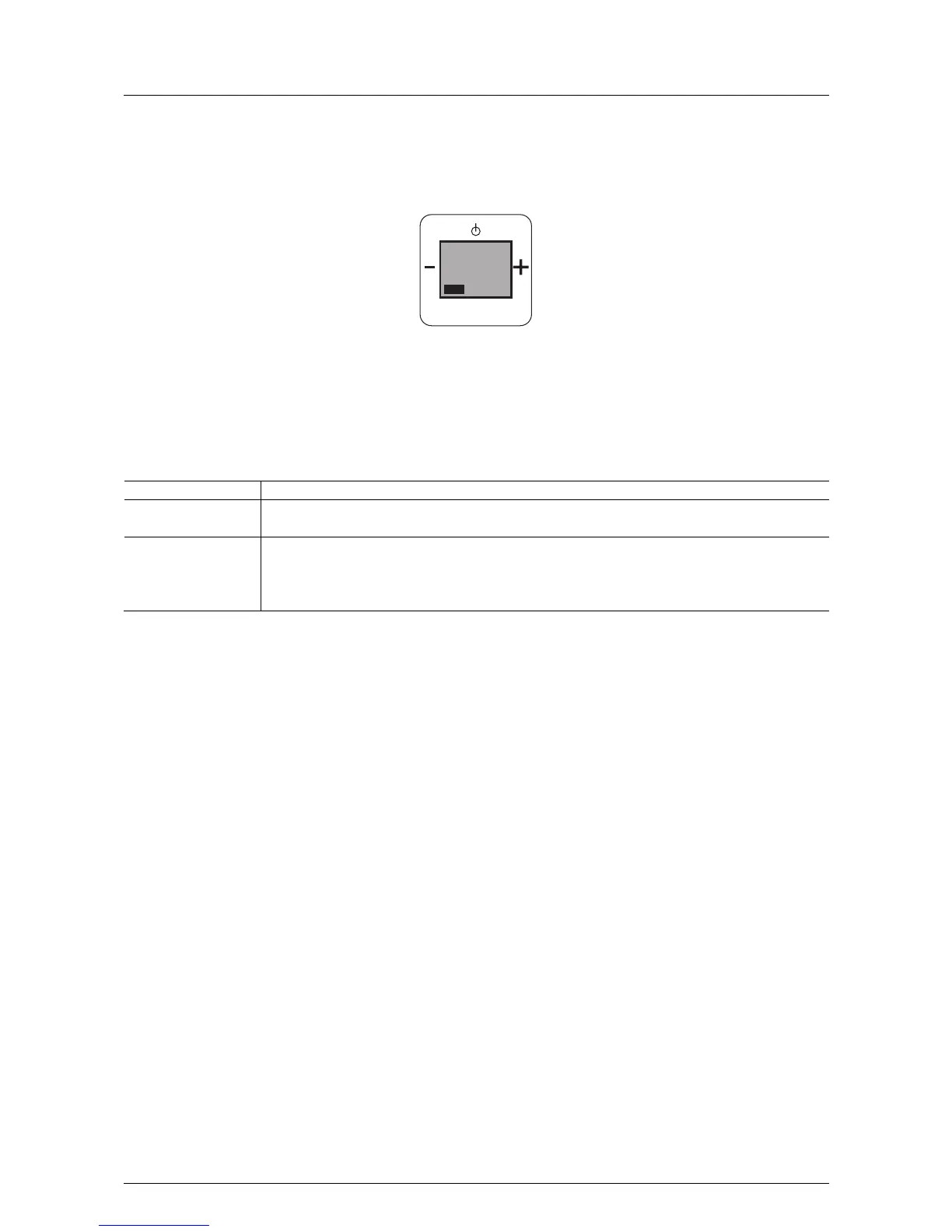
Fig. 6: "Mono / Stereo" mode
If this function is not relevant for you, you can change to the next menu item by pressing the "plus or minus"
button.
In step 4 "Mode" the following functions become available:
No. Function
1 Mode
- When confirming with the Prog button you switch to menu item "Mode".
2 Selecting mono / stereo mode
- Set the radio mode on "Mono or stereo" with the "plus / minus" buttons.
(Two loudspeakers must be connected for stereo mode.)
- Confirm your selection with the "PROG" button. You simultaneously switch to the next processing step.
Pos: 33 /#Neustruktur#/Online-Dokumentation (+KNX)/Steuermodule - Online-Dokumentation (--> Für alle Dokumente <--)/++++++++++++ Seitenumbruch ++++++++++++ @ 9\mod_126889866 8093_0.docx @ 52149 @ @ 1
PROG
MENU
4
MODUS



 To Next Page