Operating Instructions
Busch-AudioWorld
®
Operation
Operating Instructions | 1473-1-7955 — 22 —
Pos: 66 /#Neustruktur#/Online-Dokumentation (+KNX)/Überschriften (--> Für alle Dokumente <--)/3. Ebene/P - R/Reset @ 21\mod_1331549724 833_15.docx @ 202738 @ 3 @ 1
4.4.8 Rest (resetting the device)
Pos: 67 /#Neustruktur #/Online-Dokumenta tion (+KNX)/Bedienu ng/AudioVideo/Ei nstellungen Änderung smenü/Reset - 8215 @ 21\mod_13 31549246628_15.doc x @ 202693 @ @ 1
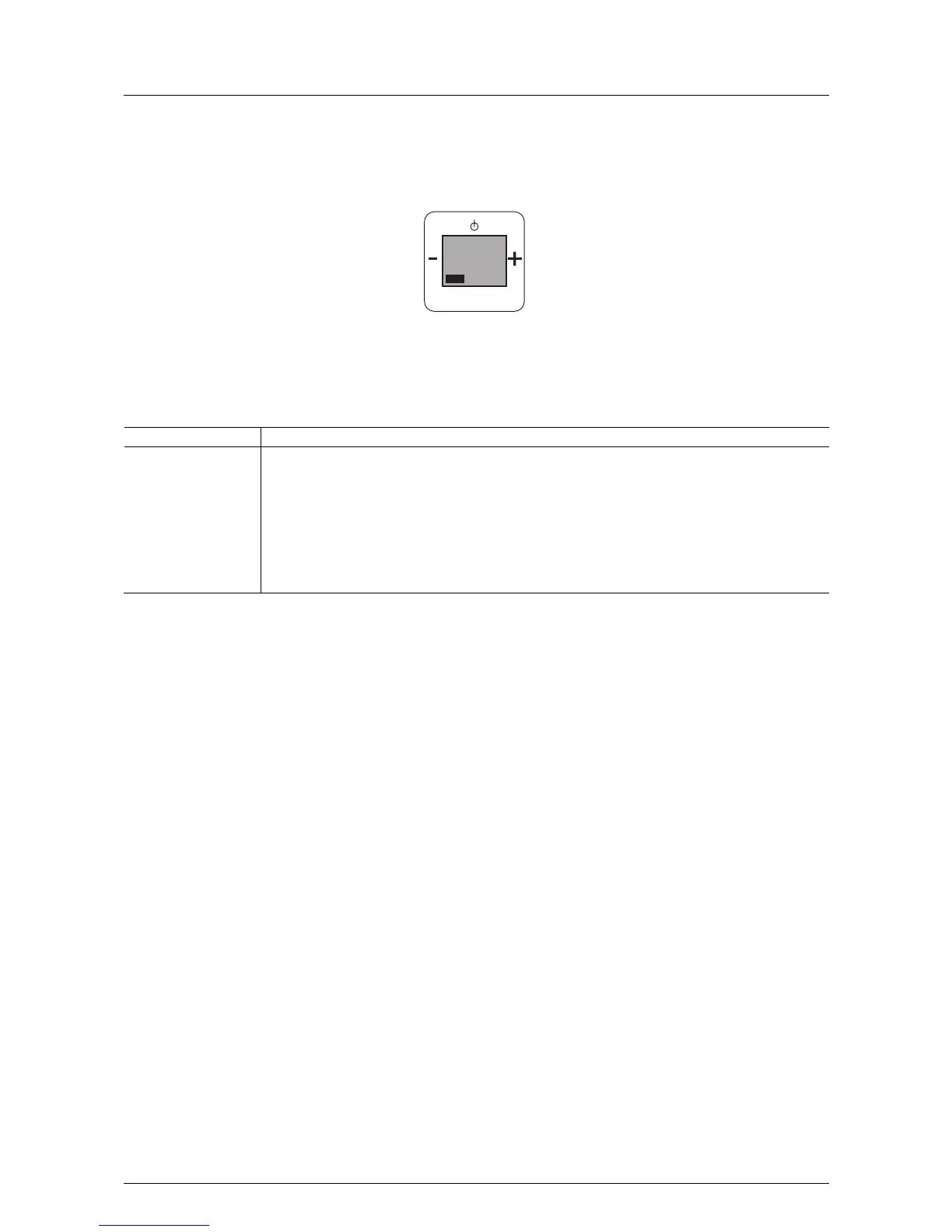
Fig. 17:
To delete and then re-enter all the settings, the device must first be fully reset to its state at the point of delivery.
To do this, proceed as follows.
No. Function
1 Reset
- Press all four buttons on the device simultaneously.
- "RESET" flashes.
- Confirm with the Prog button.
- "YES" flashes.
- Confirm with the Prog button.
All settings of the device have now been reset. The SETUP menu will be displayed. Check all settings and
re-enter them, see chapter "Adjusting the device" on page 6.
Pos: 68 /#Neustruktur#/Online-Dokumentation (+KNX)/Steuermodule - Online-Dokumentation (--> Für alle Dokumente <--)/++++++++++++ Seitenumbruch ++++++++++++ @ 9\mod_126889866 8093_0.docx @ 52149 @ @ 1
PROG
MENU
reset
0



 To Next Page