Operating Instructions
Busch-AudioWorld
®
Operation
Operating Instructions | 1473-1-7955 — 16 —
Pos: 46 /#Neustruktur#/Online-Dokumentation (+KNX)/Überschriften (--> Für alle Dokumente <--)/3. Ebene/U - Z/Wecker Ein/Aus @ 22\ mod_1331558429185_15.doc x @ 202923 @ 3 @ 1
4.4.1 Alarm clock On/Off
Pos: 47 /#Neustruktur #/Online-Dokumenta tion (+KNX)/Bedienu ng/AudioVideo/Eins tellungen Änderungs menü/Einstellungen W ecker EIN/AUS - 8215 @ 22\mod_1 331556579375_15.doc x @ 202795 @ @ 1
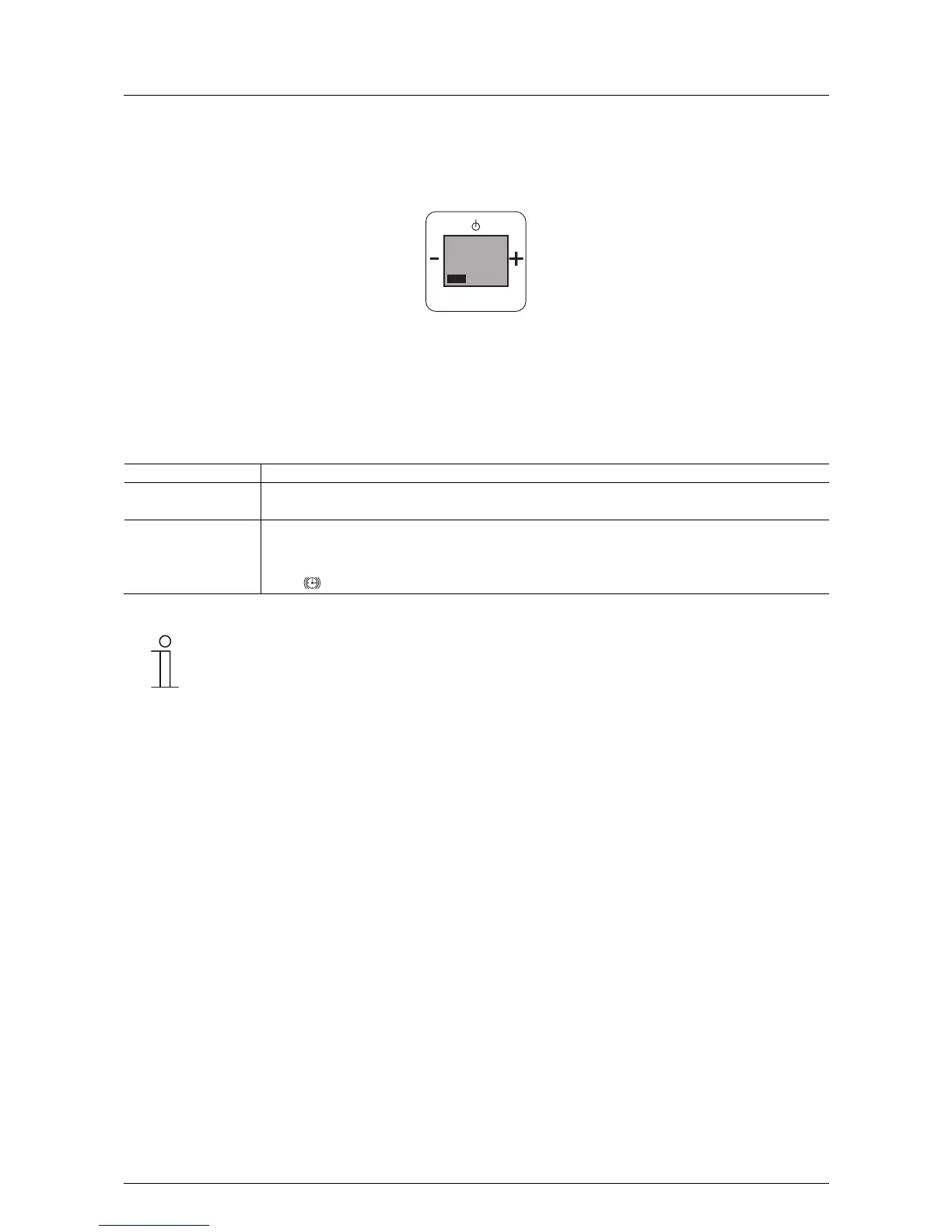
Fig. 10:
If this function is not relevant for you, you can change to the next menu item by pressing the "plus or minus"
button.
In step 1 "Alarm clock On / Off" the following functions become available:
No. Function
1 Alarm clock
- When confirming with the Prog button you switch to menu item "Alarm clock On / Off".
2 Alarm clock On or Off
- Set the alarm clock on "On" or "O" with the "plus / minus" buttons.
- Confirm your selection with the Prog button. When you have set the alarm clock on "On", the alarm clock
icon is shown on the display. You simultaneously switch to the next processing step.
Hint
There is no buffer in case of a power failure.
The time is restored again via the RDS time signal once the power has been restored. The alarm
time settings, however, are lost.
Pos: 48 /#Neustruktur#/Online-Dokumentation (+KNX)/Steuermodule - Online-Dokumentation (--> Für alle Dokumente <--)/++++++++++++ Seitenumbruch ++++++++++++ @ 9\mod_126889866 8093_0.docx @ 52149 @ @ 1
PROG
MENU
wecker Ei
1



 To Next Page