Operating Instructions
Busch-AudioWorld
®
Operation
Operating Instructions | 1473-1-7955 — 20 —
Pos: 58 /#Neustruktur#/Online-Dokumentation (+KNX)/Überschriften (--> Für alle Dokumente <--)/3. Ebene/U - Z/Version @ 25\mod_1340 867960196_15.docx @ 2205 23 @ 3 @ 1
4.4.5 Version
Pos: 59 /#Neustruktur #/Online-Dokumenta tion (+KNX)/Bedienu ng/AudioVideo/Eins tellungen Änderungs menü/Version - 8215 @ 25\ mod_1340868018721_15. docx @ 220537 @ @ 1
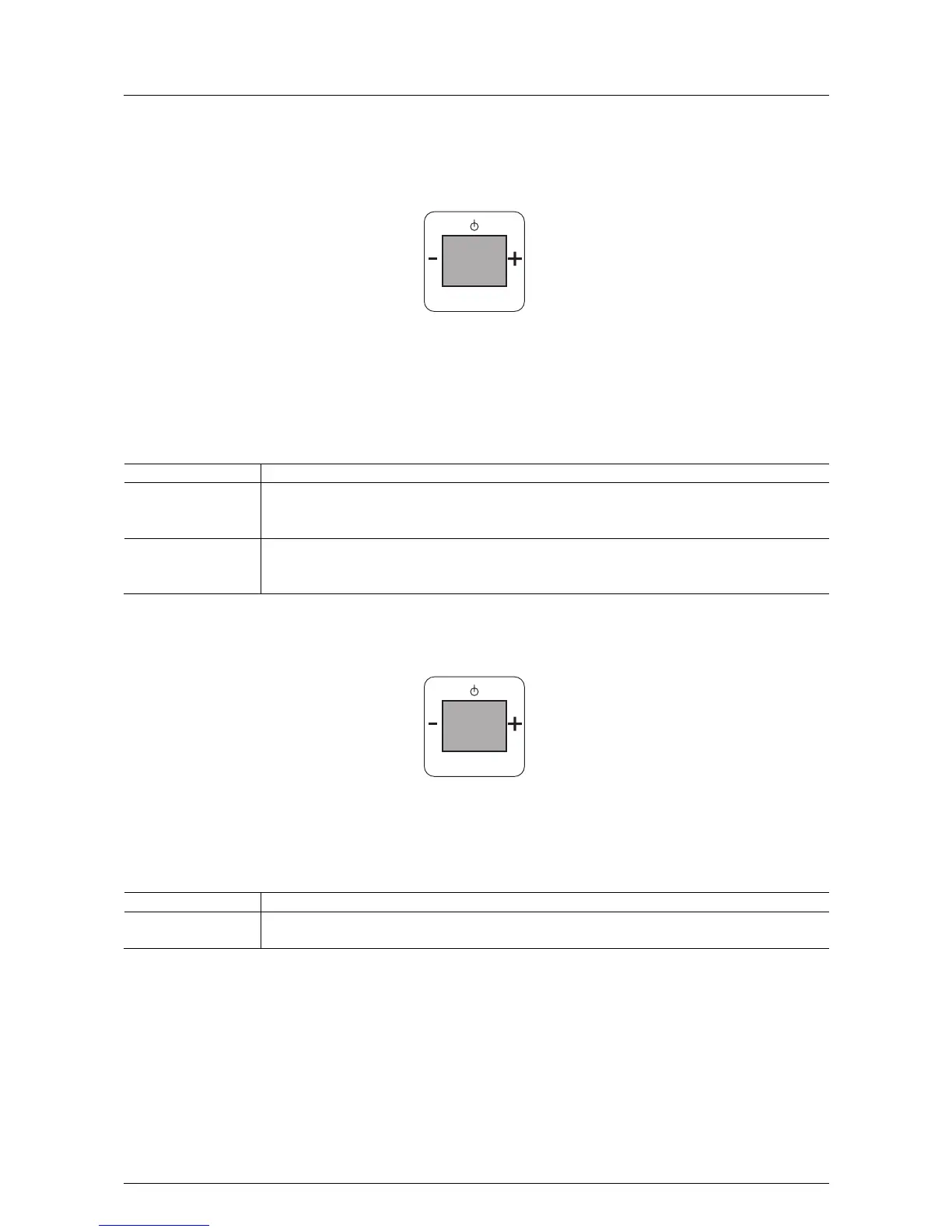
Fig. 14:
If this function is not relevant for you, you can change to the next menu item by pressing the "plus or minus"
button.
In step 5 "Version" the following functions become available:
No. Function
1 Version
- When confirming with the Prog button you switch to menu item "Version".
Read the version of the device.
5 Exit
- If you wish to exit menu item "Version", confirm this menu item with the Prog button. You simultaneously
switch to the next processing step.
Pos: 60 /#Neustruktur#/Online-Dokumentation (+KNX)/Überschriften (--> Für alle Dokumente <--)/3. Ebene/A - F/Beenden @ 22\mod_13315583 88401_15.docx @ 202909 @ 3 @ 1
4.4.6 Quit
Pos: 61 /#Neustruktur #/Online-Dokumenta tion (+KNX)/Bedienu ng/AudioVideo/Eins tellungen Änderungs menü/Einstellungen Bee nden - 8215 @ 22\mod_1331550 909450_15.doc x @ 202766 @ @ 1
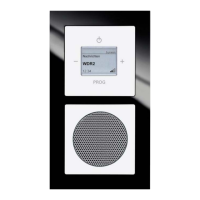
Fig. 15:
In step 6 "Quit" the following functions become available:
No. Function
1 Quit
- When all changes to the settings have been carried out, confirm this menu item with the Prog button.
Pos: 62 /#Neustruktur#/Online-Dokumentation (+KNX)/Steuermodule - Online-Dokumentation (--> Für alle Dokumente <--)/++++++++++++ Seitenumbruch ++++++++++++ @ 9\mod_126889866 8093_0.docx @ 52149 @ @ 1
PROG
version
5
PROG
beenden
6



 To Next Page