Operating Instructions
Busch-AudioWorld
®
Operation
Operating Instructions | 1473-1-7955 — 7 —
Pos: 22 /#Neustruktur#/Online-Dokumentation (+KNX)/Überschriften (--> Für alle Dokumente <--)/2. Ebene/S - T/Sprache @ 22\mod_133155815 4927_15.docx @ 202824 @ 3 @ 1
4.3.1 Language
Pos: 23 /#Neustruktur #/Online-Dokumenta tion (+KNX)/Bedienu ng/AudioVideo/Ei nstellungen Setup/Ei nstellungen Sprache - 8215 @ 21\mod_1330683580321 _15.docx @ 199963 @ @ 1
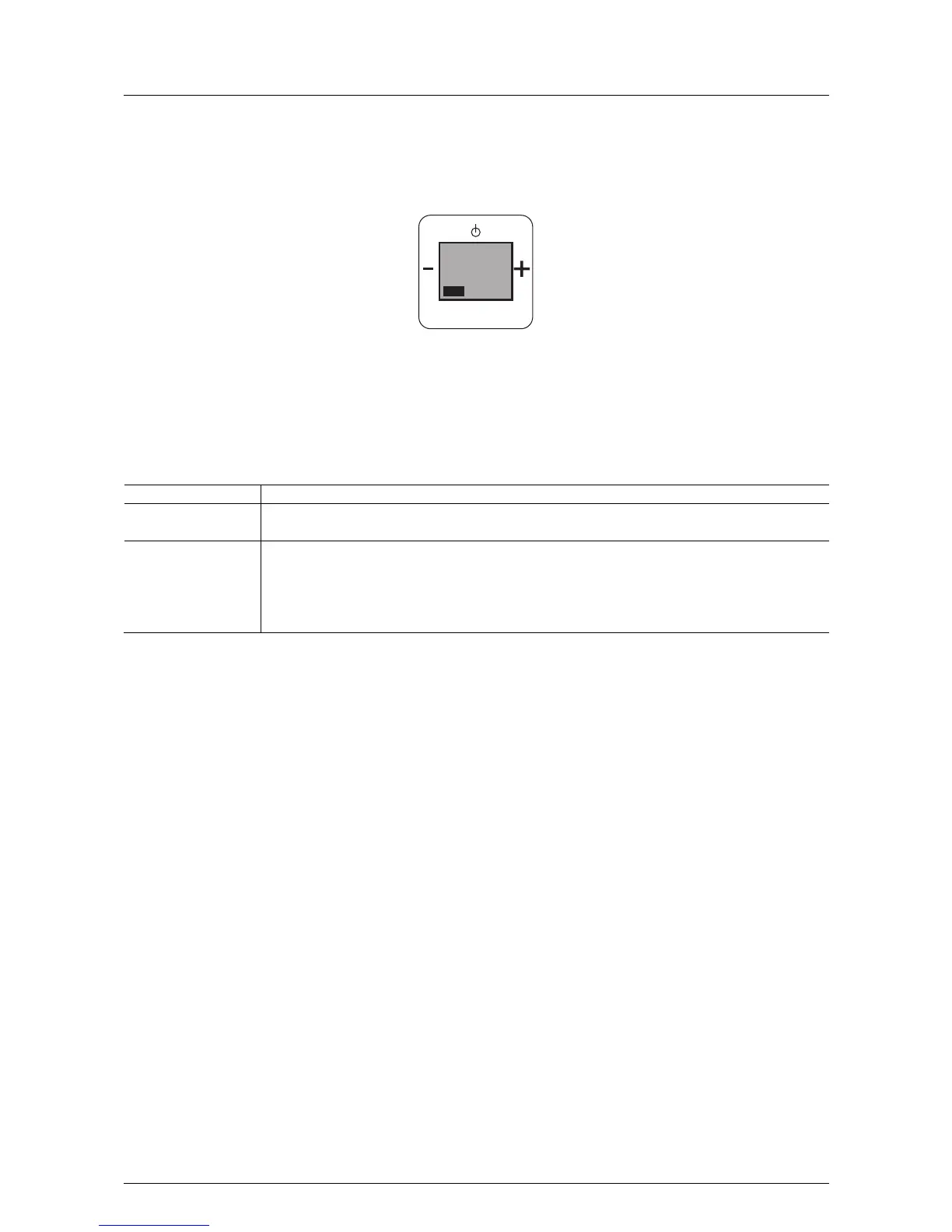
Fig. 3: Language selection
If this function is not relevant for you, you can change to the next menu item by pressing the "plus or minus"
button.
When changing to "Language" the following functions become available:
No. Function
1 Language
- When confirming with the Prog button you switch to menu item "Language".
2 Selecting languages
- 7 different languages are available for selection.
- Press the "plus or minus" button until you have reached the desired language.
- Press the Prog button to store the desired language. You simultaneously switch to the next processing
step.
Pos: 24 /#Neustruktur#/Online-Dokumentation (+KNX)/Steuermodule - Online-Dokumentation (--> Für alle Dokumente <--)/++++++++++++ Seitenumbruch ++++++++++++ @ 9\mod_126889866 8093_0.docx @ 52149 @ @ 1
PROG
MENU
Sprache
1



 To Next Page