Operating Instructions
Busch-AudioWorld
®
Operation
Operating Instructions | 1473-1-7955 — 18 —
Pos: 52 /#Neustruktur#/Online-Dokumentation (+KNX)/Überschriften (--> Für alle Dokumente <--)/3. Ebene/U - Z/Uhrzeit @ 22\mod_133155822 3312_15.docx @ 202839 @ 3 @ 1
4.4.3 Time
Pos: 53 /#Neustruktur #/Online-Dokumenta tion (+KNX)/Bedienu ng/AudioVideo/Eins tellungen Änderungs menü/Einstellungen Uhrzeit - 8215 @ 21\mod_13315 49852087_15.docx @ 202751 @ @ 1
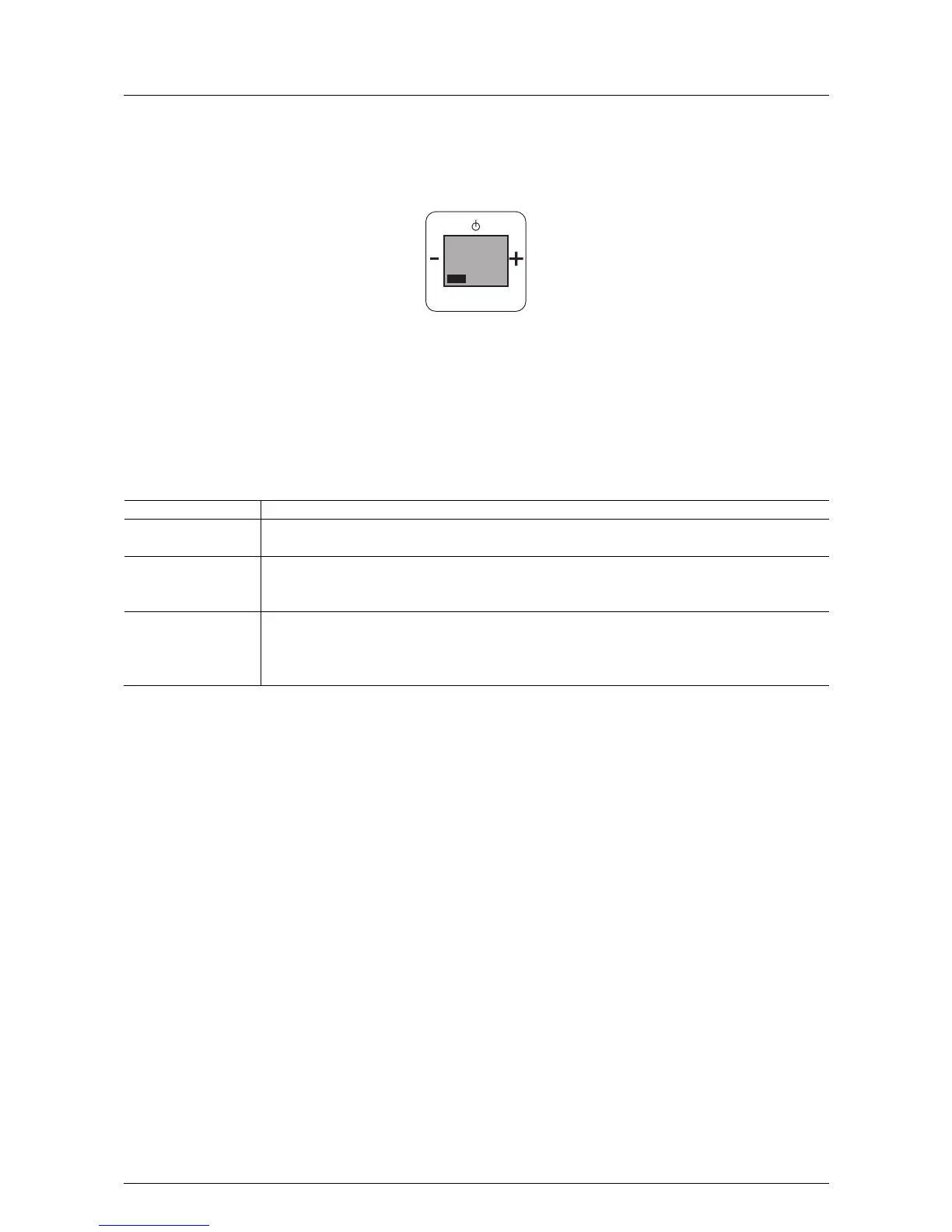
Fig. 12:
If this function is not relevant for you, you can change to the next menu item by pressing the "plus or minus"
button.
In step 3 "Time" the following functions become available:
- After completing the settings, the time is only shown on the deactivated display when the "Alarm call function"
in step 3 of the basic functions has been set on "Active", see chapter "Adjusting the device" on page6.
No. Function
1 Time
- When confirming with the Prog button you switch to menu item "Time".
2 Set the hours
- Set the hours with the "plus / minus" buttons.
- Confirm the hours entered with the PROG button.
3 Set the minutes
- Set the minutes with the "plus / minus" buttons.
- Confirm the minutes by pressing the PROG button. You simultaneously switch to the next processing
step.
Pos: 54 /#Neustruktur#/Online-Dokumentation (+KNX)/Steuermodule - Online-Dokumentation (--> Für alle Dokumente <--)/++++++++++++ Seitenumbruch ++++++++++++ @ 9\mod_126889866 8093_0.docx @ 52149 @ @ 1
PROG
MENU
UHRZEIT
3



 To Next Page