Operating Instructions
Busch-AudioWorld
®
Operation
Operating Instructions | 1473-1-7955 — 12 —
Pos: 37 /#Neustruktur#/Online-Dokumentation (+KNX)/Überschriften (--> Für alle Dokumente <--)/3. Ebene/S - T/Suchlauf @ 22\mod_133 1558523234_15.docx @ 202951 @ 3 @ 1
4.3.6 Search mode
Pos: 38 /#Neustruktur #/Online-Dokumenta tion (+KNX)/Bedienu ng/AudioVideo/Ei nstellungen Setup/Ei nstellungen Suchlauf - 8215 @ 21\mod_1331547701 859_15.docx @ 202618 @ 44 @ 1
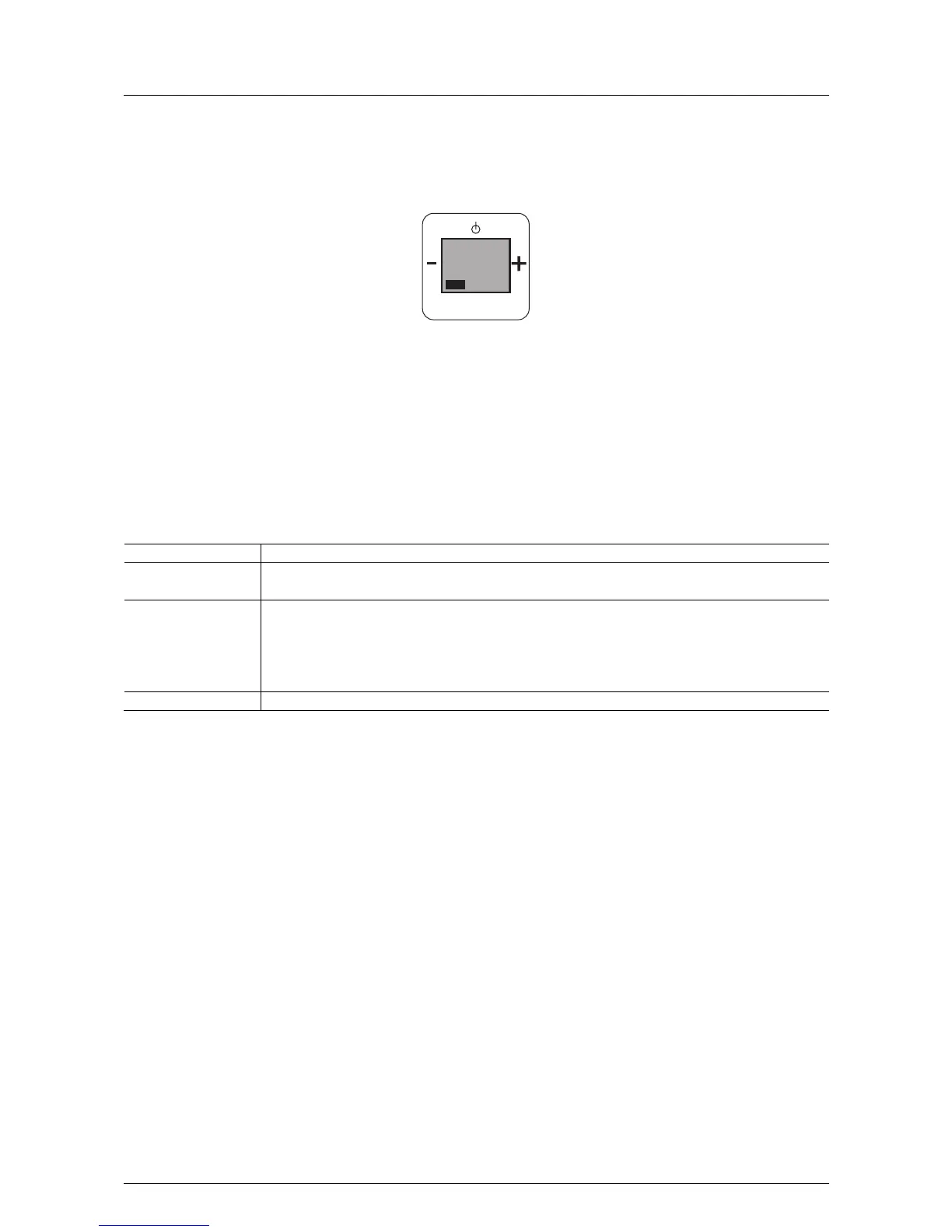
Fig. 8: Search mode
If this function is not relevant for you, you can change to the next menu item by pressing the "plus or minus"
button.
4.3.6.1 Automatic search mode for radio station
We recommend the use of the automatic search mode for radio stations.
In step 6 "Search mode" the following functions become available:
No. Function
1 Search mode
- When confirming with the Prog button you switch to menu item "Search mode".
2 Set the radio station
The following options are available:
1. "Automatic" search mode (the 8 radio station with the best reception are automatically searched for and
saved)
- If you decide to use the "automatic" search mode, confirm it by pressing the Prog button.
3 After the search has been completed, the menu is terminated and normal radio operation continues.
PROG
MENU
Suchlauf
6



 To Next Page