January 2019 KPM KB2 Man W41100099V1.8 13
4 Operation and configuration
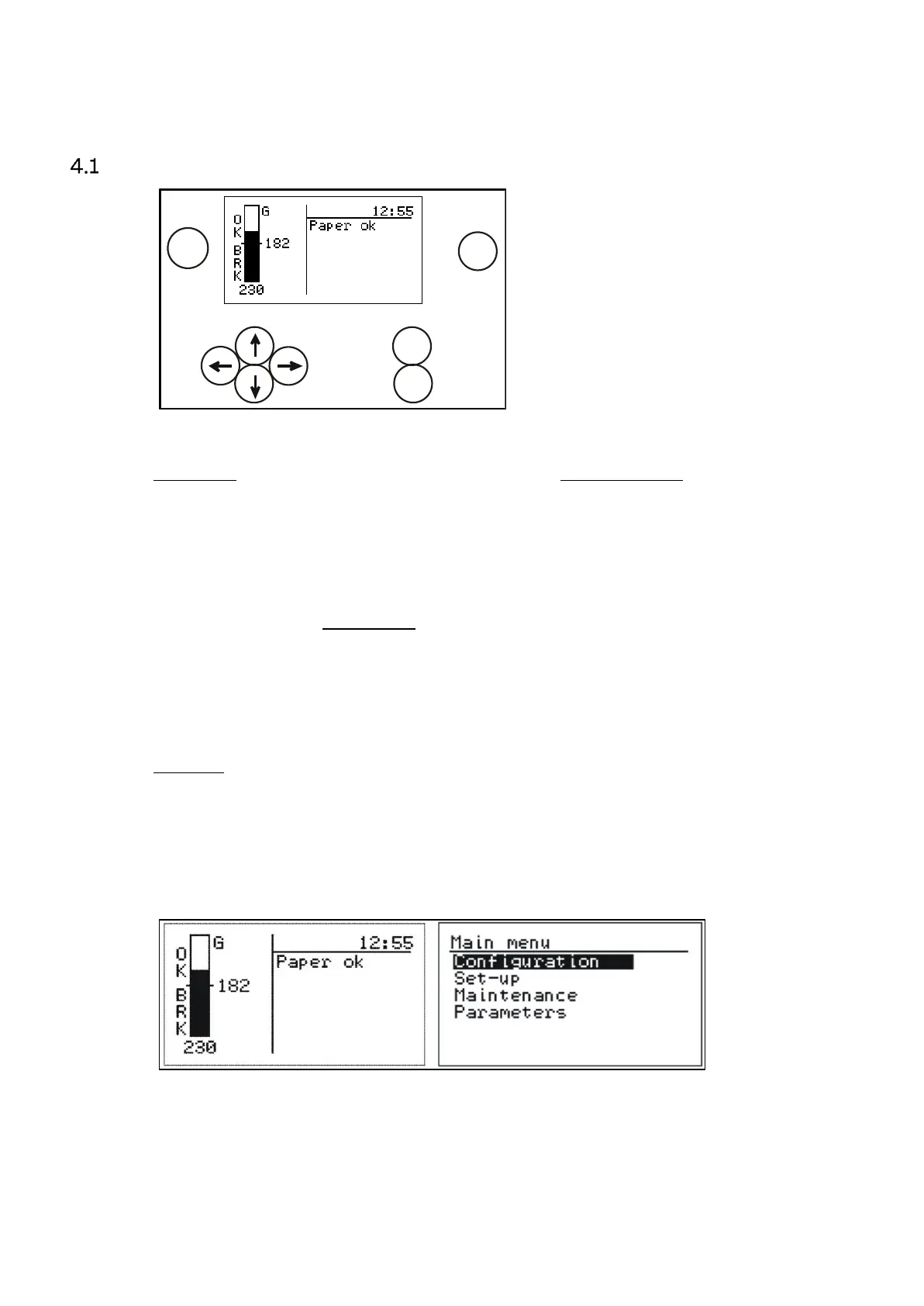
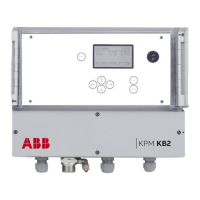
Display and operating keyboard
Fig. 4.1. Display and keyboard.
The display contains 7 lines, with 21 characters in a line. The main display (Fig. 4.1) shows:
Selected measurement signal for break detection.
Signal level of the selected signal.
Time.
Break status.
Alarms, if activated.
Common properties in other menus:
Selected line highlighted
Upper right corner shows:
• Number of lines/pages in that menu.
• Arrow shows, if hidden lines.
Help menus in bottom.
Keyboard
ON/OFF button: Switch the mains on/off.
Arrows: Scroll the menus and rows or adjust values.
Esc: Delete changes and/or return back to the previous menu.
Enter: Accept data and input changes.
Sample: Averages the measured values. After sampling the program asks if the values will
be stored for Break or Paper Reference values or deleted.
Fig. 4.2. Main display and main menu.


 To Next Page