22
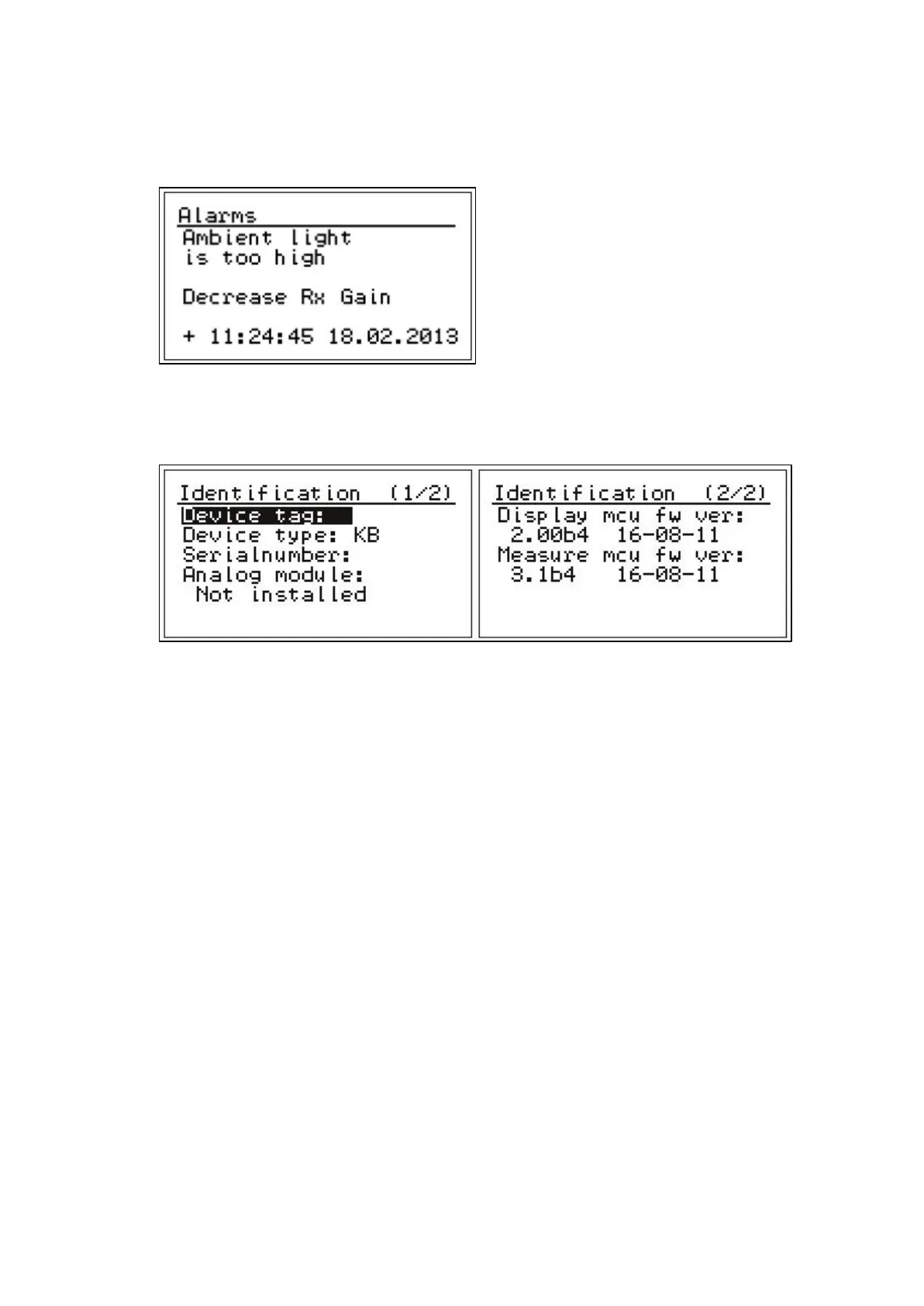
Check alarms: List of maintenance alarms, which are active at the moment. The number of
alarms is shown in the brackets. This menu is used for troubleshooting and may contain a help
menu how to fix problem. Plus indicates time when alarm has occurred.
Fig. 4.18. Alarms.
Identification: Contains ID and version information.
Fig. 4.19. Identification menus.
Default settings: Reset to configuration settings. Used e.g. if the settings are changed by
accident.


 To Next Page