116 Firmware update
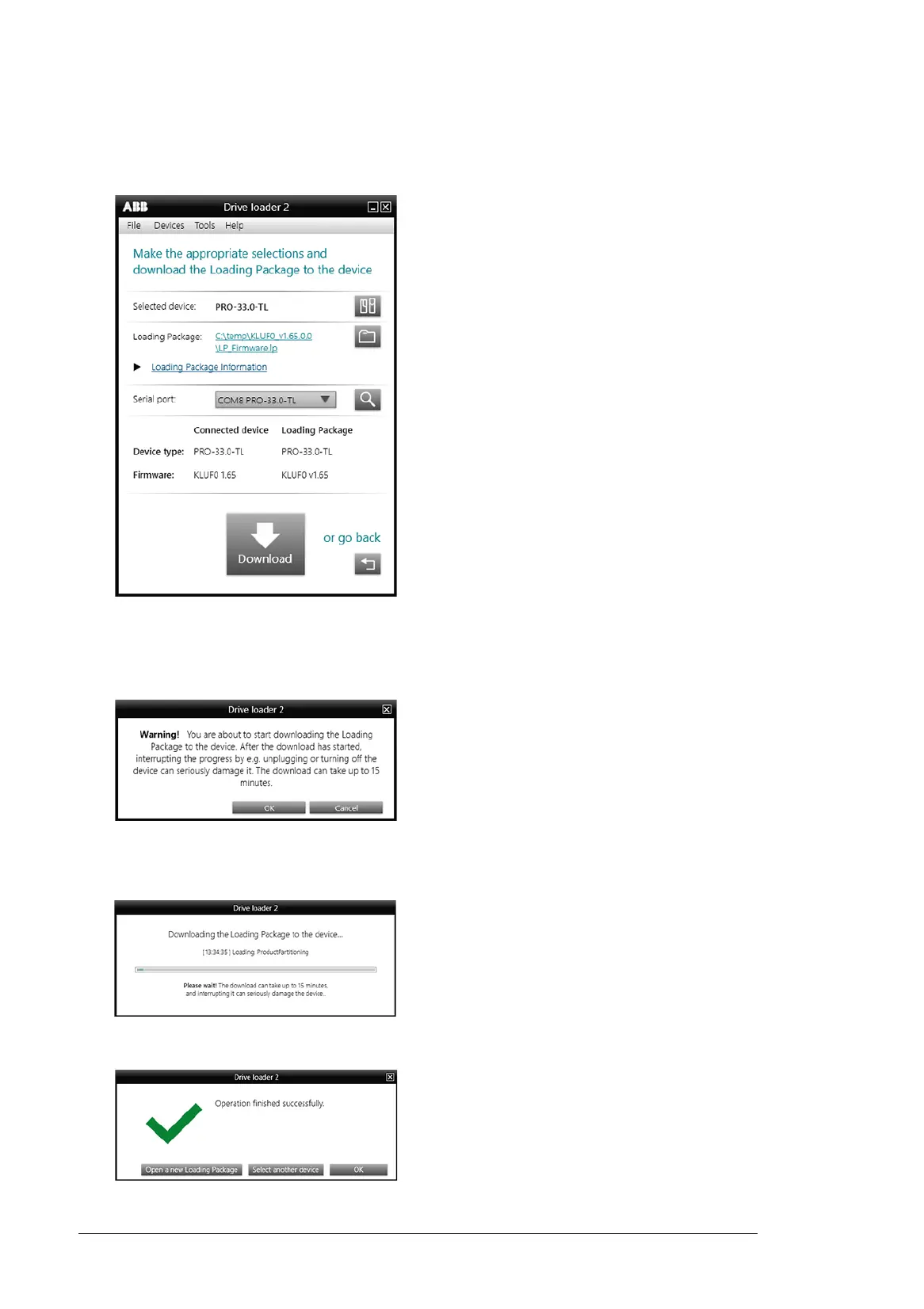
3. Browse to your loading package folder, select the LP_Firmware.lp file and select
Open.
The tool opens the package and scans the COM ports of your computer.
4. Verify that correct loading package is opened (file location and firmware version).
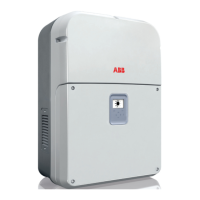
5. Select the correct serial port that says PRO-33.0-TL.
6. Click the Download button.
7. Select OK to proceed.
8. Downloading starts and status bar is shown.
9. When the download is finished, the following display is shown.
10. Select OK to finalize the download.





 To Next Page