26
Call Customer Care Toll Free at 1-888-522-5226 www.AbbottDiabetesCare.com
ENGLISH
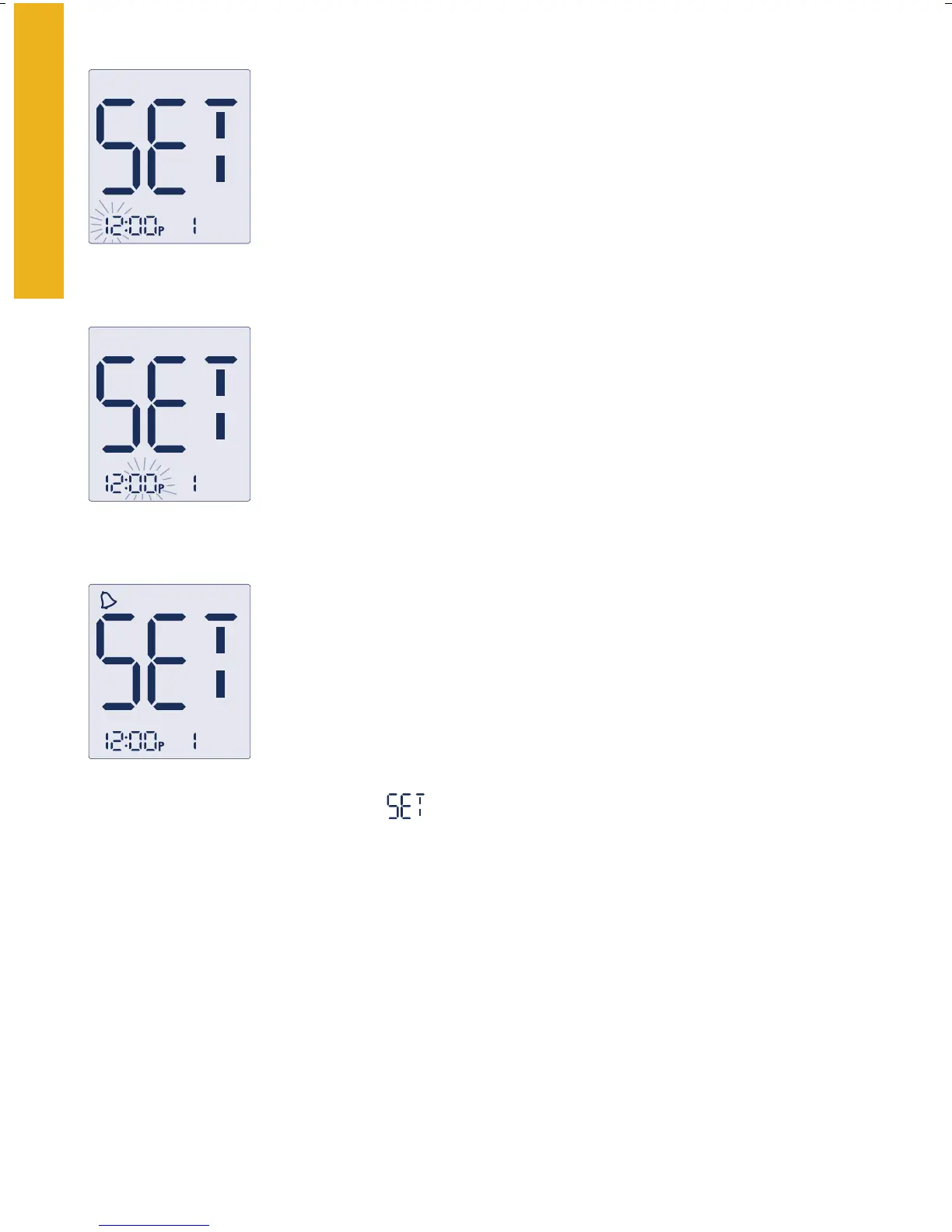
2. Press the “m” button to move to the hour setting.
3. With the hour blinking, press the “
c” button
until the correct hour appears.
4. Press the “
m” button to move to the minute setting.
5. With the minute blinking, press the “
c” button
until the correct minute appears.
6. Press the “
m” button to move to the alarm volume
setting. Default setting is off.
7. Press the “
c” button to select the desired volume
setting: low, high, or off.
8. Press the “
m” button to finalize your alarm
setting. This will bring you back to the alarm
setting
mode.
If you wish to set multiple alarms press “
c” to
move to alarm 2. Repeat steps 2-8 to set each
of the 4 alarms.
Select hour
Select minute
Select alarm
volume
Note: Press the “m” button when “0” is blinking to move to the next
set-up screen without setting any alarms.















 To Next Page