27
ENGLISH
Setting the Sound
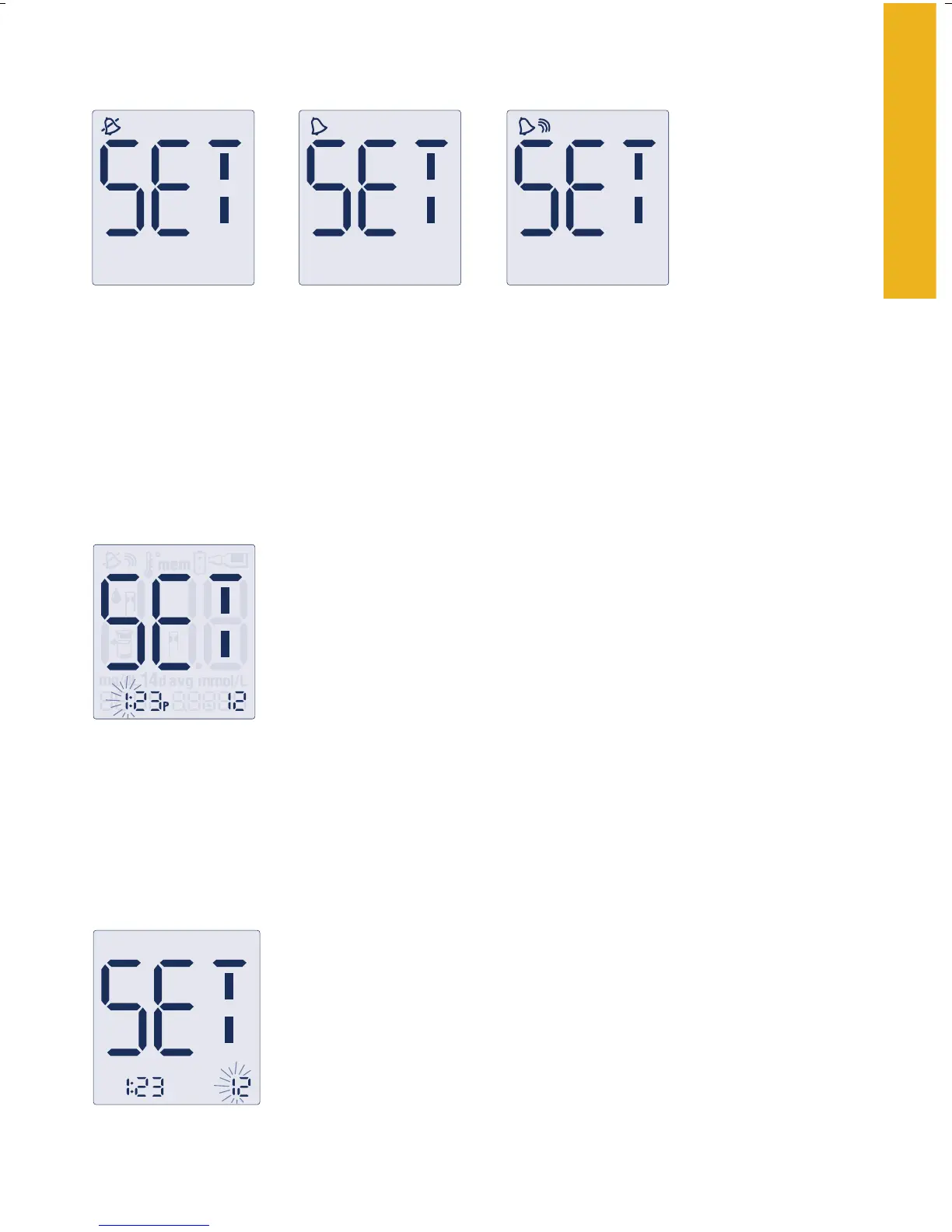
There are three sound volume options to let you know when the test
strip is full, when the reading is done, and when an error occurs:
1. Press the
“c” button until the desired sound level appears.
2. Press the
“m” button to move to “Setting the Time.”
Low
Off
High
Setting the Time
1. With the hour blinking, press the “c” button until
the correct hour appears. The default for the
meter is the 12-hour time format. The “P”
displays for “PM” times.
2. Press the “
m” button to move to minute setting.
3. With the minute blinking, press the “c” button until the correct
minute appears.
4. Press the “
m” button to move to “Setting the Time Format.”
Setting the Time Format
1.
With the hour mode blinking, press the “c”
button to move between 12-hour and 24-hour
format. The time automatically updates to the
format selected.
2. P
ress the “m” button to move to “Setting the Date.”















 To Next Page