8
Call Customer Care Toll Free at 1-888-522-5226 www.AbbottDiabetesCare.com
ENGLISH
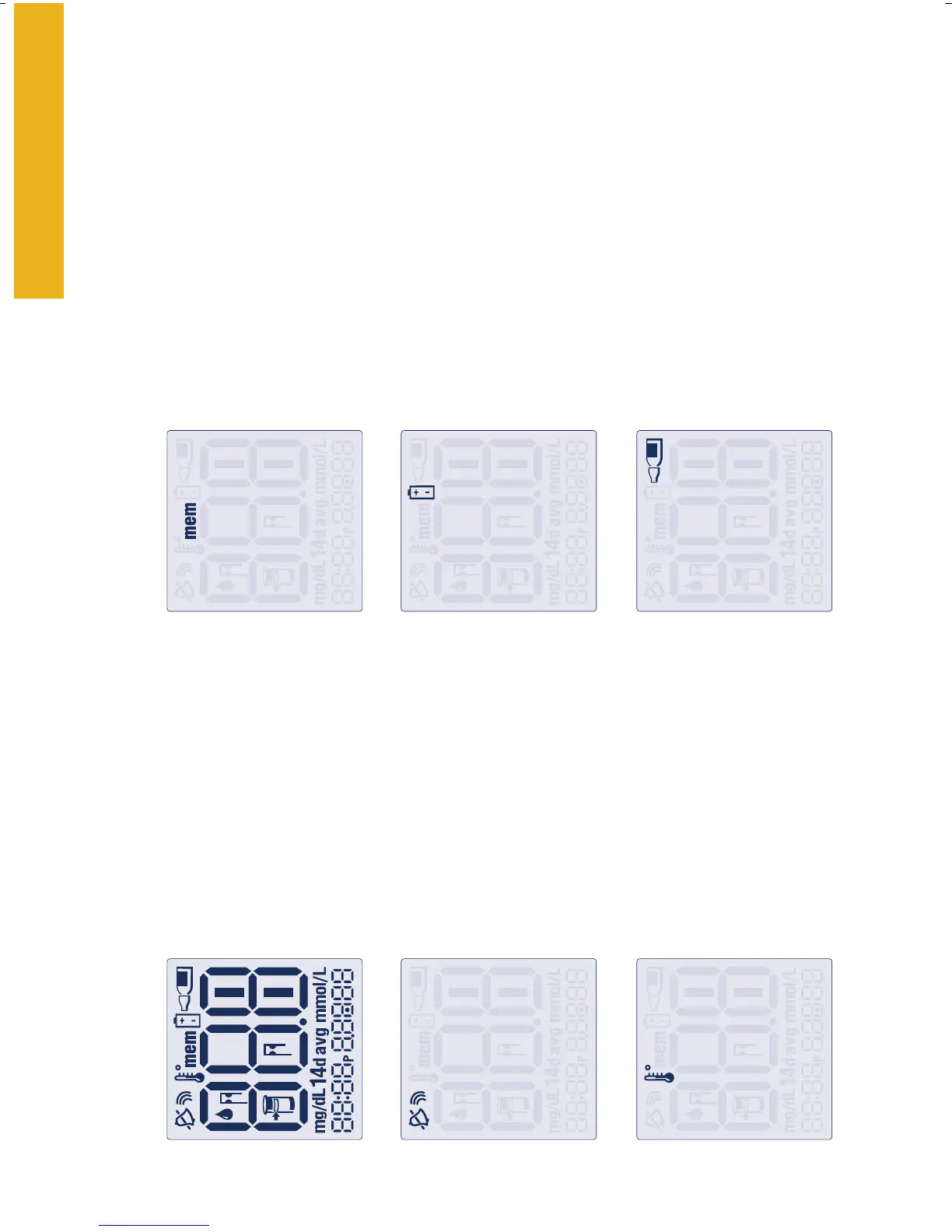
The FreeStyle Freedom™ Meter Display
System Check Screen
This screen always appears
when meter is first powered
on so that you can make
sure the display is working
properly. All display elements
should appear.
Sound Level Symbols
Indicates high, low, or off
sound volume.
Thermometer Symbol
Appears if your meter is out of
temperature range.
Memory Symbol
Shows you test results stored
in the meter memory. The
meter stores your last 250
blood glucose test results.
Battery Symbol
Appears when you should
replace the battery.
Control Solution Test
Symbol
Shows that you have marked
a test result as a control
solution test.
Call Customer Care Toll Free at 1-888-522-5226 www.AbbottDiabetesCare.com















 To Next Page