30
Call Customer Care Toll Free at 1-888-522-5226 www.AbbottDiabetesCare.com
ENGLISH
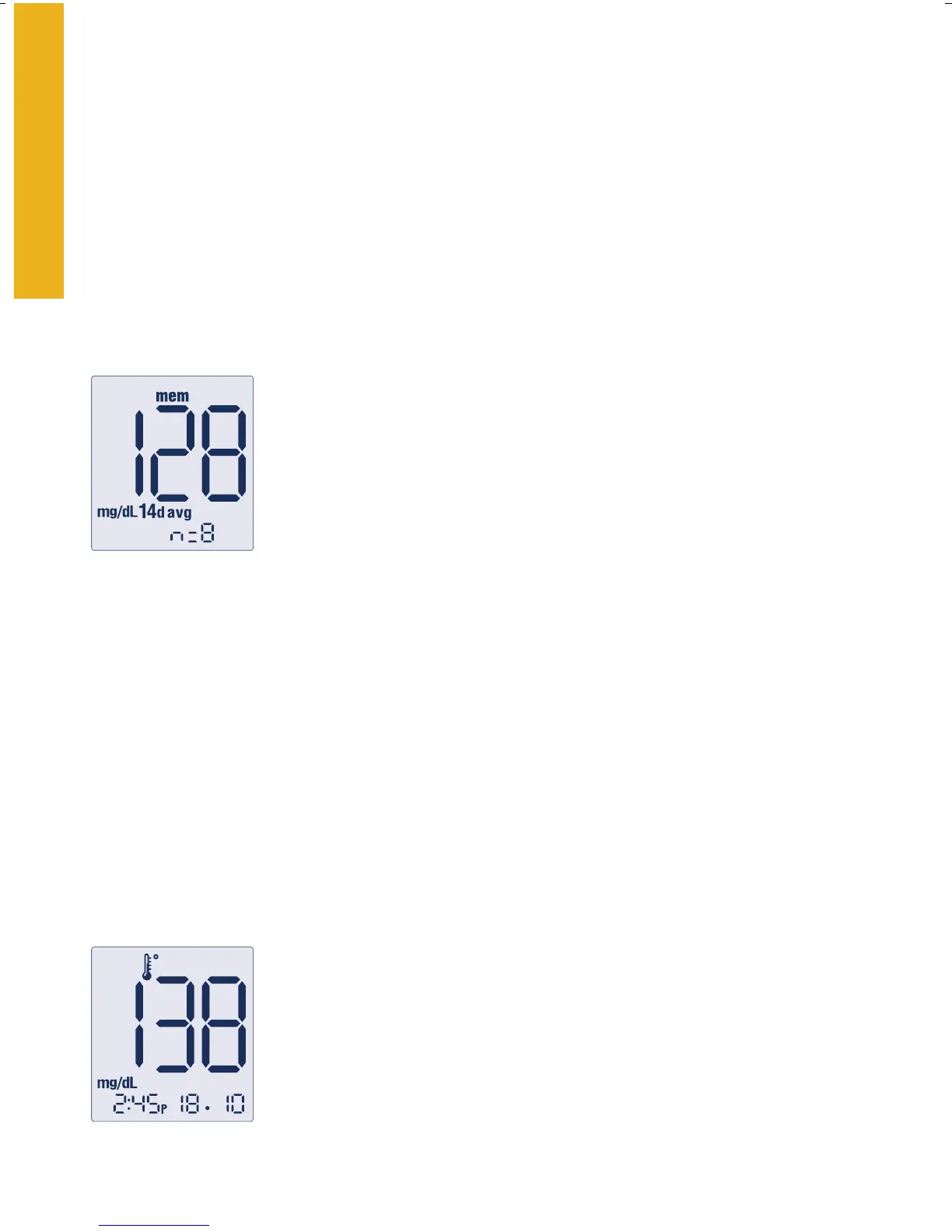
14d avg = your 14-day average
n = indicates the number of test results included in
your 14-day average.
Meter Results
Meter Memory
• To Enter
Start with the meter off (no test strip inserted). Press the “
m”
button and release; the first memory screen to appear will be
your 14-day average.
• To Exit at Any Time
Press the “
m” button until the meter powers off.
Test Results
The meter stores the last 250 test results with time and date. You may
scroll through all of the test results by pressing and holding the “c”
button. The first test result you see is the most recent.
As you continue to push the “c” button the meter will scroll back to
older test results. Eventually it will scroll to the most recent test result.
14-Day Average
The first memory display screen you see is your
14-day average. This includes all the readings from
the last 14 days starting from the current date and
time shown on the meter. (Control solution, LO
and HI readings are not included in the average.)
Temperature: A test result with a thermometer
symbol indicates that the reading was taken outside of
the meter’s specified operating temperature range and
may be less accurate. This value is included in your
14-day average.















 To Next Page